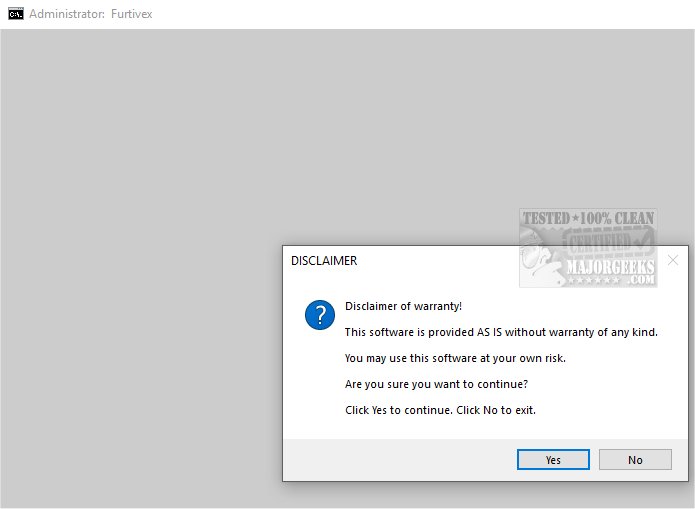
The latest version of DoesNotBelong, previously known as Furtivex Malware Removal, has been released to enhance the capabilities of antivirus software. This script serves as a free, on-demand scanning tool that effectively identifies and removes malware threats, providing an additional layer of protection for users.
Key Features of DoesNotBelong
1. Malware Remediation and System Modification: The script is designed not only for effective malware removal but also for making necessary modifications to the system. Users should possess a basic understanding of Windows internals for optimal utilization of its functions.
2. Proactive Process Management: DoesNotBelong improves system performance by proactively managing processes. It terminates non-essential tasks while preserving a whitelist of critical processes to maintain core functionalities. It also cleans up RunOnce entries from the Windows Registry, ensuring a streamlined operating environment.
3. Event Viewer Log Management: The tool systematically clears various Event Viewer logs, enhancing the clarity of event data. It also removes caches from popular browsers like Chrome and Firefox, while retaining cookies to protect user logins.
4. Registry Modifications and Troubleshooting: DoesNotBelong addresses registry changes caused by malware, restoring policy restrictions and enabling the use of other antivirus tools. It also provides crash dump information for troubleshooting purposes, aiding users in diagnosing issues with crashed applications.
5. User Preferences Management: It disables the option to show suggested content in the Windows Settings app, a feature many users find unnecessary.
6. System Restore Point Creation: During its execution, DoesNotBelong automatically creates a System Restore Point (titled 'Furtivex Malware Removal Script') to ensure users can revert changes if any issues arise. However, this feature will not activate if System Restore has been disabled.
Conclusion and Recommendations
DoesNotBelong serves as a crucial tool for users seeking to enhance their malware protection. It acts as a strong secondary security measure, ensuring not only a safer online experience but also peace of mind. Users are encouraged to embrace this tool as part of their cybersecurity strategy, as it fortifies defenses against a variety of threats.
Future Enhancements and Community Feedback
As DoesNotBelong continues to evolve, user feedback will play a significant role in shaping future updates. The development team is focused on integrating more features, such as enhanced log management and additional malware detection capabilities, based on user needs and technological advancements. Embracing community input will ensure that DoesNotBelong remains a relevant and effective solution in the ever-changing landscape of digital security
Key Features of DoesNotBelong
1. Malware Remediation and System Modification: The script is designed not only for effective malware removal but also for making necessary modifications to the system. Users should possess a basic understanding of Windows internals for optimal utilization of its functions.
2. Proactive Process Management: DoesNotBelong improves system performance by proactively managing processes. It terminates non-essential tasks while preserving a whitelist of critical processes to maintain core functionalities. It also cleans up RunOnce entries from the Windows Registry, ensuring a streamlined operating environment.
3. Event Viewer Log Management: The tool systematically clears various Event Viewer logs, enhancing the clarity of event data. It also removes caches from popular browsers like Chrome and Firefox, while retaining cookies to protect user logins.
4. Registry Modifications and Troubleshooting: DoesNotBelong addresses registry changes caused by malware, restoring policy restrictions and enabling the use of other antivirus tools. It also provides crash dump information for troubleshooting purposes, aiding users in diagnosing issues with crashed applications.
5. User Preferences Management: It disables the option to show suggested content in the Windows Settings app, a feature many users find unnecessary.
6. System Restore Point Creation: During its execution, DoesNotBelong automatically creates a System Restore Point (titled 'Furtivex Malware Removal Script') to ensure users can revert changes if any issues arise. However, this feature will not activate if System Restore has been disabled.
Conclusion and Recommendations
DoesNotBelong serves as a crucial tool for users seeking to enhance their malware protection. It acts as a strong secondary security measure, ensuring not only a safer online experience but also peace of mind. Users are encouraged to embrace this tool as part of their cybersecurity strategy, as it fortifies defenses against a variety of threats.
Future Enhancements and Community Feedback
As DoesNotBelong continues to evolve, user feedback will play a significant role in shaping future updates. The development team is focused on integrating more features, such as enhanced log management and additional malware detection capabilities, based on user needs and technological advancements. Embracing community input will ensure that DoesNotBelong remains a relevant and effective solution in the ever-changing landscape of digital security
DoesNotBelong 11.6.0 released
DoesNotBelong (formerly Furtivex Malware Removal) is a script designed to enhance the capabilities of your antivirus software by providing a free, on-demand scanning tool. This additional layer of protection helps identify and eliminate malware threats effectively.