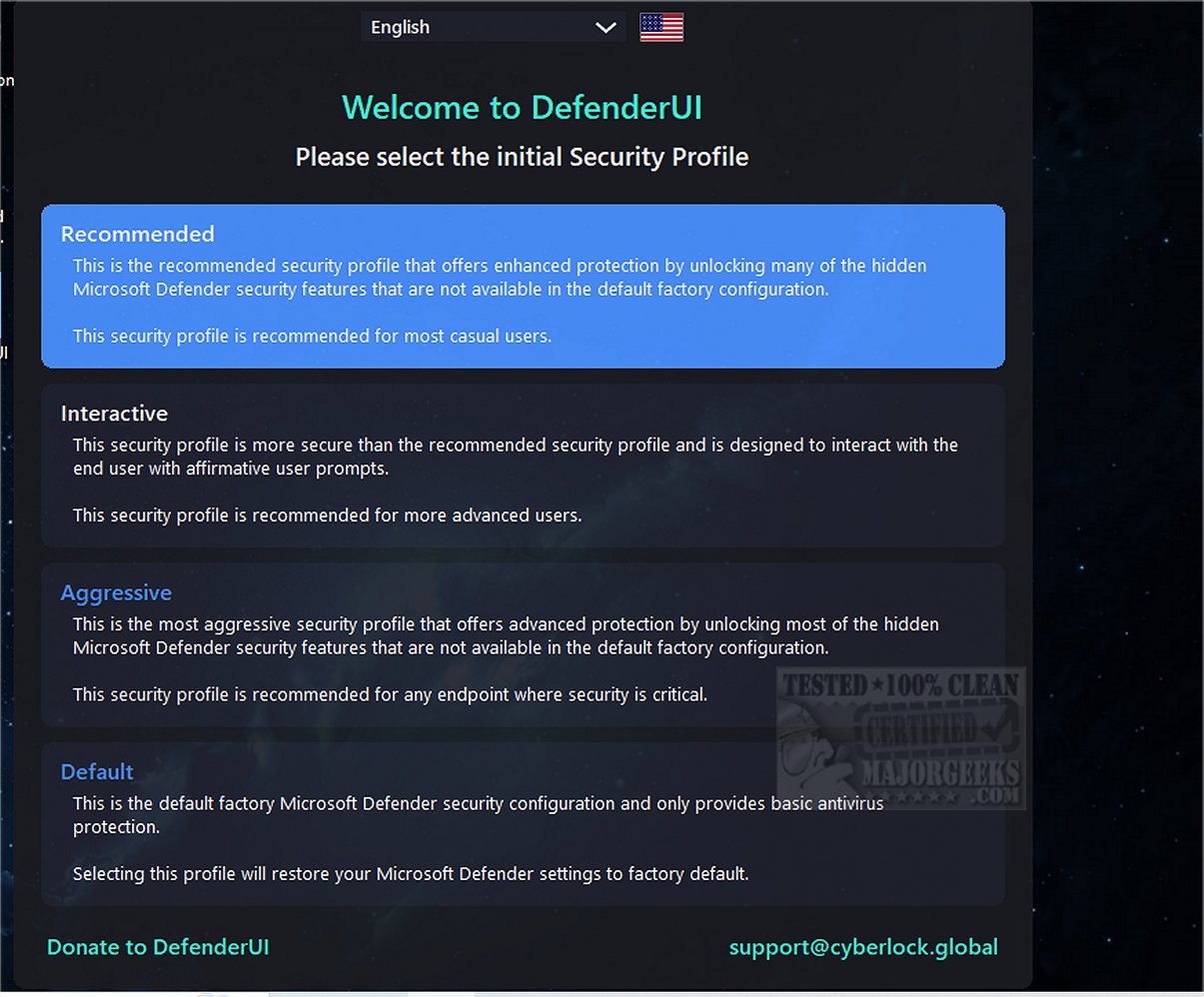
DefenderUI version 2.15 has been released, enhancing the usability of Windows Security on both Windows 10 and 11 while revealing many of its hidden features. The tool provides users with a more intuitive way to navigate the Windows Security interface, which can often be cumbersome. It organizes the functionality into four main categories: Real-time, Scan, Utility, and Settings. Users can easily manage essential features such as disabling real-time protection, cloud protection, and the Windows firewall.
One of the standout capabilities of DefenderUI is its quick access to exclusions and logs, which simplifies the process of managing security settings. Additionally, the application includes various categories such as Basic, Advanced, ASR Rules, and DefenderGuard, offering a comprehensive toolkit for users to customize their security experience.
Despite being in beta and labeled as a proof of concept, DefenderUI is an ambitious project that aims to set a new standard for how Microsoft Security should operate. The development team is actively working on enhancements, and feedback from users is likely to shape its future iterations.
In conclusion, DefenderUI not only streamlines the security management process within Windows but also encourages Microsoft to consider user-centric improvements in its security offerings. As the project evolves, it could lead to significant advancements in how users interact with and utilize Windows Security features
One of the standout capabilities of DefenderUI is its quick access to exclusions and logs, which simplifies the process of managing security settings. Additionally, the application includes various categories such as Basic, Advanced, ASR Rules, and DefenderGuard, offering a comprehensive toolkit for users to customize their security experience.
Despite being in beta and labeled as a proof of concept, DefenderUI is an ambitious project that aims to set a new standard for how Microsoft Security should operate. The development team is actively working on enhancements, and feedback from users is likely to shape its future iterations.
In conclusion, DefenderUI not only streamlines the security management process within Windows but also encourages Microsoft to consider user-centric improvements in its security offerings. As the project evolves, it could lead to significant advancements in how users interact with and utilize Windows Security features
DefenderUI 2.15 released
DefenderUI significantly improves usability and unlocks many hidden security features of Windows Security in Windows 10 & 11.