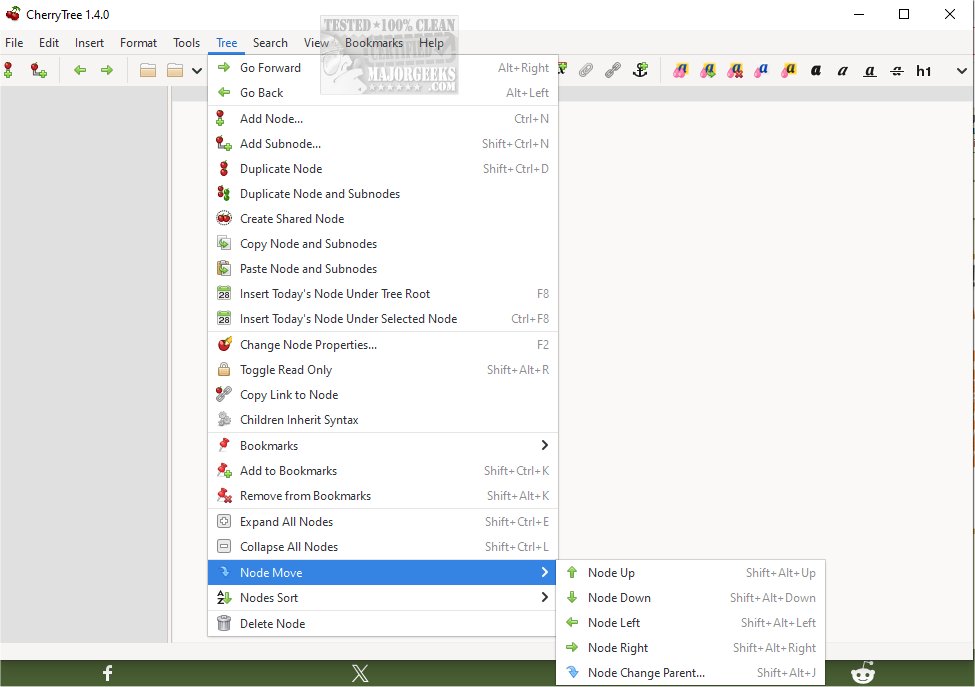
Cherrytree 1.7.1 has been released, offering a versatile and free hierarchical note-taking application compatible with Windows, Mac, and Linux. This application excels in organizing information, utilizing a tree-like structure where the root represents the main document and branches serve as individual notes or subsections. Users familiar with outlining programs like OmniNote or Keepnote will find Cherrytree's interface intuitive and user-friendly.
Cherrytree allows users to store their notes efficiently in either XML or SQLite format, with a portable version available that requires no dependencies. It provides a wealth of features, including rich text formatting options such as different font styles, syntax highlighting for various programming languages, and comprehensive image and file handling capabilities.
Key features include:
- Rich text formatting with options for color, styles, and alignment
- Syntax highlighting for programming languages
- Image handling and embedded file support
- List management, including to-do lists
- Basic table functionality and codeboxes
- Hyperlink integration for easy navigation
- Spell check and cross-application copy/paste support
- Multiple export options, including HTML and PDF
- Import capabilities from various file formats and applications
- Password protection for sensitive information
- An intuitive drag-and-drop interface for organizing notes
Cherrytree serves as a central hub for users to gather scattered information, making it an ideal tool for students, researchers, and anyone needing a reliable note-taking solution. The application continues to evolve, promising future updates that may introduce even more features to enhance user experience and productivity.
As the world of digital note-taking continues to grow, applications like Cherrytree play a crucial role in helping individuals manage their thoughts and information effectively. Whether for personal use or professional projects, Cherrytree proves to be a powerful ally in the quest for organization and clarity
Cherrytree allows users to store their notes efficiently in either XML or SQLite format, with a portable version available that requires no dependencies. It provides a wealth of features, including rich text formatting options such as different font styles, syntax highlighting for various programming languages, and comprehensive image and file handling capabilities.
Key features include:
- Rich text formatting with options for color, styles, and alignment
- Syntax highlighting for programming languages
- Image handling and embedded file support
- List management, including to-do lists
- Basic table functionality and codeboxes
- Hyperlink integration for easy navigation
- Spell check and cross-application copy/paste support
- Multiple export options, including HTML and PDF
- Import capabilities from various file formats and applications
- Password protection for sensitive information
- An intuitive drag-and-drop interface for organizing notes
Cherrytree serves as a central hub for users to gather scattered information, making it an ideal tool for students, researchers, and anyone needing a reliable note-taking solution. The application continues to evolve, promising future updates that may introduce even more features to enhance user experience and productivity.
As the world of digital note-taking continues to grow, applications like Cherrytree play a crucial role in helping individuals manage their thoughts and information effectively. Whether for personal use or professional projects, Cherrytree proves to be a powerful ally in the quest for organization and clarity
Cherrytree 1.7.1 released
Cherrytree for Windows, Mac, and Linux is a free hierarchical note-taking application featuring rich text and syntax highlighting, storing data in a single XML or SQLite file. Zero-dependency portable version is also available.