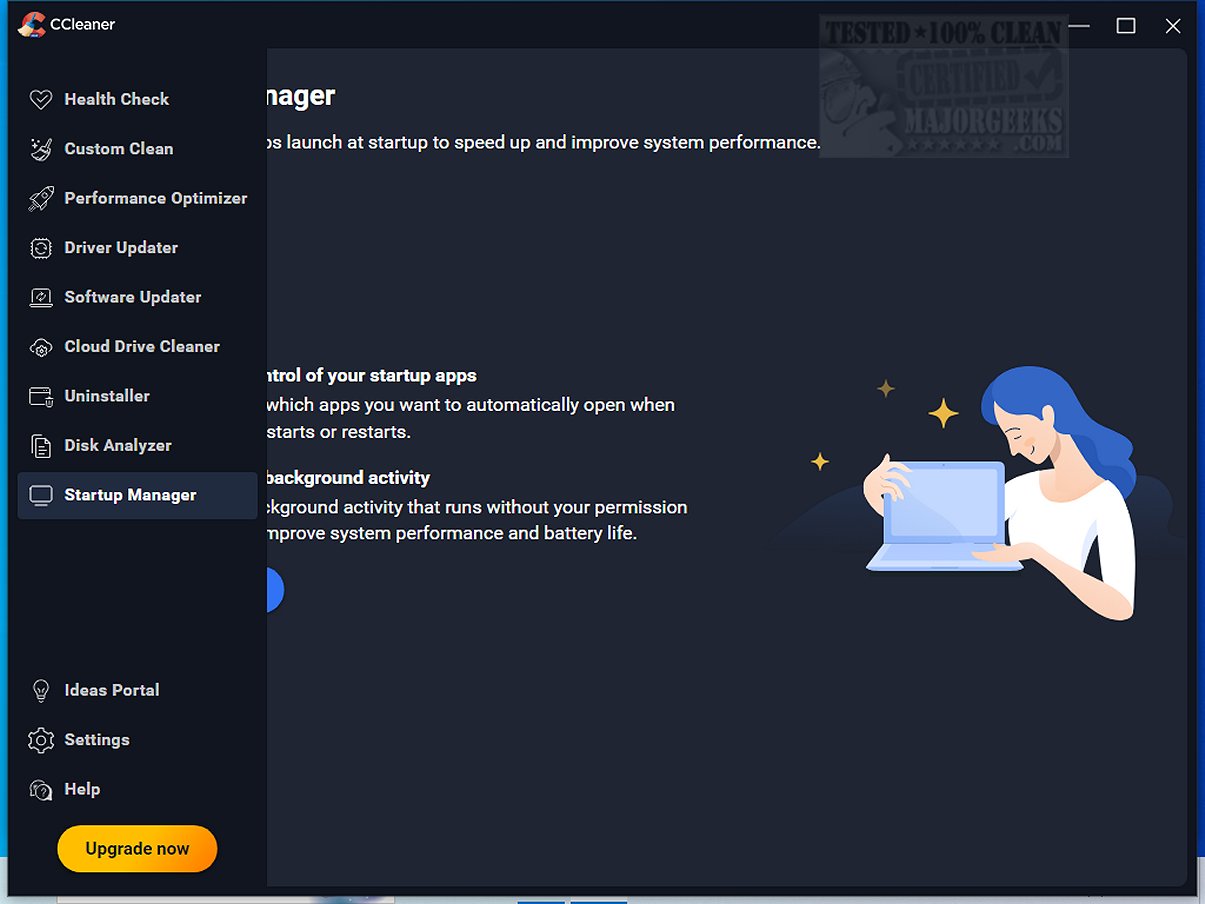
CCleaner Standard 7.11.1504.0 has been released, providing an efficient and user-friendly tool for cleaning and optimizing your computer. Trusted by millions since its launch in 2004, CCleaner helps eliminate digital clutter that can slow down your device, making it ideal for both novice and experienced users alike.
The Standard version, available for free, focuses on cleaning junk files, browser caches, cookies, and temporary files, helping users reclaim disk space and enhance system performance. Paid versions offer additional features like automatic updates and more maintenance tools. One of the key highlights of CCleaner is its ease of use, allowing users to customize their cleaning process with just a few clicks.
CCleaner features a unique Health Check function that scans for outdated applications and privacy trackers while giving users full control over any changes made. Users can also optimize performance through the Performance Optimizer and Startup Manager to disable unnecessary startup programs, enhancing boot speed and battery life.
The Registry Cleaner is designed to safely address random errors and crashes by identifying and allowing users to confirm the removal of invalid registry entries. Furthermore, CCleaner prioritizes user privacy by securely clearing browsing history and sensitive data, with improved functions for Chromium browsers in the latest updates.
The software also includes advanced tools for software uninstallation, driver updates, and duplicate file detection, making it versatile for various user needs. For Mac users, CCleaner offers similar capabilities, ensuring both older and newer Apple devices maintain optimal performance.
The recent update introduces a modern interface, customizable themes, and improved functionality for the Software Uninstaller, which can now efficiently remove stubborn applications and clean leftover files. Additionally, the Disk Analyzer has been optimized for quicker duplicate file removal.
In summary, CCleaner offers an ideal blend of simplicity and advanced features, making it a top choice for system maintenance. Its regular updates ensure continual improvement, solidifying its status as a reliable tool for users looking to enhance speed, security, and storage on both PC and Mac platforms. Whether you need to free up space or secure your online activity, CCleaner is a must-have in your software toolkit
The Standard version, available for free, focuses on cleaning junk files, browser caches, cookies, and temporary files, helping users reclaim disk space and enhance system performance. Paid versions offer additional features like automatic updates and more maintenance tools. One of the key highlights of CCleaner is its ease of use, allowing users to customize their cleaning process with just a few clicks.
CCleaner features a unique Health Check function that scans for outdated applications and privacy trackers while giving users full control over any changes made. Users can also optimize performance through the Performance Optimizer and Startup Manager to disable unnecessary startup programs, enhancing boot speed and battery life.
The Registry Cleaner is designed to safely address random errors and crashes by identifying and allowing users to confirm the removal of invalid registry entries. Furthermore, CCleaner prioritizes user privacy by securely clearing browsing history and sensitive data, with improved functions for Chromium browsers in the latest updates.
The software also includes advanced tools for software uninstallation, driver updates, and duplicate file detection, making it versatile for various user needs. For Mac users, CCleaner offers similar capabilities, ensuring both older and newer Apple devices maintain optimal performance.
The recent update introduces a modern interface, customizable themes, and improved functionality for the Software Uninstaller, which can now efficiently remove stubborn applications and clean leftover files. Additionally, the Disk Analyzer has been optimized for quicker duplicate file removal.
In summary, CCleaner offers an ideal blend of simplicity and advanced features, making it a top choice for system maintenance. Its regular updates ensure continual improvement, solidifying its status as a reliable tool for users looking to enhance speed, security, and storage on both PC and Mac platforms. Whether you need to free up space or secure your online activity, CCleaner is a must-have in your software toolkit
CCleaner Standard 7.11.1504.0 released
CCleaner is an easy-to-use, safe, well-known drive cleaner with other additional features including a conservative registry cleaner, startup manager, and more. Video tutorial available.