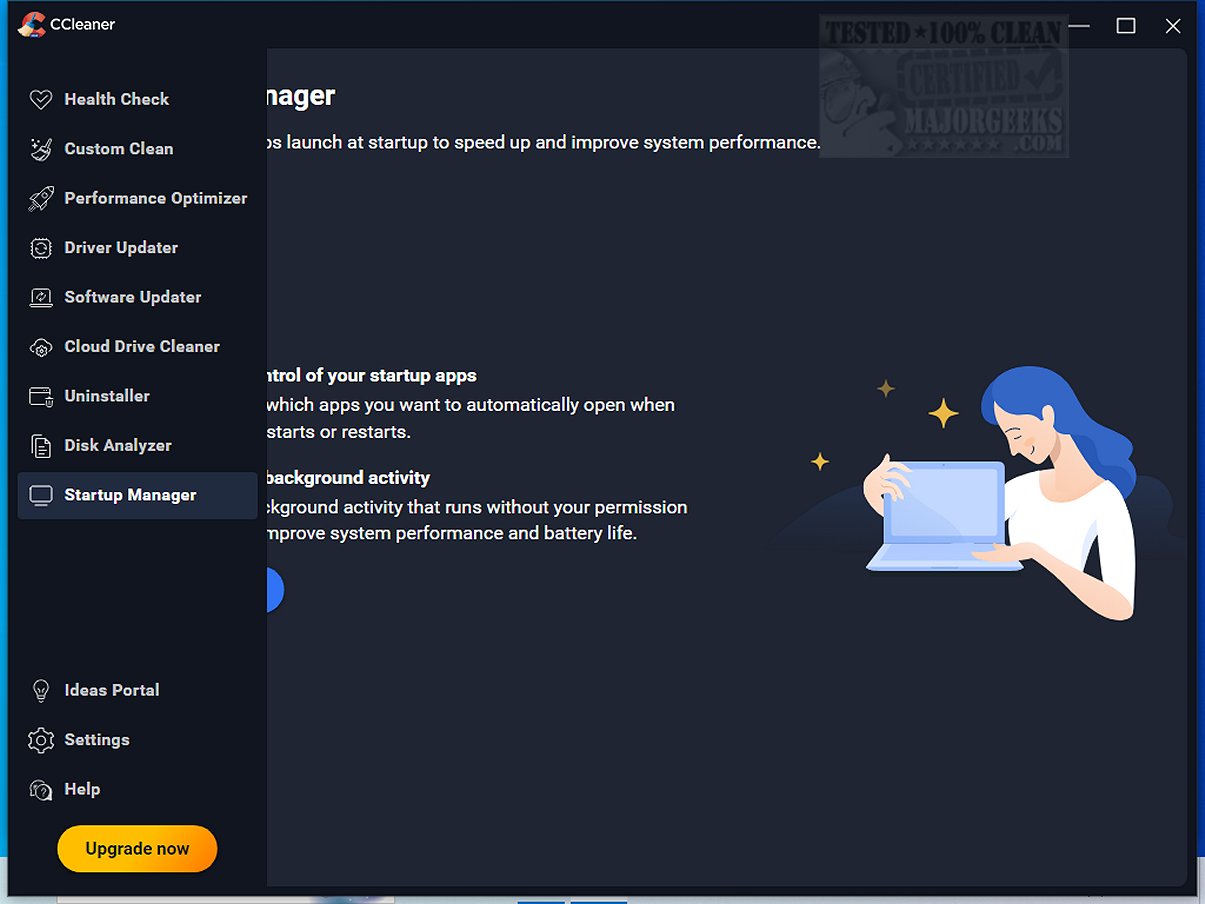
CCleaner Standard 7.10.1464.0 has been released, continuing its reputation as a reliable and user-friendly drive cleaning tool. Designed to help users manage digital clutter on their PCs, CCleaner simplifies the process of cleaning junk files, browser caches, cookies, and temporary data with just a few clicks. This version is essentially the free home edition for Windows, whereas paid versions offer automated features and additional tools.
Since its launch in 2004, CCleaner has become a staple for millions around the globe, providing effective system optimization for both novices and experienced users alike. It includes features such as Custom Clean for tailored cleanup options, a Health Check feature that identifies outdated applications and resource-hogging programs, and performance optimizers like Startup Manager to enhance boot speed and battery life.
Additionally, CCleaner's Registry Cleaner is a safe way to address random PC errors by scanning for invalid entries, while its Privacy Protection tools help users maintain their online anonymity by securely clearing web history and cookies. The software also provides advanced features such as software uninstallation, driver updates, and a duplicate file finder to help users optimize their systems further.
The latest version introduces a refreshed interface, customizable themes, and improved functionalities in the Software Uninstaller and Disk Analyzer, making the cleanup process even more efficient. With regular updates and a balance of user-friendly and advanced features, CCleaner remains a top choice for PC and Mac maintenance.
In conclusion, CCleaner is not just about cleaning; it's about empowering users to take control of their device maintenance. Whether you need enhanced performance, improved security, or simply to reclaim disk space, CCleaner is an essential tool that can help transform a sluggish system back into a well-tuned machine. Users are encouraged to download this software and experience its benefits firsthand.
For those interested in comparing CCleaner with other drive cleaners like Wise Disk Cleaner and PrivaZer, or in learning about additional system management techniques, various resources and tutorials are readily available
Since its launch in 2004, CCleaner has become a staple for millions around the globe, providing effective system optimization for both novices and experienced users alike. It includes features such as Custom Clean for tailored cleanup options, a Health Check feature that identifies outdated applications and resource-hogging programs, and performance optimizers like Startup Manager to enhance boot speed and battery life.
Additionally, CCleaner's Registry Cleaner is a safe way to address random PC errors by scanning for invalid entries, while its Privacy Protection tools help users maintain their online anonymity by securely clearing web history and cookies. The software also provides advanced features such as software uninstallation, driver updates, and a duplicate file finder to help users optimize their systems further.
The latest version introduces a refreshed interface, customizable themes, and improved functionalities in the Software Uninstaller and Disk Analyzer, making the cleanup process even more efficient. With regular updates and a balance of user-friendly and advanced features, CCleaner remains a top choice for PC and Mac maintenance.
In conclusion, CCleaner is not just about cleaning; it's about empowering users to take control of their device maintenance. Whether you need enhanced performance, improved security, or simply to reclaim disk space, CCleaner is an essential tool that can help transform a sluggish system back into a well-tuned machine. Users are encouraged to download this software and experience its benefits firsthand.
For those interested in comparing CCleaner with other drive cleaners like Wise Disk Cleaner and PrivaZer, or in learning about additional system management techniques, various resources and tutorials are readily available
CCleaner Standard 7.10.1464.0 released
CCleaner is an easy-to-use, safe, well-known drive cleaner with other additional features including a conservative registry cleaner, startup manager, and more. Video tutorial available.