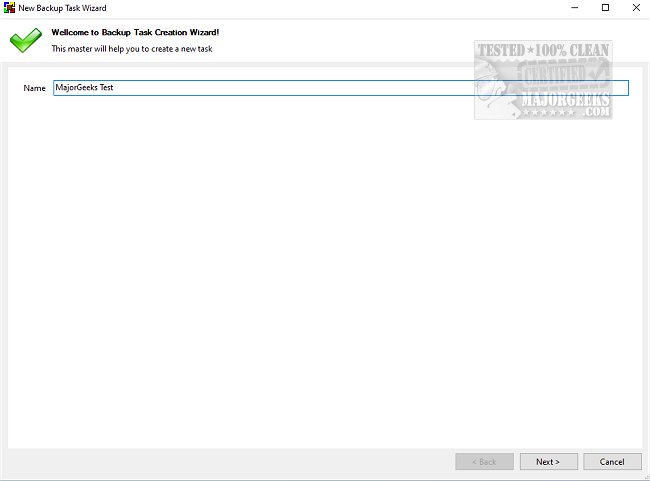
BUtil 2026.06.11 has been released, introducing a robust solution for creating encrypted backups of documents and data on personal computers. Regularly backing up important files is essential for data security, and BUtil simplifies this process, making it more likely for users to establish a consistent backup routine.
The application has a user-friendly interface, allowing users to quickly select target files and folders for backup, which can be stored on the same drive, an FTP server, or a network computer. BUtil also supports multiple backup locations for greater flexibility.
For users who prefer automation, BUtil features a built-in scheduler, enabling them to set specific times and frequencies for backups. The option for silent backups enhances the user experience by minimizing interruptions. To ensure data security, backups can be encrypted with a password, which can be generated using the app’s built-in tool. Additionally, BUtil can be utilized via the Command Line for advanced users, allowing various commands for executing backups and managing system operations like shutdown, log off, or reboot.
Key features of BUtil include:
- An incremental backup model with file deduplication to save space.
- The ability to import media files like audio, photos, and videos directly from SD cards or phones via Wi-Fi.
- Easy and quick configuration for setting up backup tasks.
- Support for multiple backup tasks and logging in HTML format.
- Two modes of backup creation: manual via the user interface or through scheduling.
For installation, users must have 7-Zip (or similar) and Microsoft .NET framework on their systems.
Overall, BUtil is a dependable application, suitable for both personal and professional use, enabling users of all skill levels to securely back up their important files with ease.
In addition to backups, users can explore related topics such as checking the installed version of Microsoft .NET, reinstalling Windows 10 without losing files, managing system restore points, and adjusting system protection storage sizes in Windows 10 and 11. These features collectively enhance the user experience when managing data on their systems
The application has a user-friendly interface, allowing users to quickly select target files and folders for backup, which can be stored on the same drive, an FTP server, or a network computer. BUtil also supports multiple backup locations for greater flexibility.
For users who prefer automation, BUtil features a built-in scheduler, enabling them to set specific times and frequencies for backups. The option for silent backups enhances the user experience by minimizing interruptions. To ensure data security, backups can be encrypted with a password, which can be generated using the app’s built-in tool. Additionally, BUtil can be utilized via the Command Line for advanced users, allowing various commands for executing backups and managing system operations like shutdown, log off, or reboot.
Key features of BUtil include:
- An incremental backup model with file deduplication to save space.
- The ability to import media files like audio, photos, and videos directly from SD cards or phones via Wi-Fi.
- Easy and quick configuration for setting up backup tasks.
- Support for multiple backup tasks and logging in HTML format.
- Two modes of backup creation: manual via the user interface or through scheduling.
For installation, users must have 7-Zip (or similar) and Microsoft .NET framework on their systems.
Overall, BUtil is a dependable application, suitable for both personal and professional use, enabling users of all skill levels to securely back up their important files with ease.
In addition to backups, users can explore related topics such as checking the installed version of Microsoft .NET, reinstalling Windows 10 without losing files, managing system restore points, and adjusting system protection storage sizes in Windows 10 and 11. These features collectively enhance the user experience when managing data on their systems
BUtil 2026.06.11 released
BUtil is a powerful tool for creating encrypted backups of documents and data on your PC.