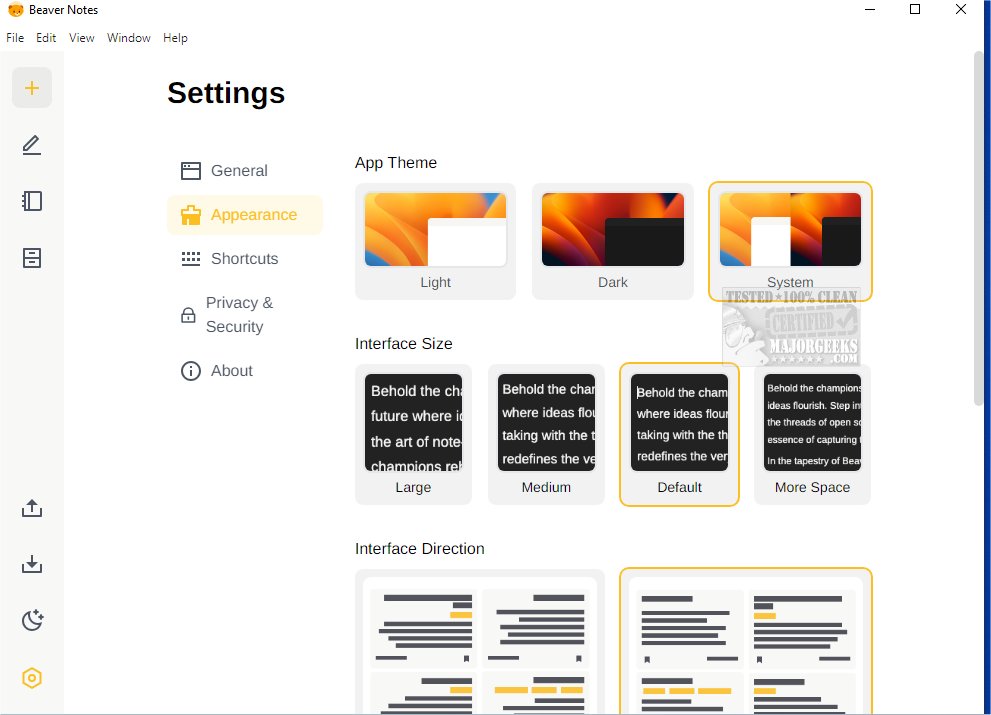
Beaver Notes 4.4.0 has been released, bringing enhancements to this versatile Open Source note-taking application that emphasizes user privacy and efficient functionality. Designed to provide a seamless and secure note-taking experience, Beaver Notes allows users to create, organize, and access notes across multiple devices effortlessly.
The application features a user-friendly interface that presents a detailed introductory text, showcasing its practical capabilities and potential applications. Users are encouraged to familiarize themselves with key features, such as the password reset option found in the Privacy and Security section; however, it is important to note that resetting the password requires knowledge of the current password, as there is no default password setting. Users must first lock a note with a new password, as explained in the User Guide section.
Beaver Notes is particularly beneficial for students, enabling them to summarize course notes efficiently and utilize various formatting options to highlight essential definitions and integrate relevant images for visual enhancement. Additionally, programmers will find the app useful due to its support for Markdown formatting, ensuring compatibility with multiple programming languages, along with features for linking websites and notes and a tag-based filtering system.
For those seeking a robust note-taking application with extensive Markdown formatting capabilities and local data storage, Beaver Notes presents an excellent solution. Its cross-platform compatibility and manual data exporting features further solidify its position as a top choice for users.
In summary, Beaver Notes 4.4.0 stands out as a comprehensive and privacy-focused note-taking tool, catering to a diverse range of users from students to professionals. As it continues to evolve, users can expect ongoing improvements and features that enhance their note-taking experience
The application features a user-friendly interface that presents a detailed introductory text, showcasing its practical capabilities and potential applications. Users are encouraged to familiarize themselves with key features, such as the password reset option found in the Privacy and Security section; however, it is important to note that resetting the password requires knowledge of the current password, as there is no default password setting. Users must first lock a note with a new password, as explained in the User Guide section.
Beaver Notes is particularly beneficial for students, enabling them to summarize course notes efficiently and utilize various formatting options to highlight essential definitions and integrate relevant images for visual enhancement. Additionally, programmers will find the app useful due to its support for Markdown formatting, ensuring compatibility with multiple programming languages, along with features for linking websites and notes and a tag-based filtering system.
For those seeking a robust note-taking application with extensive Markdown formatting capabilities and local data storage, Beaver Notes presents an excellent solution. Its cross-platform compatibility and manual data exporting features further solidify its position as a top choice for users.
In summary, Beaver Notes 4.4.0 stands out as a comprehensive and privacy-focused note-taking tool, catering to a diverse range of users from students to professionals. As it continues to evolve, users can expect ongoing improvements and features that enhance their note-taking experience
Beaver Notes 4.4.0 released
Beaver Notes is a versatile Open Source note-taking application that prioritizes user privacy and offers efficient functionality.