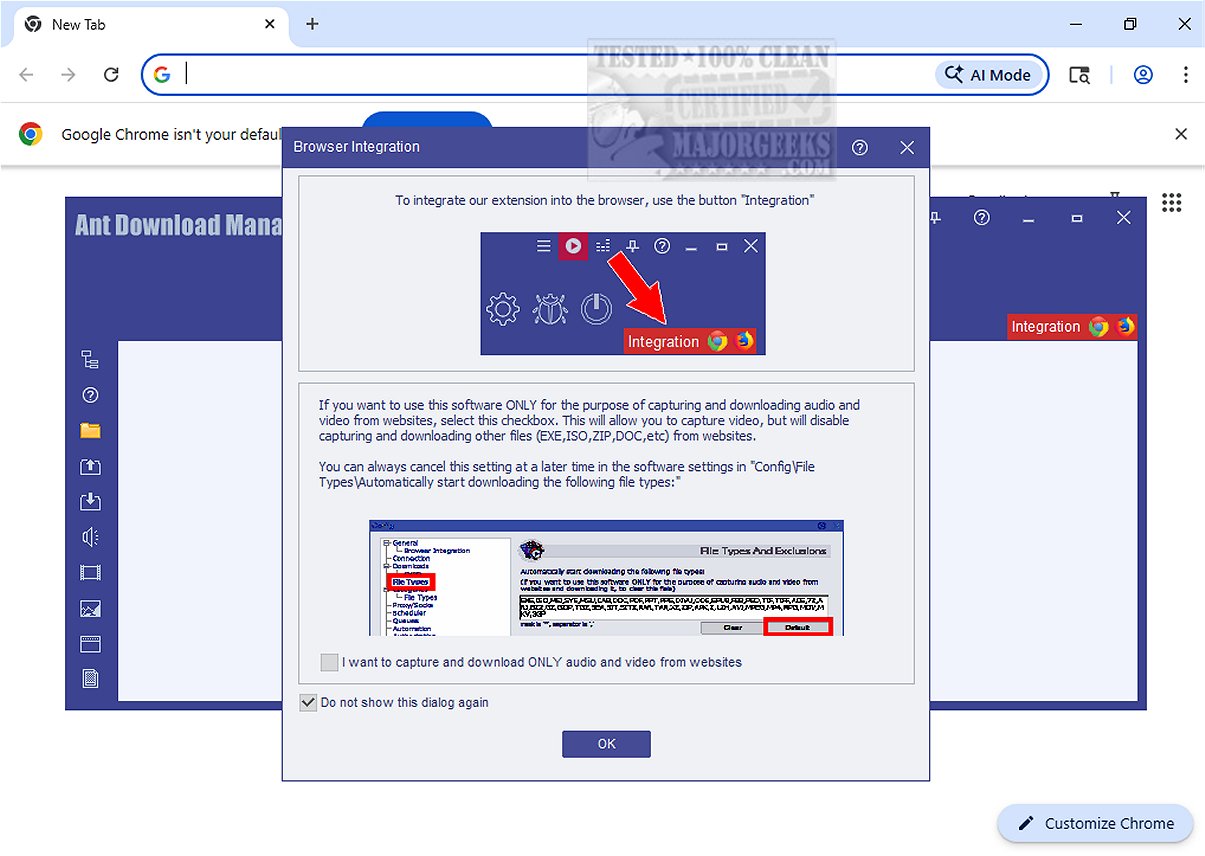
Ant Download Manager (AntDM) has recently released version 2.17.7, enhancing the file downloading experience significantly. This software accelerates and efficiently manages downloads by splitting files into multiple streams, resulting in faster download speeds. AntDM is adept at capturing various types of content, particularly multimedia such as audio and video, from web browsers, even when the content is not directly available for download.
One of the key features is its auto-detection capability, which simplifies the downloading process by automatically identifying multimedia file types. Additionally, it can bypass CSS restrictions that may hinder access to downloadable content, providing users with greater access to the files they need. AntDM also supports connections to password-protected domains, enhancing security for users navigating secure sites.
To accommodate users sharing their internet connection with others, AntDM includes a download rate capping feature, allowing users to limit their download speeds to preserve bandwidth for other activities, such as streaming high-definition content.
- The Benefits of a Download Manager
- How to Show Your Internet Upload, Download, and Usage on the Taskbar
- How to Improve Your Wireless Network Performance
- How to Fix Slow Internet on Windows 10 & 1
Features and Capabilities
Ant Download Manager stands out with its ability to download multimedia files from numerous online platforms, including popular sites like YouTube and Facebook. This makes it an essential tool for users looking to curate and manage their multimedia collections effectively.One of the key features is its auto-detection capability, which simplifies the downloading process by automatically identifying multimedia file types. Additionally, it can bypass CSS restrictions that may hinder access to downloadable content, providing users with greater access to the files they need. AntDM also supports connections to password-protected domains, enhancing security for users navigating secure sites.
Advanced Multithreading and User-Friendly Features
A notable aspect of Ant Download Manager is its advanced multithreading technology, which significantly boosts download speeds compared to traditional methods. Users can pause and resume downloads, a particularly useful feature for those with unstable internet connections. AntDM also allows for batch downloads and integrates seamlessly with popular web browsers, further enhancing its versatility.To accommodate users sharing their internet connection with others, AntDM includes a download rate capping feature, allowing users to limit their download speeds to preserve bandwidth for other activities, such as streaming high-definition content.
Conclusion
In conclusion, Ant Download Manager 2.17.7 is a comprehensive tool packed with features designed for both casual users and media enthusiasts. With browser integration, instant file conversion capabilities, and a user-friendly interface, it provides an exceptional solution for managing downloads and safeguarding online content for future enjoyment. Whether you're an archivist or simply looking to enhance your download management experience, AntDM proves to be an ideal choice.Additional Resources
For those interested in maximizing their download experience, related topics include:- The Benefits of a Download Manager
- How to Show Your Internet Upload, Download, and Usage on the Taskbar
- How to Improve Your Wireless Network Performance
- How to Fix Slow Internet on Windows 10 & 1
Ant Download Manager 2.17.7 released
Ant Download Manager (AntDM) enhances the file downloading experience by accelerating and managing downloads effectively. It works by splitting files into multiple streams, enabling faster download speeds.