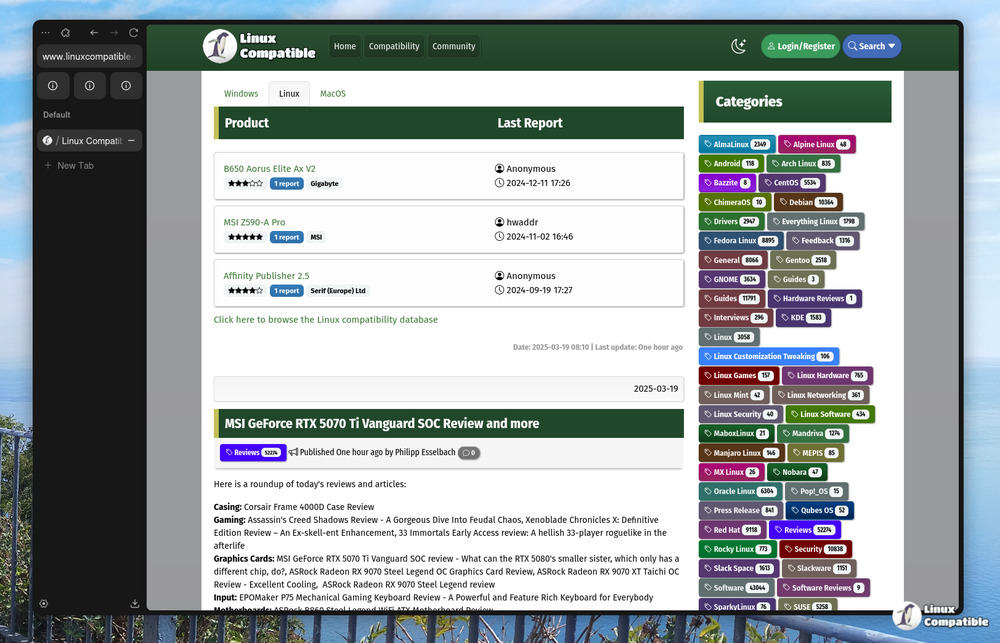
Zen Browser 1.18.8b: Fixing Back Forward Button and Tab Dragging Issues
The latest Zen Browser stable release, version 1.18.8b, addresses several issues that affected users' browsing experience, including problems with back and forward buttons and tab-dragging across multiple windows. Specifically, the update fixes back/forward button behavior to correctly switch between spaces without altering the page's history, and ensures that dragging tabs from one window to another works smoothly and accurately. Additionally, the release includes minor bug fixes and overall polish to provide a steadier experience for power users with many open tabs. Overall, these changes aim to improve Zen Browser's performance and usability, making it easier for users to navigate and manage their browsing sessions.
Zen Browser 1.18.8b: Fixing Back Forward Button and Tab Dragging Issues @ Linux Compatible
Zen Browser 1.18.8b: Fixing Back Forward Button and Tab Dragging Issues
The latest stable release of Zen Browser, version 1.18.8b, resolves issues related to back and forward button functionality and tab-dragging across multiple windows. The update ensures that the back/forward buttons properly switch between Zen "spaces" without altering the page's history, enhancing user navigation. Additionally, the tab-dragging feature is improved to ensure that tabs are accurately placed in their intended spaces, eliminating confusion and extra clicks. Minor bug fixes and overall enhancements have also been made to provide a more stable experience for users with many open tabs