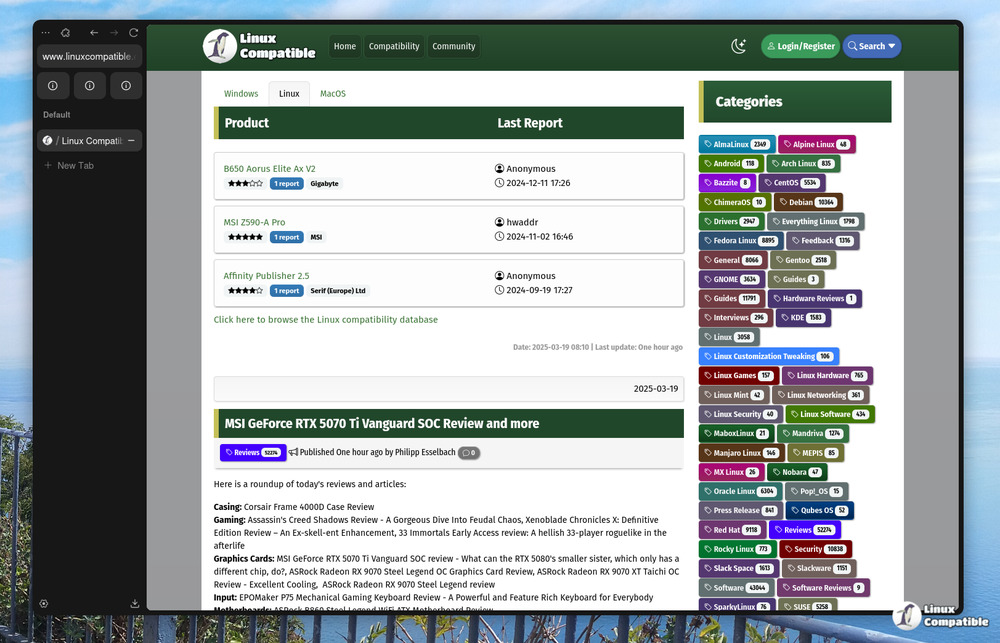
Zen Browser 1.18.6b introduces several enhancements aimed at improving user experience and performance. Key updates include moving overflowing extensions below the address bar to declutter the UI, aligning Linux configuration with XDG standards, and ensuring that unpinned tabs remain closed after a crash. The update also features a new command-line option for opening a clean window and reliable bookmark syncing with Mozilla accounts. Overall, the changes focus on refining existing functionalities rather than introducing major new features, making it a worthwhile upgrade for users experiencing previous issues
Zen Browser 1.18.6b: Enhancing Performance and User Experience with Enhanced UI
Zen Browser 1.18.6b moves overflowing extensions to a row below the address bar in single‑sidebar mode, clearing up a crowded UI. The program now stores its Linux configuration under ~/.config/zen and respects XDG standards while still supporting the legacy folder if it exists. Crash recovery has been tightened so unpinned tabs stay closed when “Restore previous session” is disabled, and bookmark syncing with Mozilla accounts finally functions reliably. A new --blank-window command‑line switch opens a clean window without any pinned tabs or restored spaces, which is handy for testing or starting fresh.
Zen Browser 1.18.6b: Enhancing Performance and User Experience with Enhanced UI @ Linux Compatible