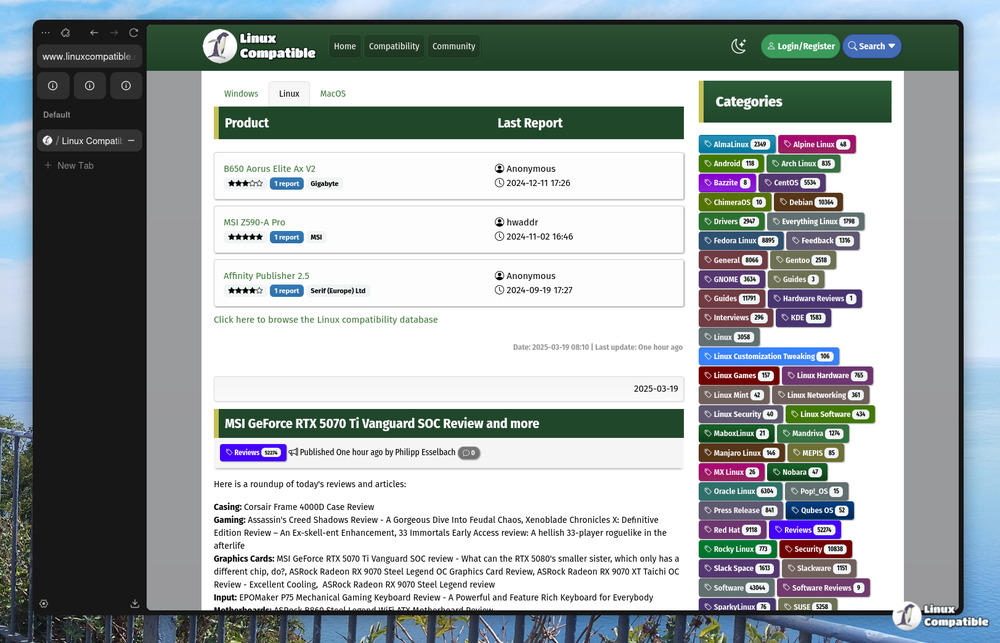
Zen Browser has just launched version 1.18.3b, introducing several significant updates designed to enhance the overall user experience. This latest release addresses persistent issues that users have faced, such as the automatic focus of popup windows on input fields and the functionality for dragging tabs between different browser windows when Windows Snap is not enabled. Improvements in these areas aim to streamline daily browsing tasks, reducing frustration and increasing efficiency.
One of the key enhancements is the fix for popup windows, specifically for instances like logging into services such as Bitwarden, where the input fields were previously not automatically selected. This change ensures that users can interact with these prompts more seamlessly, saving time and effort. Additionally, the ability to drag and drop tabs more smoothly between separate browser windows will significantly improve workflow for users who often manage multiple tabs.
On the security front, Zen Browser now includes additional backup checks during the update process. This upgrade aims to safeguard user data and prevent potential loss during updates, providing an extra layer of reassurance for users concerned about their important information and browsing habits.
In summary, Zen Browser 1.18.3b not only enhances usability by addressing common issues but also prioritizes user security, making the update process safer and more reliable. As users continue to seek efficient and secure browsing experiences, these improvements reflect Zen Browser's commitment to meeting their needs.
Looking ahead, future updates may focus on further optimizing performance, enhancing privacy features, and expanding compatibility with various web applications to ensure that Zen Browser remains a competitive choice in the market
One of the key enhancements is the fix for popup windows, specifically for instances like logging into services such as Bitwarden, where the input fields were previously not automatically selected. This change ensures that users can interact with these prompts more seamlessly, saving time and effort. Additionally, the ability to drag and drop tabs more smoothly between separate browser windows will significantly improve workflow for users who often manage multiple tabs.
On the security front, Zen Browser now includes additional backup checks during the update process. This upgrade aims to safeguard user data and prevent potential loss during updates, providing an extra layer of reassurance for users concerned about their important information and browsing habits.
In summary, Zen Browser 1.18.3b not only enhances usability by addressing common issues but also prioritizes user security, making the update process safer and more reliable. As users continue to seek efficient and secure browsing experiences, these improvements reflect Zen Browser's commitment to meeting their needs.
Looking ahead, future updates may focus on further optimizing performance, enhancing privacy features, and expanding compatibility with various web applications to ensure that Zen Browser remains a competitive choice in the market
Zen Browser 1.18.3b released
Zen Browser has released version 1.18.3b, aimed at improving the user experience with several key updates. The new version addresses long-standing issues such as popup windows not automatically focusing on inputs and dragging tabs between browser windows without Windows Snap enabled. For added security, Zen Browser now includes checks for backups during the update process to prevent potential data loss or mishaps. These changes aim to provide a smoother browsing experience and offer users more peace of mind when updating their software.