XanMod Kernels 6.19.3, 6.18.13 and 6.12.74 - Installation Guide and Known Issues
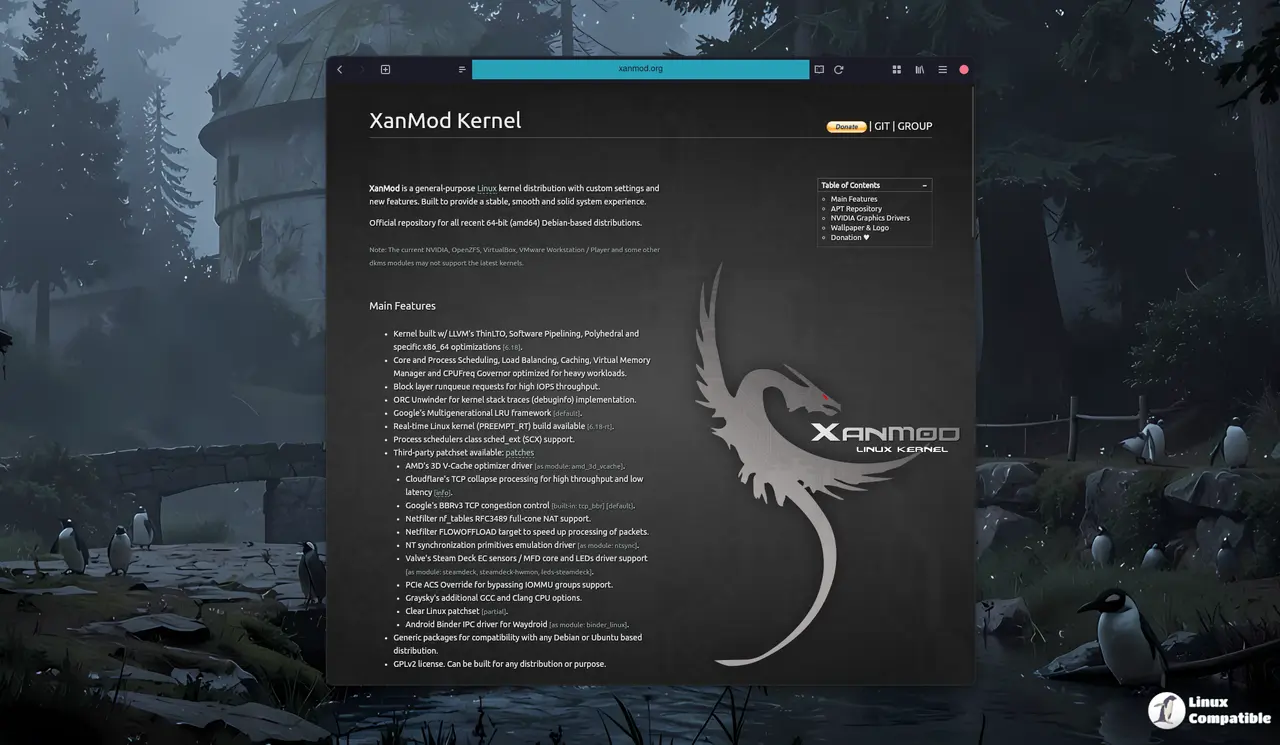
The newest XanMod kernels (6.19.3, 6.18.13, 6.18.13-rt, and LTS 6.12.74) have been released for 64-bit Debian-based systems, offering several performance tweaks, including LLVM's ThinLTO and polyhedral optimizations in the 6.19 series. However, users may experience issues with certain drivers, such as NVIDIA's proprietary driver version 560.28, which can cause the system to panic after booting into XanMod 6.19.3. To install the new kernel on Debian/Ubuntu systems, you need to trust the XanMod signing key and add a repository line to your sources.list file. If you rely on external modules like NVIDIA or OpenZFS with ZFS DKMS package, make sure to update their source trees before rebooting and reinstall any necessary packages after the kernel upgrade from version 6.18.x or earlier.
XanMod Kernels 6.19.3, 6.18.13 and 6.12.74 - Installation Guide and Known Issues @ Linux Compatible
XanMod Kernels 6.19.3, 6.18.13 and 6.12.74 - Installation Guide and Known Issues
The latest XanMod kernels (6.19.3, 6.18.13, 6.18.13-rt, and LTS 6.12.74) have been released for 64-bit Debian-based systems, featuring performance enhancements such as LLVM's ThinLTO and polyhedral optimizations. Users may encounter issues with certain drivers, notably NVIDIA's proprietary driver version 560.28, which can lead to system panic after booting into the new kernel. Installation requires trusting the XanMod signing key and updating DKMS modules for external drivers like NVIDIA and OpenZFS to ensure compatibility. While the new kernels offer significant performance improvements, users who prefer stability may choose to stick with the older 6.18.x version