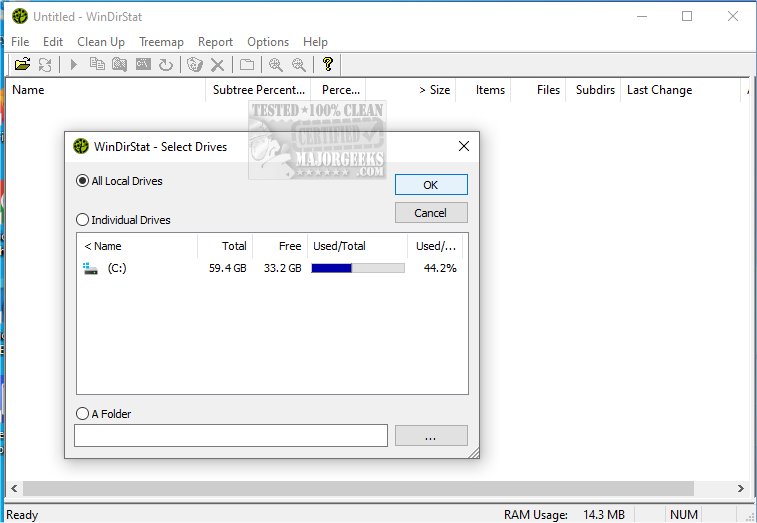
WinDirStat 2.8.0 has been released, offering users an effective tool for assessing and managing disk space on Microsoft Windows. This free application helps users identify which files and folders occupy the most storage, making it particularly useful for those who feel their drives are nearing capacity but are unsure of the cause. A portable version is also available for users who prefer to run the application from a USB stick.
Upon launching WinDirStat, users are greeted with several useful features: a comprehensive directory tree that organizes folders by size, a colorful treemap that visually represents the drive's contents, and an extension list that highlights which file types are consuming the most space. The treemap is a standout feature, displaying files as colored blocks within larger rectangles that signify folders, making it easy to identify large items at a glance based on their color-coded file type.
WinDirStat is particularly beneficial for IT professionals, system administrators, and anyone managing shared computers or networks. It can be employed prior to a cleanup to pinpoint significant space consumers or used regularly to monitor storage usage.
- Free and open-source software
- Excellent visual representation of disk usage
- Simplifies the identification of large or unnecessary files
- Portable version available for convenience
Cons:
- Lacks built-in file shredding or duplicate finding capabilities
- Scanning large drives can be time-consuming
Upon launching WinDirStat, users are greeted with several useful features: a comprehensive directory tree that organizes folders by size, a colorful treemap that visually represents the drive's contents, and an extension list that highlights which file types are consuming the most space. The treemap is a standout feature, displaying files as colored blocks within larger rectangles that signify folders, making it easy to identify large items at a glance based on their color-coded file type.
WinDirStat is particularly beneficial for IT professionals, system administrators, and anyone managing shared computers or networks. It can be employed prior to a cleanup to pinpoint significant space consumers or used regularly to monitor storage usage.
Pros and Cons
Pros:- Free and open-source software
- Excellent visual representation of disk usage
- Simplifies the identification of large or unnecessary files
- Portable version available for convenience
Cons:
- Lacks built-in file shredding or duplicate finding capabilities
- Scanning large drives can be time-consuming
Conclusion
WinDirStat is an essential tool for anyone concerned about disk space management. While it may not have flashy features, its functionality is unmatched. Users will quickly appreciate the treemap view for its ability to provide a clear overview of disk usage, essentially making it easier to "clean house" without unnecessary guesswork.Future Considerations
As technology evolves, users might look forward to enhancements in tools like WinDirStat, such as integrating features for file shredding or duplicate detection. Additionally, with the growing importance of cloud storage solutions, future versions could benefit from the ability to analyze and manage cloud storage alongside local drives. Overall, WinDirStat remains a reliable choice for maintaining healthy disk usage on Windows systemsWinDirStat 2.8.0 released
WinDirStat is a disk usage statistics viewer and cleanup tool for Microsoft Windows. Portable available.