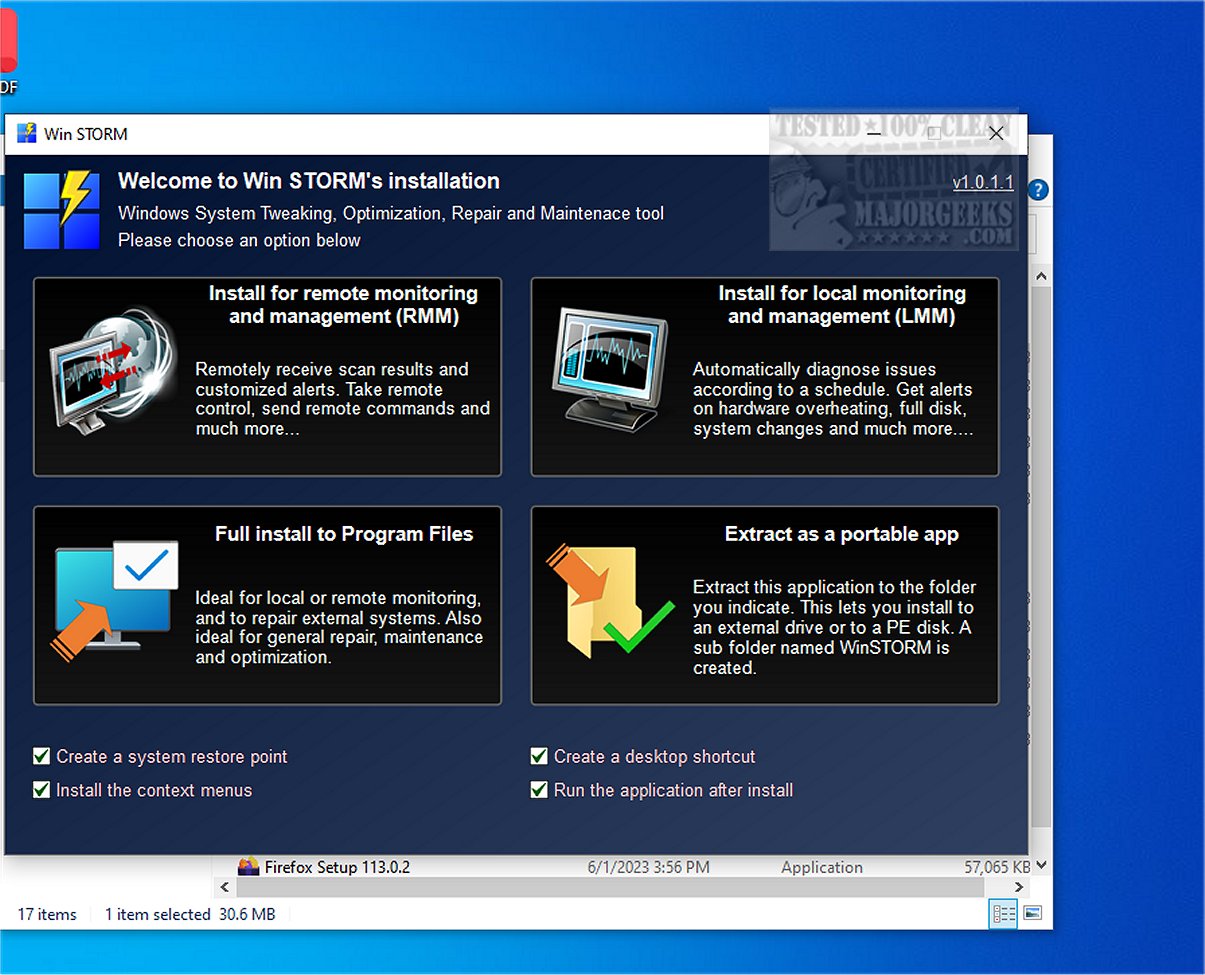
Win STORM 1.0.1.1 Beta has been released as an advanced tool designed for the maintenance and optimization of Windows-based systems. Targeted towards computer technicians and IT professionals, this application builds upon the UVK – Ultra Virus Killer framework while adding new features for enhanced performance management.
Win STORM offers an extensive suite of functionalities that allow users to monitor system performance, implement optimizations to improve efficiency, and conduct repairs as necessary. One of its standout features is remote access support, which lets technicians assist clients from any location, thereby simplifying the support process. The intuitive user interface ensures easy navigation through its robust features, complemented by detailed reporting tools that provide insights into system health and historical performance data.
The application dashboard provides a comprehensive overview of a computer's hardware and software configuration, enabling users to view critical details about components such as the motherboard, processor, graphics card, RAM, and security statuses involving antivirus software, Windows Firewall, User Account Control (UAC), and system restore points.
A key functionality of Win STORM is its auto-detection feature, which identifies potential issues that may hinder performance or cause software incompatibilities, such as the presence of multiple antivirus programs. It offers actionable recommendations, allowing users to free up storage by removing temporary files, browser cache, and error reports with just one click. Additionally, it incorporates a Windows Update Manager (WAU Manager) to streamline the process of finding and applying updates.
Win STORM also supports on-demand scans for a thorough analysis of the system, detecting malware, unwanted files, autostart entries, DNS hijacking traces, and residual files from uninstalled applications. Users have access to various customization options that enhance the Windows experience, including tweaks for visual elements and productivity settings, such as disabling Cortana and managing telemetry.
In terms of security, Win STORM enables users to adjust settings related to UAC, potentially unwanted programs (PUP) detection, automatic updates, Windows Defender, the Windows Firewall, and OneDrive. It is essential to note that some changes may require a system restart.
In summary, Win STORM serves as a comprehensive command center for system maintenance and optimization, providing a centralized utility for diagnosing and protecting PCs. It meets the needs of both local and remote PC monitoring, making it an invaluable resource for system and network administrators.
Looking forward, future updates could potentially expand Win STORM's capabilities even further, such as integrating AI-driven diagnostics, enhancing remote support features, or expanding its compatibility with other operating systems, thus broadening its appeal to a wider range of users beyond just Windows environments
Win STORM offers an extensive suite of functionalities that allow users to monitor system performance, implement optimizations to improve efficiency, and conduct repairs as necessary. One of its standout features is remote access support, which lets technicians assist clients from any location, thereby simplifying the support process. The intuitive user interface ensures easy navigation through its robust features, complemented by detailed reporting tools that provide insights into system health and historical performance data.
The application dashboard provides a comprehensive overview of a computer's hardware and software configuration, enabling users to view critical details about components such as the motherboard, processor, graphics card, RAM, and security statuses involving antivirus software, Windows Firewall, User Account Control (UAC), and system restore points.
A key functionality of Win STORM is its auto-detection feature, which identifies potential issues that may hinder performance or cause software incompatibilities, such as the presence of multiple antivirus programs. It offers actionable recommendations, allowing users to free up storage by removing temporary files, browser cache, and error reports with just one click. Additionally, it incorporates a Windows Update Manager (WAU Manager) to streamline the process of finding and applying updates.
Win STORM also supports on-demand scans for a thorough analysis of the system, detecting malware, unwanted files, autostart entries, DNS hijacking traces, and residual files from uninstalled applications. Users have access to various customization options that enhance the Windows experience, including tweaks for visual elements and productivity settings, such as disabling Cortana and managing telemetry.
In terms of security, Win STORM enables users to adjust settings related to UAC, potentially unwanted programs (PUP) detection, automatic updates, Windows Defender, the Windows Firewall, and OneDrive. It is essential to note that some changes may require a system restart.
In summary, Win STORM serves as a comprehensive command center for system maintenance and optimization, providing a centralized utility for diagnosing and protecting PCs. It meets the needs of both local and remote PC monitoring, making it an invaluable resource for system and network administrators.
Looking forward, future updates could potentially expand Win STORM's capabilities even further, such as integrating AI-driven diagnostics, enhancing remote support features, or expanding its compatibility with other operating systems, thus broadening its appeal to a wider range of users beyond just Windows environments
Win STORM 1.0.1.1 Beta released
Win STORM is a comprehensive, professional tool specifically designed to supervise, tweak, optimize, repair, and maintain Windows-based systems. Tailored for the needs of computer technicians and IT professionals, this robust application equips users with an extensive suite of features essential for efficient computer management.