Visual Studio Code 1.110: Unlocking AI-Powered Productivity with Agents and Browser Automation
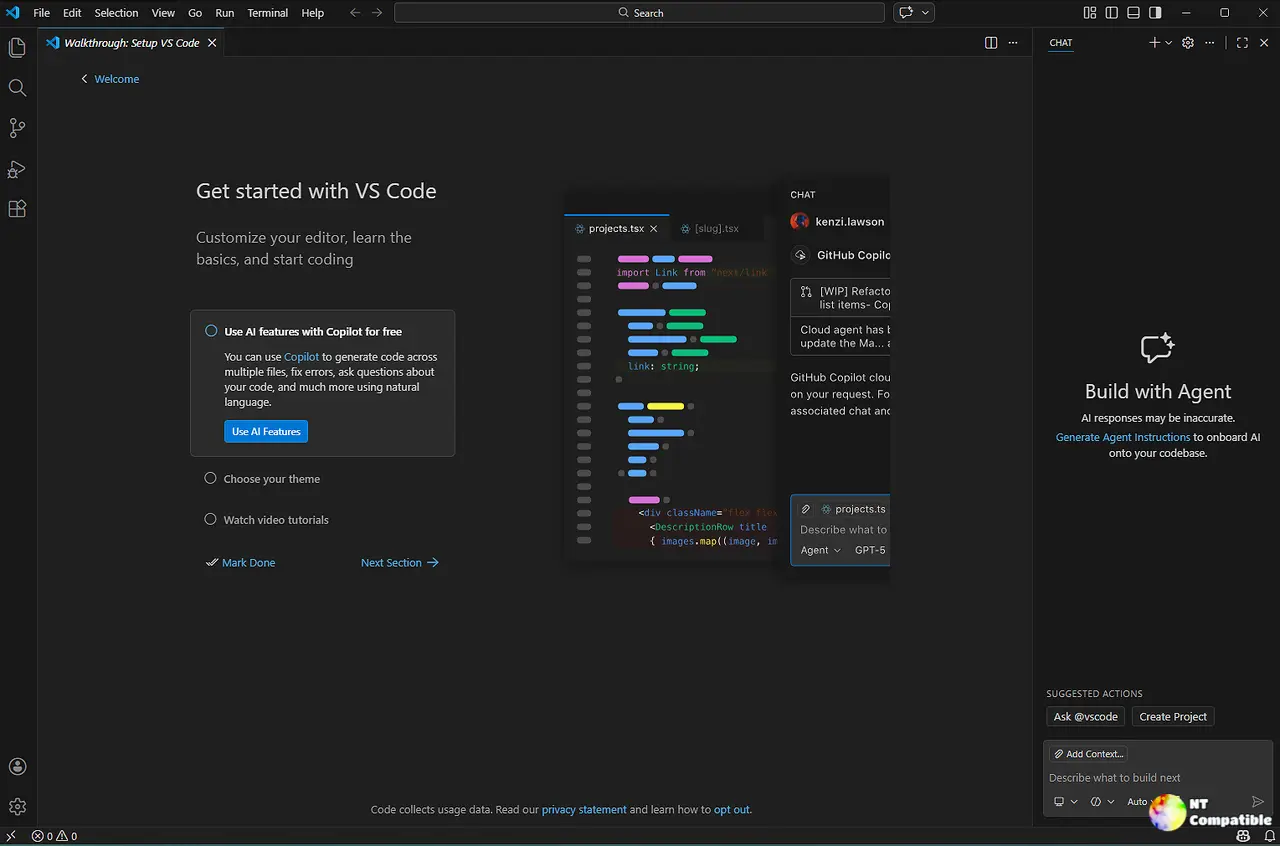
Visual Studio Code (VS Code) version 1.110 has been released, featuring AI-powered agents that can browse apps, run terminal commands, and remember long-running plans without losing context. The new release includes features like Agent Debug panels, which allow developers to watch every tool call in real-time, and the /autoApprove command, which skips tool confirmation prompts but requires caution. VS Code 1.110 also introduces browser automation tools that enable agents to open pages, click elements, and take screenshots directly within the editor. The update includes various accessibility improvements, customization options, and other features that turn VS Code into a full-stack assistant capable of reasoning, browsing, editing, and debugging without leaving the IDE.
Visual Studio Code 1.110: Unlocking AI-Powered Productivity with Agents and Browser Automation
Visual Studio Code version 1.110 has introduced AI-powered agents capable of browsing applications, executing terminal commands, and remembering long-term plans, enhancing productivity for developers. New features include Agent Debug panels for monitoring tool calls in real time and the /autoApprove command that speeds up processes but carries risks if used carelessly. The update also adds browser automation tools for direct interaction with web pages within the editor, alongside various accessibility improvements and customization options for agents. Overall, these enhancements transform VS Code into a comprehensive assistant capable of reasoning, browsing, editing, and debugging seamlessly within the integrated development environment