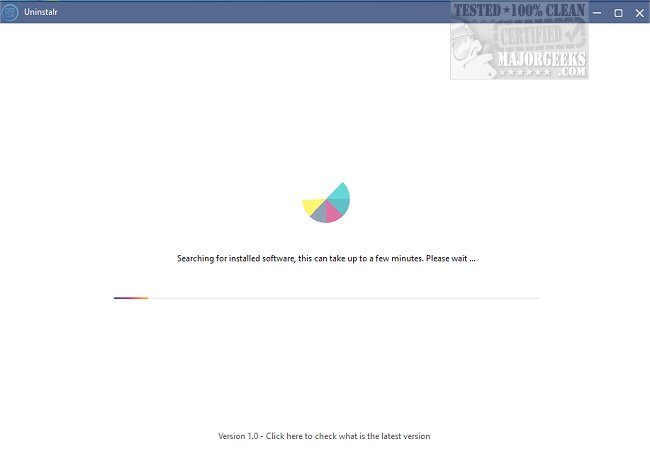
Uninstalr 3.0 has been released, introducing a user-friendly tool designed to streamline the uninstallation process for software on your machine. With a clean interface, it showcases all uninstallable applications, allowing users to initiate multiple uninstalls at once with minimal effort. The program automatically cleans up leftover files without requiring further action from the user, although the duration of the scanning and removal process can vary based on the number of applications selected.
Upon launching Uninstalr, it quickly scans the computer for uninstallable software, which can be selected simply by ticking a checkbox. The software supports batch uninstallation and unattended operations, meaning users can step away from their devices while the uninstallation proceeds. Additionally, Uninstalr intelligently detects portable applications and remnants from previously uninstalled software.
One of the standout features includes the ability to monitor new software installations, as well as providing a detailed view of the data added to the system by each installed application, allowing for precise management of files. The program also includes filtering and searching capabilities to make navigating through installed software easier.
By default, Uninstalr is set to remove associated applications when uninstalling software and will restart the system afterward to ensure complete elimination of remaining data. Users can customize these settings, including the option to exclude Windows components and built-in apps, accessible via the 'filters' option in the interface.
Overall, Uninstalr presents a practical alternative to the standard Windows uninstaller, enhancing the user experience with additional features that simplify the uninstallation process.
To further extend on the capabilities of Uninstalr, future updates could incorporate functionalities such as scheduled uninstallation, more advanced algorithms for detecting orphan files, and integration with cloud storage to back up important files before removal. Additionally, incorporating user feedback loops could help improve the interface and overall usability based on real-world experience
Upon launching Uninstalr, it quickly scans the computer for uninstallable software, which can be selected simply by ticking a checkbox. The software supports batch uninstallation and unattended operations, meaning users can step away from their devices while the uninstallation proceeds. Additionally, Uninstalr intelligently detects portable applications and remnants from previously uninstalled software.
One of the standout features includes the ability to monitor new software installations, as well as providing a detailed view of the data added to the system by each installed application, allowing for precise management of files. The program also includes filtering and searching capabilities to make navigating through installed software easier.
By default, Uninstalr is set to remove associated applications when uninstalling software and will restart the system afterward to ensure complete elimination of remaining data. Users can customize these settings, including the option to exclude Windows components and built-in apps, accessible via the 'filters' option in the interface.
Overall, Uninstalr presents a practical alternative to the standard Windows uninstaller, enhancing the user experience with additional features that simplify the uninstallation process.
To further extend on the capabilities of Uninstalr, future updates could incorporate functionalities such as scheduled uninstallation, more advanced algorithms for detecting orphan files, and integration with cloud storage to back up important files before removal. Additionally, incorporating user feedback loops could help improve the interface and overall usability based on real-world experience
Uninstalr 3.0 released
Uninstalr makes uninstalling simple, with support for multiple simultaneous uninstalls and more.