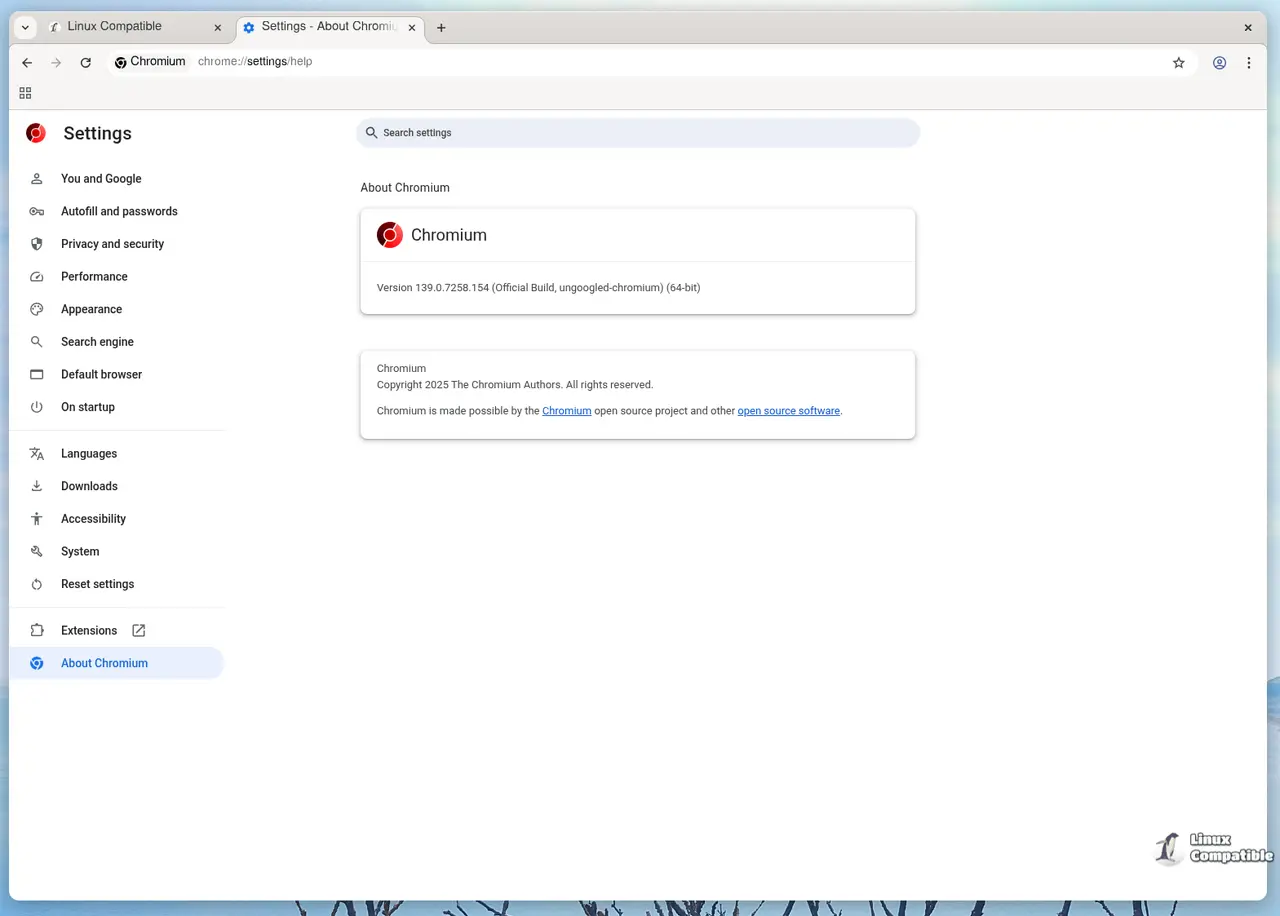
Ungoogled Chromium version 144.0.7559.109-1 has been released, providing users with a browser that eliminates all hard-coded Google endpoints. This version appends a bogus suffix (e.g., accounts.google.qjz9zk) to these endpoints, ensuring that any unintended requests to Google services fail instantly, thus preventing background data sharing with Google.
Users can install Ungoogled Chromium using PowerShell with the command:
For Linux (Debian/Ubuntu):
Use the following commands to install:
For macOS:
The browser can be installed via Homebrew using:
- `#disable-search-suggestions`: Prevents Google from collecting partial queries.
- `#enable-no-search-omnibox`: Replaces the default search provider with a placeholder for user-defined searches.
- `#force-popup-to-tab`: Ensures popups open in new tabs, keeping the desktop organized.
- PDF Viewer Issues: Some platforms may lack the built-in PDF viewer. This can be resolved by installing poppler-utils and enabling the PDF viewer via the relevant flag.
- Captive Portal Detection: This feature is disabled, which may require manual intervention to connect to public Wi-Fi networks.
In conclusion, Ungoogled Chromium 144.0.7559.109-1 is a significant step towards a privacy-focused browsing experience without sacrificing the functionality users expect from Chrome. For those seeking to minimize their digital footprint, this browser offers an effective alternative
Key Features of Ungoogled Chromium 144
This release is significant for those who are concerned about privacy and want to avoid Chrome's default background communications with Google. The updated browser maintains usability similar to Chrome while offering a clean break from Google’s ecosystem.Installation Guide
For Windows:Users can install Ungoogled Chromium using PowerShell with the command:
winget install --id=ungoogled-chromium.unGoogledChromium -eThis method ensures that the latest signed package is downloaded directly from the official repository.
For Linux (Debian/Ubuntu):
Use the following commands to install:
sudo add-apt-repository ppa:xtradeb/ungoogled-chromiumFor Arch users, the command is:
sudo apt update
sudo apt install ungoogled-chromium
yay -S ungoogled-chromium-bin
For macOS:
The browser can be installed via Homebrew using:
brew install --cask ungoogled-chromium
Recommended Flags
Ungoogled Chromium includes various hidden flags under chrome://flags. Here are some recommended settings to enhance privacy and functionality:- `#disable-search-suggestions`: Prevents Google from collecting partial queries.
- `#enable-no-search-omnibox`: Replaces the default search provider with a placeholder for user-defined searches.
- `#force-popup-to-tab`: Ensures popups open in new tabs, keeping the desktop organized.
Considerations and Limitations
- Safe Browsing is Off: The default setting disables Safe Browsing, which provides warnings about phishing sites. Users should manage a local blocklist if they prefer not to enable this feature.- PDF Viewer Issues: Some platforms may lack the built-in PDF viewer. This can be resolved by installing poppler-utils and enabling the PDF viewer via the relevant flag.
- Captive Portal Detection: This feature is disabled, which may require manual intervention to connect to public Wi-Fi networks.
Future Updates
Upgrading Ungoogled Chromium is straightforward; users need only to rerun the installation command for their operating system, as updates follow Chromium's versioning.In conclusion, Ungoogled Chromium 144.0.7559.109-1 is a significant step towards a privacy-focused browsing experience without sacrificing the functionality users expect from Chrome. For those seeking to minimize their digital footprint, this browser offers an effective alternative
Ungoogled Chromium 144.0.7559.109-1 released
Ungoogled Chromium 144 strips all hard‑coded Google endpoints by appending a bogus suffix (e.g., accounts.google.qjz9zk), so any stray requests to Google services instantly fail and the browser operates without background “pings” to Google.
Ungoogled Chromium 144.0.7559.109-1 released @ Linux Compatible