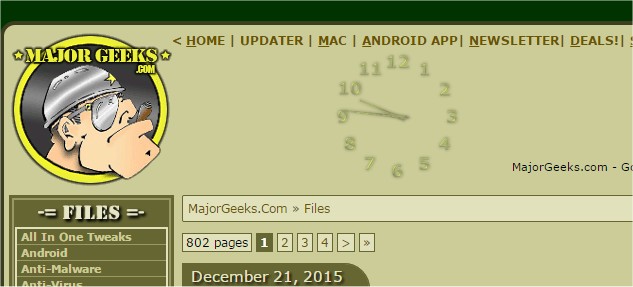
The latest version of TheAeroClock, version 9.41, has been released, offering users a customizable and portable clock solution for their PC desktops. This application allows users to position and resize the clock anywhere on their screen, enhancing desktop personalization.
Key features of TheAeroClock include adjustable transparency, various clock-hand styles, and different dial textures, all while maintaining low CPU usage. The clock can be fixed in a specific screen position, includes an optional seconds hand, and features a translation option for multilingual support.
In addition to its core functionality, users seeking related information may find helpful guides on displaying multiple clocks on Windows, troubleshooting incorrect date or time settings, showing only the time on the taskbar, or removing the clock from Windows 10 and 11 taskbars.
As technology continues to evolve, future updates could introduce even more customization options, integration with digital assistants, or synchronization features with online time services, enhancing user experience further
Key features of TheAeroClock include adjustable transparency, various clock-hand styles, and different dial textures, all while maintaining low CPU usage. The clock can be fixed in a specific screen position, includes an optional seconds hand, and features a translation option for multilingual support.
In addition to its core functionality, users seeking related information may find helpful guides on displaying multiple clocks on Windows, troubleshooting incorrect date or time settings, showing only the time on the taskbar, or removing the clock from Windows 10 and 11 taskbars.
As technology continues to evolve, future updates could introduce even more customization options, integration with digital assistants, or synchronization features with online time services, enhancing user experience further
TheAeroClock 9.41 released
TheAeroClock is a free, portable timepiece for your PC that allows you to place and size it anywhere on the desktop.