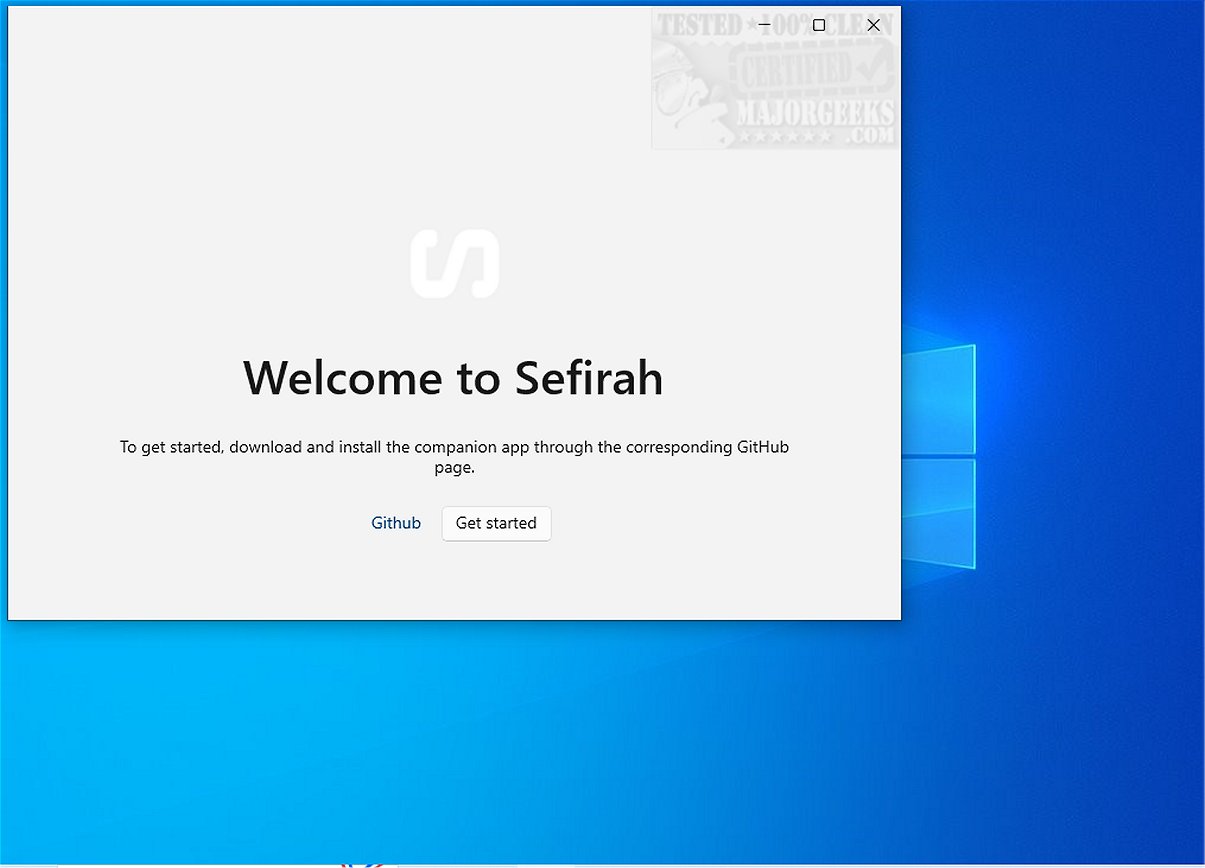
Sefirah has launched its version 2.4.0, presenting itself as a free and open-source alternative to Phone Link. A distinctive feature of Sefirah is that it does not require a Microsoft account for usage, making it more accessible for users concerned about privacy and data sharing. The application caters to a broad range of functionalities, including clipboard copy-pasting, available on all Android phones and tablets, thereby enhancing user workflow.
Enhancing Your Workflow
Sefirah is designed to optimize productivity by allowing seamless clipboard and notification sharing between Windows PCs and Android devices. Users can effortlessly copy text, links, and images from one device and paste them onto another, eliminating the need for manual input and streamlining information transfer.
Simple Connection Process
Connecting devices through Sefirah is user-friendly. When both the Windows PC and Android device are on the same network, Sefirah automatically detects them, providing a one-tap shortcut for connection. Additionally, users have the option to connect using a QR code. This process is efficient as it requires no online account or subscription, addressing concerns about excessive data sharing with service providers.
User-Centric Design
Sefirah is tailored for simplicity, making it ideal for individuals who prefer an uncomplicated method to synchronize their devices. Whether for professionals managing complex tasks or students balancing multiple assignments, Sefirah's versatility enhances productivity and streamlines workflows.
Comprehensive Notification Management
In addition to clipboard sharing, Sefirah enables users to receive and manage notifications from their Android devices directly on their Windows PC. This feature is particularly valuable for individuals who frequently switch between devices, ensuring they stay connected and do not miss important alerts or messages.
Key Features of Sefirah:
- Clipboard Sharing: Effortlessly share clipboard content between Android and Windows.
- Media Control: Manage media playback and volume on your PC via your Android device.
- File Sharing: Facilitate easy file transfers between devices.
- Storage Integration: Access Android storage directly from Windows Explorer.
- Notification Management: Display Android notifications on the desktop.
- Screen Mirroring: Mirror and control your Android device using scrcpy.
User Feedback and Conclusion
Sefirah has garnered positive feedback as a robust open-source alternative to Microsoft's Phone Link. Users appreciate its efficient clipboard syncing and responsive notification mirroring, alongside its smooth operation over a local network. While some users have noted occasional inconsistencies in file transfer speeds, the overall experience positions Sefirah as a reliable choice for those seeking effective device integration.
Future Prospects
Looking forward, Sefirah has the potential to expand its feature set further, perhaps incorporating enhanced security measures or integrations with additional platforms. As technology continues to evolve, Sefirah could emerge as a leading tool for managing cross-device workflows, catering to a growing audience of users prioritizing privacy and simplicity
Enhancing Your Workflow
Sefirah is designed to optimize productivity by allowing seamless clipboard and notification sharing between Windows PCs and Android devices. Users can effortlessly copy text, links, and images from one device and paste them onto another, eliminating the need for manual input and streamlining information transfer.
Simple Connection Process
Connecting devices through Sefirah is user-friendly. When both the Windows PC and Android device are on the same network, Sefirah automatically detects them, providing a one-tap shortcut for connection. Additionally, users have the option to connect using a QR code. This process is efficient as it requires no online account or subscription, addressing concerns about excessive data sharing with service providers.
User-Centric Design
Sefirah is tailored for simplicity, making it ideal for individuals who prefer an uncomplicated method to synchronize their devices. Whether for professionals managing complex tasks or students balancing multiple assignments, Sefirah's versatility enhances productivity and streamlines workflows.
Comprehensive Notification Management
In addition to clipboard sharing, Sefirah enables users to receive and manage notifications from their Android devices directly on their Windows PC. This feature is particularly valuable for individuals who frequently switch between devices, ensuring they stay connected and do not miss important alerts or messages.
Key Features of Sefirah:
- Clipboard Sharing: Effortlessly share clipboard content between Android and Windows.
- Media Control: Manage media playback and volume on your PC via your Android device.
- File Sharing: Facilitate easy file transfers between devices.
- Storage Integration: Access Android storage directly from Windows Explorer.
- Notification Management: Display Android notifications on the desktop.
- Screen Mirroring: Mirror and control your Android device using scrcpy.
User Feedback and Conclusion
Sefirah has garnered positive feedback as a robust open-source alternative to Microsoft's Phone Link. Users appreciate its efficient clipboard syncing and responsive notification mirroring, alongside its smooth operation over a local network. While some users have noted occasional inconsistencies in file transfer speeds, the overall experience positions Sefirah as a reliable choice for those seeking effective device integration.
Future Prospects
Looking forward, Sefirah has the potential to expand its feature set further, perhaps incorporating enhanced security measures or integrations with additional platforms. As technology continues to evolve, Sefirah could emerge as a leading tool for managing cross-device workflows, catering to a growing audience of users prioritizing privacy and simplicity
Sefirah 2.4.0 released
Sefirah is a free, Open Source alternative to Phone Link. Unlike its counterpart, Sefirah does not require a Microsoft account for usage. It offers a range of features, including clipboard copy-pasting, which are accessible on all Android phones and tablets.