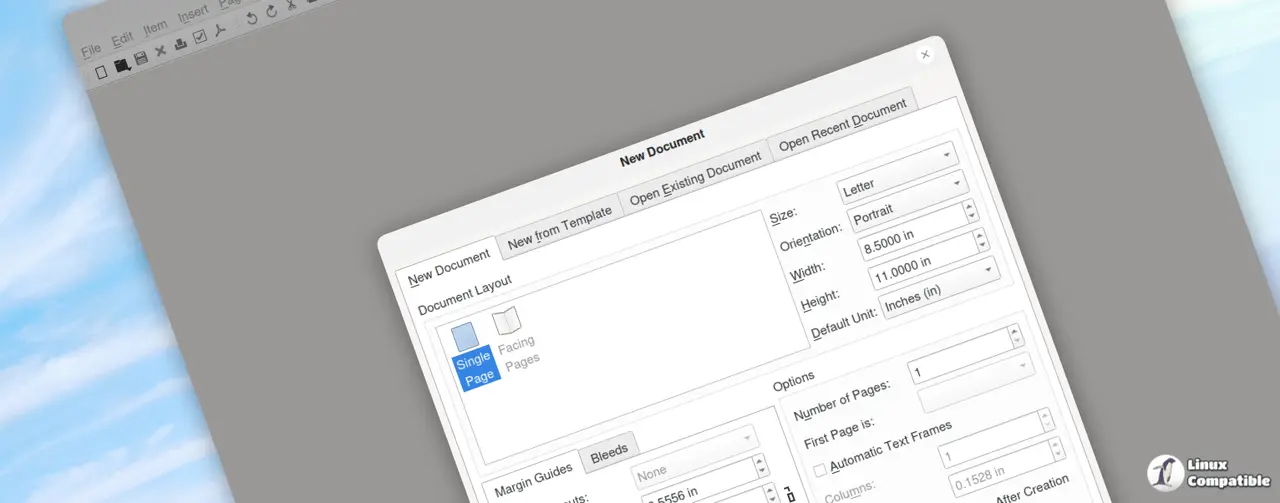
Scribus 1.7.2 has officially been released, showcasing significant enhancements to the open-source desktop publishing software. This update is part of the unstable/development series and marks a noteworthy progression for the application. The developers have addressed several issues from the previous version, 1.7.1, primarily focusing on resolving problematic PDF export functionalities. This fix is particularly beneficial for users involved in file production, as it streamlines their workflow considerably.
In addition to PDF export improvements, the update resolves preference regression bugs and includes compatibility tweaks related to poppler updates, ensuring a smoother user experience across various applications. Users can also expect minor usability enhancements, such as a new hint on the color button, which serves as a gentle reminder regarding potential color management issues. Furthermore, the visual clarity of icons associated with the Align and Distribute features has been improved, eliminating previous blurriness.
Another noteworthy update is the enhancement of document logging features, which now allow users to gain better insights into their recent work sessions and improve file management efficiency. The 1.7.x series represents a new direction for Scribus development, setting the stage for major feature additions, particularly those linked to the Qt6 framework. This shift positions the 1.7.x branch as a testing ground for innovative changes and improvements, with exciting developments already emerging in the subversion trunk (1.7.x.svn).
As the pace of development accelerates, users can anticipate a more refined experience with an upgraded palette system and more flexible dockable interfaces. Additionally, the potential inclusion of SVG icons promises to enhance the software's visual appeal and functionality.
For those interested in the latest updates and to download Scribus 1.7.2, further information and links are available on the Scribus website and SourceForge. As development continues, users are encouraged to stay tuned for further improvements and features that will enhance their desktop publishing experience
In addition to PDF export improvements, the update resolves preference regression bugs and includes compatibility tweaks related to poppler updates, ensuring a smoother user experience across various applications. Users can also expect minor usability enhancements, such as a new hint on the color button, which serves as a gentle reminder regarding potential color management issues. Furthermore, the visual clarity of icons associated with the Align and Distribute features has been improved, eliminating previous blurriness.
Another noteworthy update is the enhancement of document logging features, which now allow users to gain better insights into their recent work sessions and improve file management efficiency. The 1.7.x series represents a new direction for Scribus development, setting the stage for major feature additions, particularly those linked to the Qt6 framework. This shift positions the 1.7.x branch as a testing ground for innovative changes and improvements, with exciting developments already emerging in the subversion trunk (1.7.x.svn).
As the pace of development accelerates, users can anticipate a more refined experience with an upgraded palette system and more flexible dockable interfaces. Additionally, the potential inclusion of SVG icons promises to enhance the software's visual appeal and functionality.
For those interested in the latest updates and to download Scribus 1.7.2, further information and links are available on the Scribus website and SourceForge. As development continues, users are encouraged to stay tuned for further improvements and features that will enhance their desktop publishing experience
Scribus 1.7.2 released
The latest update of Scribus 1.7.2 has brought significant improvements to the open-source desktop publishing software, addressing issues from previous versions. The developers have resolved PDF export problems, preference regression bugs, and compatibility tweaks related to poppler updates, making the user experience smoother and more efficient. This update also includes smaller usability enhancements such as a new color button hint and sharper icons for Align and Distribute features.