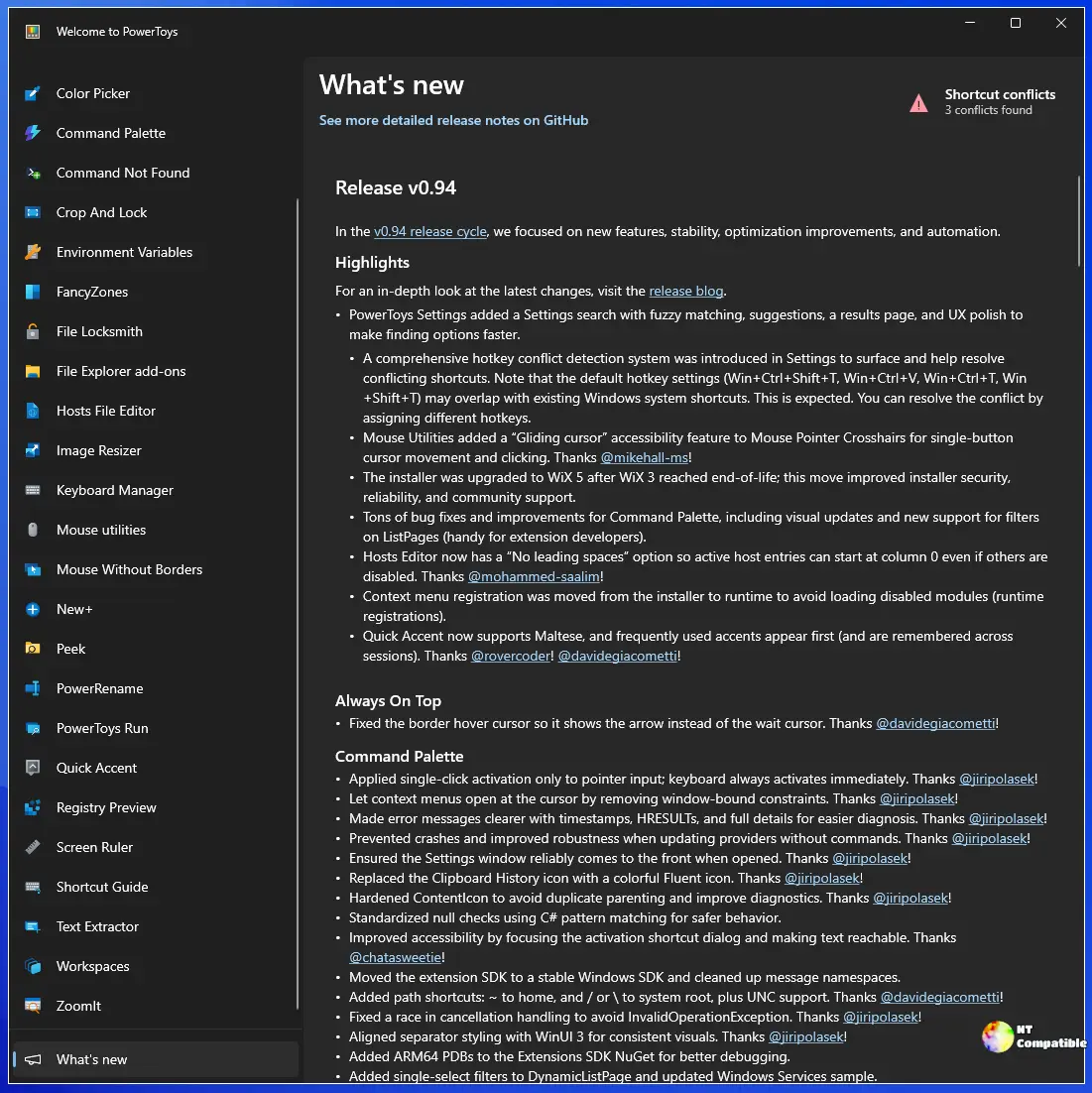
PowerToys 0.100 introduces a complete overhaul of the Shortcut Guide, which now auto-detects active applications and presents relevant shortcuts in a streamlined interface. The update enhances the Command Palette with a built-in extension gallery and supports independent dock configurations for multiple monitors, improving workflow management. Additionally, PowerDisplay sees improved reliability with a new Max Compatibility Mode, faster startup times, and better monitor detection, while ZoomIt receives practical recording upgrades. The migration to .NET 10 reduces the installer size by 15% and significantly enhances the auto-update process, ensuring settings are preserved and configurations remain intact during updates
PowerToys 0.100 Fixes Auto-Updates and Rebuilds the Shortcut Guide for Faster Workflows
PowerToys 0.100 completely rebuilds the Shortcut Guide to auto-detect active applications and display relevant shortcuts in a clean side pane. Command Palette finally gets a built-in extension gallery and independent dock configurations for every monitor, streamlining tool discovery and workflow management. PowerDisplay reliability improves significantly with a new Max Compatibility Mode, faster startup times, and consistent monitor detection across system reboots. The update also migrates the entire suite to .NET 10, shrinks the installer by 15 percent, and finally fixes the auto-update process so settings actually survive the installation.