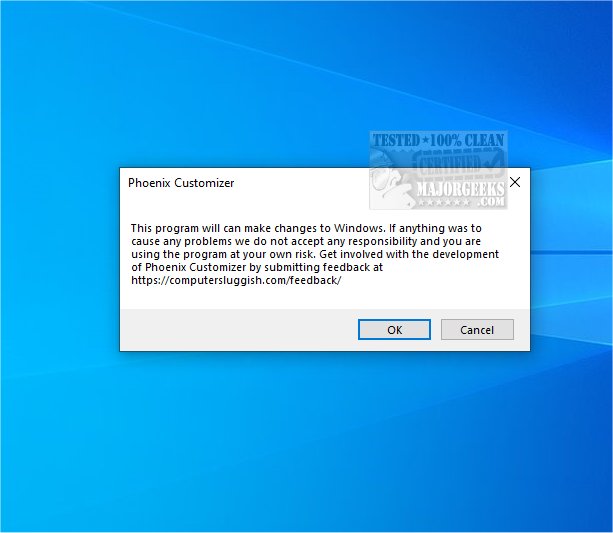
Phoenix Customizer version 1.1.14 has been released, offering users an extensive array of customization options for their Windows 10 or Windows 11 operating systems. This versatile tool allows for significant personalization to enhance both aesthetics and functionality.
One of the key features of Phoenix Customizer is the ability to customize colors and visual effects across Windows folders. This makes it simpler for users to organize and navigate their files while creating a visually appealing workspace that reflects their personal style.
In addition to folder customization, users can also personalize their taskbar extensively. This includes adjusting visual elements like color schemes and icon arrangements, as well as modifying taskbar functionality by adding or removing shortcuts and organizing apps to suit individual workflows. Such personalization not only enhances the visual appeal of the taskbar but also contributes to a more efficient computing environment.
Another notable feature is the floating widget, which provides quick access to frequently used shortcuts and items. This widget can be easily positioned on the desktop, allowing users to keep essential tools within easy reach, thereby boosting productivity and streamlining tasks.
Moreover, Phoenix Customizer allows for modifications to the Windows context menu. This customization lets users add or remove options, further tailoring their experience and improving workflow efficiency.
Overall, Phoenix Customizer is an excellent tool for users looking to create a personalized and organized working environment that caters to their specific needs and preferences. As technology continues to evolve, the demand for such customization tools is likely to increase, making Phoenix Customizer a valuable addition for Windows users seeking a more tailored experience.
In the future, further updates could introduce even more features such as enhanced themes, additional widget options, or advanced automation capabilities to streamline user tasks further. These expansions could make Phoenix Customizer an indispensable resource for both casual users and professionals alike who want to maximize their efficiency and workspace enjoyment
One of the key features of Phoenix Customizer is the ability to customize colors and visual effects across Windows folders. This makes it simpler for users to organize and navigate their files while creating a visually appealing workspace that reflects their personal style.
In addition to folder customization, users can also personalize their taskbar extensively. This includes adjusting visual elements like color schemes and icon arrangements, as well as modifying taskbar functionality by adding or removing shortcuts and organizing apps to suit individual workflows. Such personalization not only enhances the visual appeal of the taskbar but also contributes to a more efficient computing environment.
Another notable feature is the floating widget, which provides quick access to frequently used shortcuts and items. This widget can be easily positioned on the desktop, allowing users to keep essential tools within easy reach, thereby boosting productivity and streamlining tasks.
Moreover, Phoenix Customizer allows for modifications to the Windows context menu. This customization lets users add or remove options, further tailoring their experience and improving workflow efficiency.
Overall, Phoenix Customizer is an excellent tool for users looking to create a personalized and organized working environment that caters to their specific needs and preferences. As technology continues to evolve, the demand for such customization tools is likely to increase, making Phoenix Customizer a valuable addition for Windows users seeking a more tailored experience.
In the future, further updates could introduce even more features such as enhanced themes, additional widget options, or advanced automation capabilities to streamline user tasks further. These expansions could make Phoenix Customizer an indispensable resource for both casual users and professionals alike who want to maximize their efficiency and workspace enjoyment
Phoenix Customizer 1.1.14 released
Phoenix Customizer provides a wide range of options to tailor your Windows 10 or Windows 11 operating system according to your personal style and preferences.