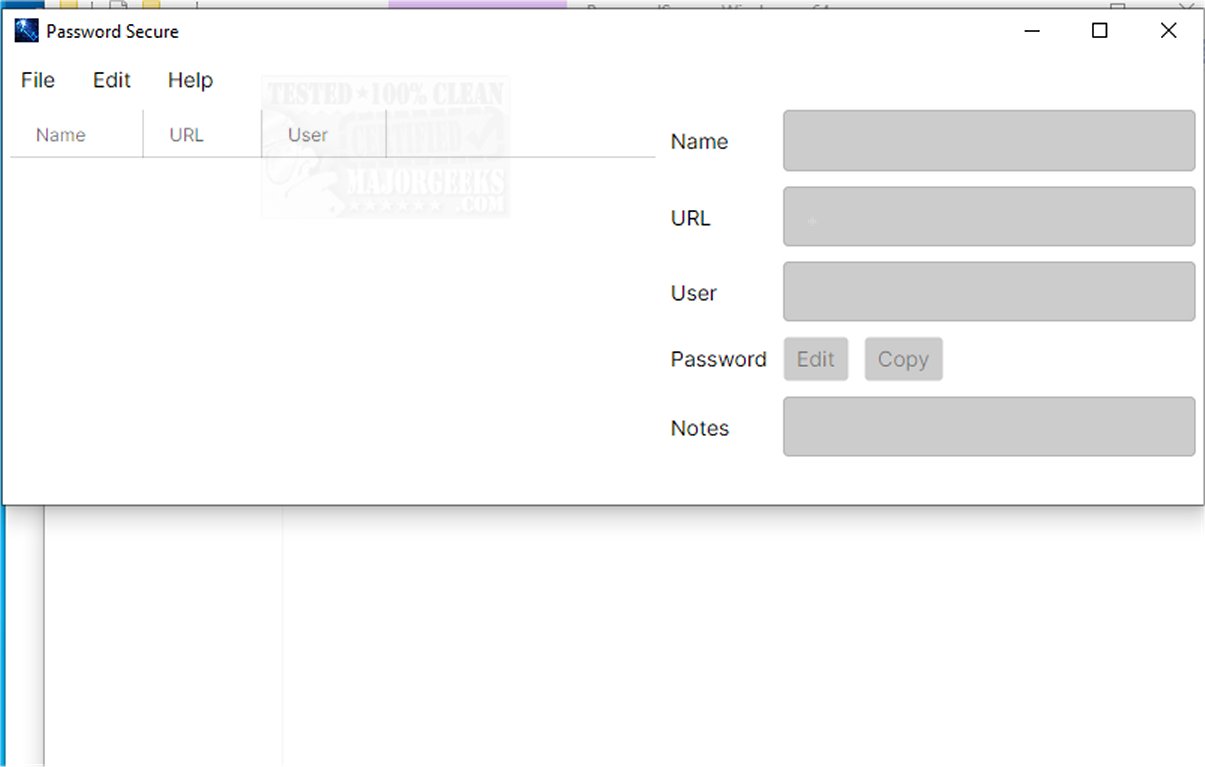
Password Secure 1.2026.02.09 has been released as a portable, cross-platform password manager that emphasizes security by enabling users to store and manage their credentials offline. This approach mitigates the risks associated with cloud storage, which can expose sensitive information to potential threats.
Purpose and Functionality
Password Secure is designed to help users securely manage their passwords in a user-friendly environment. It features an intuitive interface that is accessible even to those with limited technical experience. The application simplifies the management of sensitive data while enhancing security through robust encrypted storage methods.
Security Features
The password manager employs AES-256 encryption, one of the most secure encryption standards available, to protect user data from unauthorized access. This level of encryption ensures that passwords and personal information are kept safe. Additionally, Password Secure allows users to access their credentials seamlessly across various devices, providing flexibility without sacrificing security.
Key Features
Password Secure includes several features tailored for straightforward and secure password storage:
- State-of-the-art AES-256 symmetric-key encryption
- Offline storage using portable files to enhance security
- Automatic backup creation before any updates to stored data
- Secure copying and editing of passwords without exposing them
- Automatic clipboard clearing upon application exit to prevent data leakage
User Experience
The application is designed to facilitate both the safeguarding of existing login information and the secure creation of new credentials. With its well-thought-out interface, Password Secure encourages effective password management while enabling easy password generation and organization. This makes it an excellent solution for individuals seeking to bolster their online security for both personal and professional purposes.
Conclusion
Overall, Password Secure emerges as a comprehensive solution for secure password management, catering to users who prioritize data security and ease of use. Whether for managing everyday passwords or creating new ones, it provides a reliable framework to enhance online safety.
Additional Resources
For those interested in further enhancing their password management skills, consider exploring articles on topics such as showing hidden or masked passwords, finding your Wi-Fi password, and managing passwords in Google Chrome
Purpose and Functionality
Password Secure is designed to help users securely manage their passwords in a user-friendly environment. It features an intuitive interface that is accessible even to those with limited technical experience. The application simplifies the management of sensitive data while enhancing security through robust encrypted storage methods.
Security Features
The password manager employs AES-256 encryption, one of the most secure encryption standards available, to protect user data from unauthorized access. This level of encryption ensures that passwords and personal information are kept safe. Additionally, Password Secure allows users to access their credentials seamlessly across various devices, providing flexibility without sacrificing security.
Key Features
Password Secure includes several features tailored for straightforward and secure password storage:
- State-of-the-art AES-256 symmetric-key encryption
- Offline storage using portable files to enhance security
- Automatic backup creation before any updates to stored data
- Secure copying and editing of passwords without exposing them
- Automatic clipboard clearing upon application exit to prevent data leakage
User Experience
The application is designed to facilitate both the safeguarding of existing login information and the secure creation of new credentials. With its well-thought-out interface, Password Secure encourages effective password management while enabling easy password generation and organization. This makes it an excellent solution for individuals seeking to bolster their online security for both personal and professional purposes.
Conclusion
Overall, Password Secure emerges as a comprehensive solution for secure password management, catering to users who prioritize data security and ease of use. Whether for managing everyday passwords or creating new ones, it provides a reliable framework to enhance online safety.
Additional Resources
For those interested in further enhancing their password management skills, consider exploring articles on topics such as showing hidden or masked passwords, finding your Wi-Fi password, and managing passwords in Google Chrome
Password Secure 1.2026.02.09 released
Password Secure is a portable, cross-platform password manager designed to help you securely store and manage your credentials. It operates offline, ensuring that sensitive information remains on your device rather than being stored in the cloud, which can pose security risks.