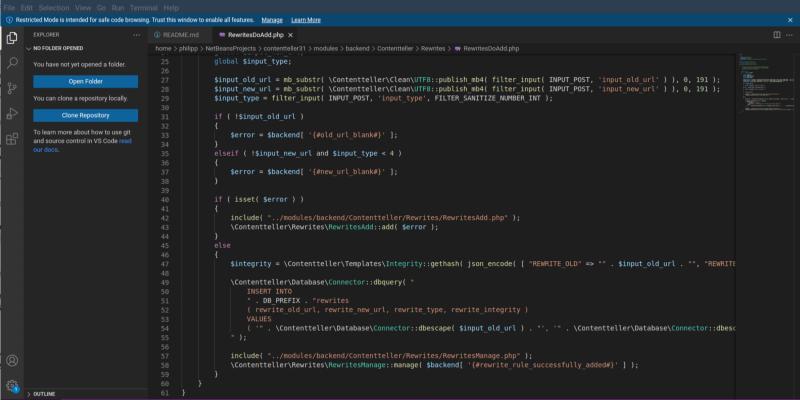
VSCodium has released a new build, version 1.110.11607, which incorporates the VS Code core version 1.110.1 and addresses a padding issue that previously left unwanted space around characters when using certain fonts. The update allows the editor to honor explicit zero margin or padding settings, leading to better alignment of code lines, particularly with minimalist themes or custom font settings. Users can easily upgrade by checking for updates within VSCodium and restarting the application to apply the new font-size logic. This fix enhances the visual appearance of the editor, offering a cleaner and more professional look without the need for additional configuration
VSCodium 1.110.11607 Now Fixes the Padding Bug That Leaves Your Code Lines Air‑brushed
A new VSCodium build now includes VS Code core 1.110.1, fixing a padding issue that left unwanted space around characters when fonts specify zero margins or padding. The update makes the editor honor explicit zero values instead of defaulting to an eight‑pixel buffer. After a quick check‑for‑updates and restart, code lines will align more tightly—especially with minimalist themes or custom font settings that rely on minimal spacing. This single tweak removes a visual glitch without any extra configuration work, giving editors a cleaner, more professional look.