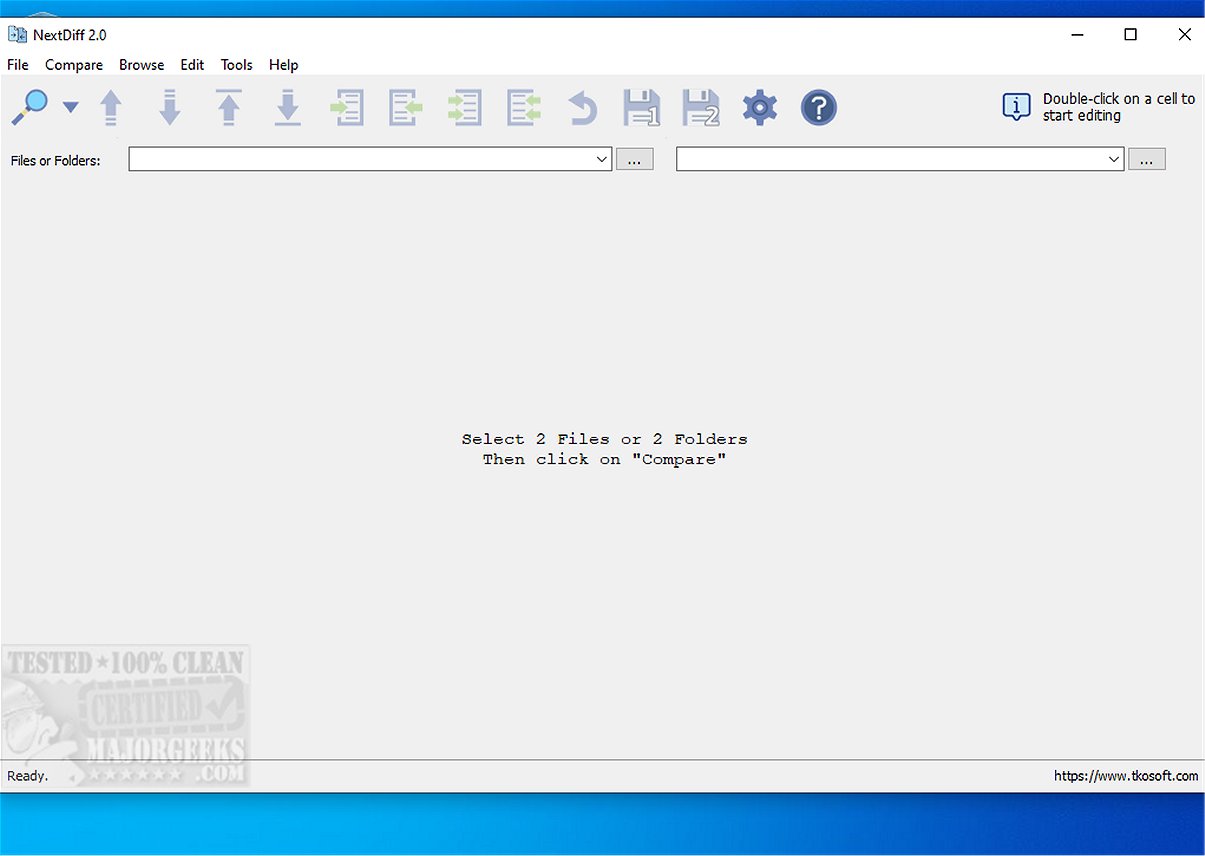
NextDiff is a free and efficient file comparison tool designed for Windows users, enabling them to effortlessly identify discrepancies between two files or entire folders. Whether dealing with text documents, source code, or complex formats like PDFs and DOCX files, NextDiff simplifies the process of comparison.
Key Features and Functionality
NextDiff boasts several impressive features that enhance its usability:
- Automatic Difference Detection: The tool quickly analyzes two specified files, delivering results almost instantly. It provides a summary dialog that quantifies matching and differing lines, while highlighting text or paragraph differences for easy identification.
- User-Friendly Interface: With its intuitive design, NextDiff allows users, including those with minimal experience, to navigate the comparison process with ease. Auto-highlighting further aids in spotting discrepancies at a glance.
- Comprehensive File Format Support: NextDiff supports various file formats, thanks to its integration with Apache Tika. This allows it to process not only simple text files but also complex formats such as PDF, DOCX, and PPTX. Users should ensure they have the Java Development Kit (JDK) installed for Tika to function optimally.
- Advanced Comparison Options: The tool offers side-by-side comparisons, line-by-line and in-line highlighting, folder comparisons, and the ability to detect files unique to either side. It also allows users to copy differences, edit text directly within the comparison view, and navigate differences easily.
- Customization and Flexibility: Users can ignore case sensitivity, whitespace, and blank lines during comparisons, and NextDiff supports multiple text file encodings, including ANSI and UTF-16.
Practical Applications
NextDiff is not just a technical tool; it is a practical utility for various users, from software developers comparing code to writers checking document revisions. Its straightforward functionality makes it accessible for personal and commercial use alike.
Conclusion
For anyone seeking a robust, free tool to compare files and folders on Windows, NextDiff 2.2 stands out with its user-friendly interface, extensive functionality, and support for a wide range of file formats. By simplifying the comparison process, NextDiff proves to be an invaluable asset for both novice and experienced users alike, making file management tasks more efficient and less time-consuming.
As NextDiff continues to evolve, users can anticipate even more features and improvements in future updates, solidifying its position as a go-to comparison tool in the market
Key Features and Functionality
NextDiff boasts several impressive features that enhance its usability:
- Automatic Difference Detection: The tool quickly analyzes two specified files, delivering results almost instantly. It provides a summary dialog that quantifies matching and differing lines, while highlighting text or paragraph differences for easy identification.
- User-Friendly Interface: With its intuitive design, NextDiff allows users, including those with minimal experience, to navigate the comparison process with ease. Auto-highlighting further aids in spotting discrepancies at a glance.
- Comprehensive File Format Support: NextDiff supports various file formats, thanks to its integration with Apache Tika. This allows it to process not only simple text files but also complex formats such as PDF, DOCX, and PPTX. Users should ensure they have the Java Development Kit (JDK) installed for Tika to function optimally.
- Advanced Comparison Options: The tool offers side-by-side comparisons, line-by-line and in-line highlighting, folder comparisons, and the ability to detect files unique to either side. It also allows users to copy differences, edit text directly within the comparison view, and navigate differences easily.
- Customization and Flexibility: Users can ignore case sensitivity, whitespace, and blank lines during comparisons, and NextDiff supports multiple text file encodings, including ANSI and UTF-16.
Practical Applications
NextDiff is not just a technical tool; it is a practical utility for various users, from software developers comparing code to writers checking document revisions. Its straightforward functionality makes it accessible for personal and commercial use alike.
Conclusion
For anyone seeking a robust, free tool to compare files and folders on Windows, NextDiff 2.2 stands out with its user-friendly interface, extensive functionality, and support for a wide range of file formats. By simplifying the comparison process, NextDiff proves to be an invaluable asset for both novice and experienced users alike, making file management tasks more efficient and less time-consuming.
As NextDiff continues to evolve, users can anticipate even more features and improvements in future updates, solidifying its position as a go-to comparison tool in the market
NextDiff 2.2 released
NextDiff is a free comparison tool for Windows that allows users to easily identify differences between two files, whether they are text documents, source code files, or entire folders.