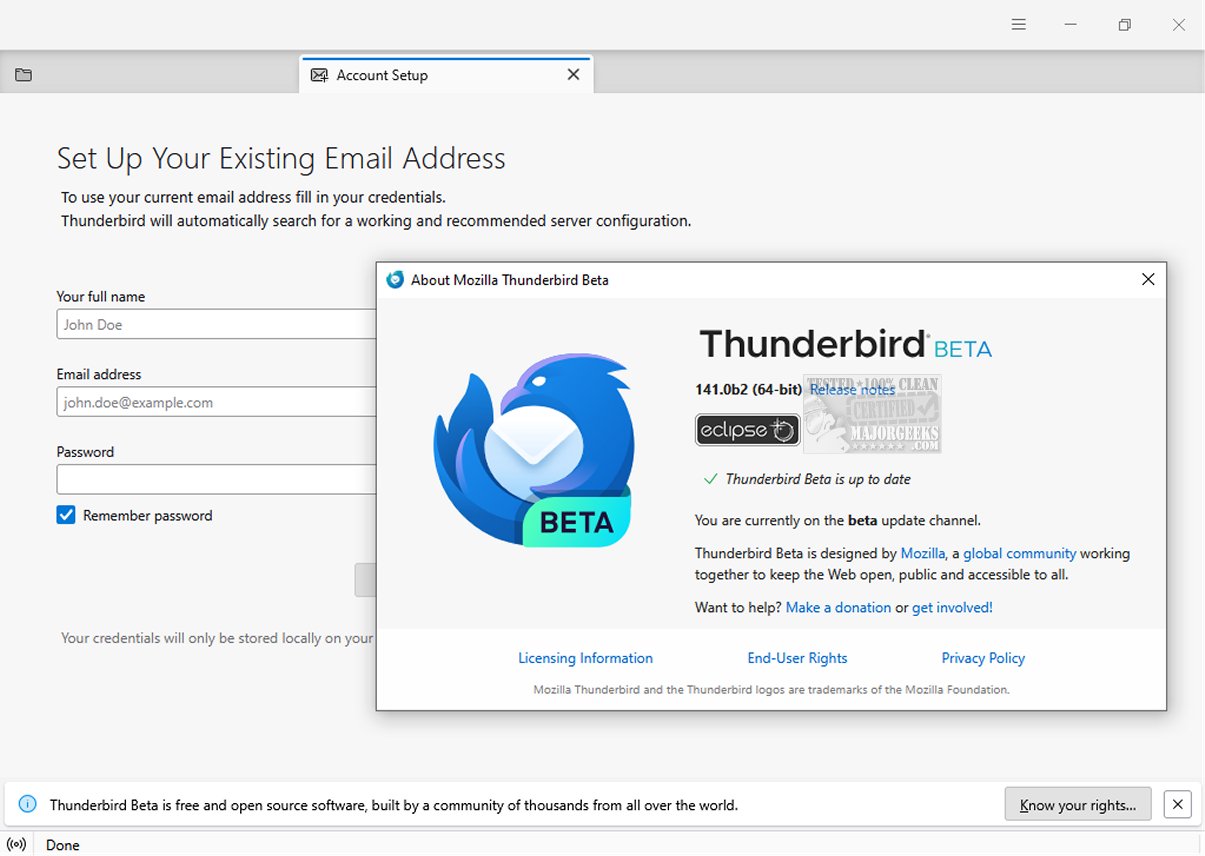
Mozilla Thunderbird Eclipse 152.0 Beta 4 has been released, enhancing the functionalities of this email client that prioritizes safety, speed, and user-friendliness. With a plethora of built-in features, users can enjoy easy message searches, customizable views, and comprehensive support for both IMAP/POP and RSS feeds. For those who prefer mobility, a Portable version is also available.
A notable improvement in this version is the introduction of a dynamic toolbar that adapts to user needs, displaying frequently used and contextual options based on the currently active tab or space. This feature allows users to tailor their toolbar and window layout to align perfectly with their workflow. Additionally, the graphical user interface (GUI) has undergone a complete redesign, enhancing navigation and visual appeal.
Mozilla Thunderbird Eclipse is recognized as a reliable and secure option for managing organizational emails. Its safety features include an efficient junk mail filter that analyzes all incoming messages to identify potential spam, while also allowing users to manually flag any emails that may bypass the filter. The client employs robust security measures, such as digital signing, message encryption, S/MIME support, and certificate integration, making it suitable for enterprises and government agencies.
Furthermore, users can take advantage of a wide variety of Mozilla Add-Ons, which enable the integration of additional features, providing a more personalized email experience tailored to individual requirements.
In summary, the latest version of Mozilla Thunderbird Eclipse not only enhances user experience through improved features and design but also reinforces its commitment to safety and customization, catering to the diverse needs of its users. As email communication continues to evolve, Thunderbird remains a solid choice for both personal and professional use
A notable improvement in this version is the introduction of a dynamic toolbar that adapts to user needs, displaying frequently used and contextual options based on the currently active tab or space. This feature allows users to tailor their toolbar and window layout to align perfectly with their workflow. Additionally, the graphical user interface (GUI) has undergone a complete redesign, enhancing navigation and visual appeal.
Mozilla Thunderbird Eclipse is recognized as a reliable and secure option for managing organizational emails. Its safety features include an efficient junk mail filter that analyzes all incoming messages to identify potential spam, while also allowing users to manually flag any emails that may bypass the filter. The client employs robust security measures, such as digital signing, message encryption, S/MIME support, and certificate integration, making it suitable for enterprises and government agencies.
Furthermore, users can take advantage of a wide variety of Mozilla Add-Ons, which enable the integration of additional features, providing a more personalized email experience tailored to individual requirements.
In summary, the latest version of Mozilla Thunderbird Eclipse not only enhances user experience through improved features and design but also reinforces its commitment to safety and customization, catering to the diverse needs of its users. As email communication continues to evolve, Thunderbird remains a solid choice for both personal and professional use
Mozilla Thunderbird Eclipse 152.0 Beta 4 released
Mozilla Thunderbird Eclipse is an email client prioritizing safety, speed, and user-friendliness. It has numerous built-in features, such as easy message search, customizable views, and IMAP/POP and RSS support. A Portable version is also available.
Mozilla Thunderbird Eclipse 152.0 Beta 4 released @ MajorGeeks