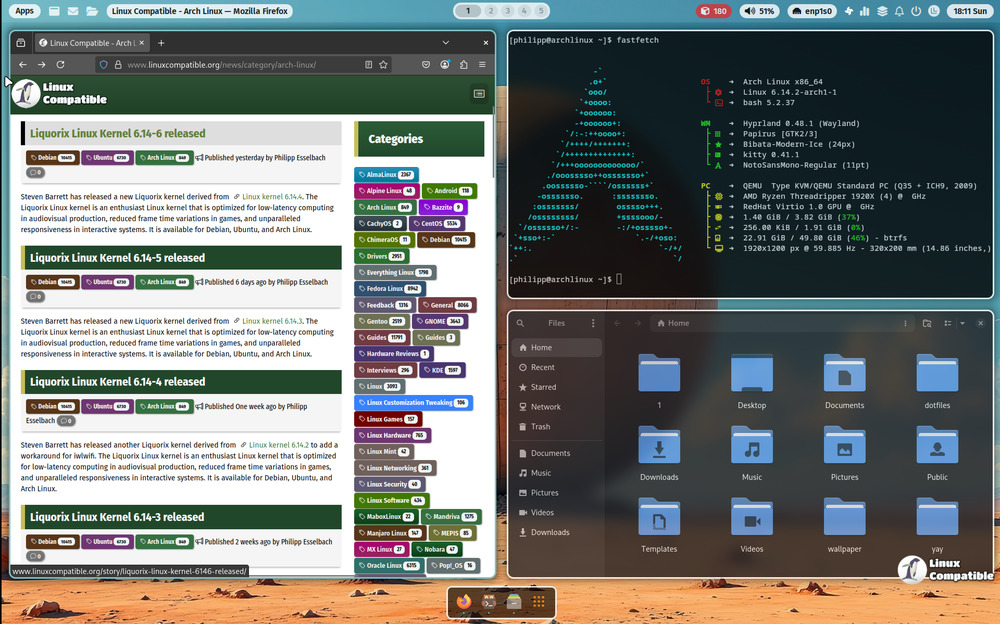
The ML4W version 2.11.1 update introduces a visually refreshed desktop with a new icon theme and cursor, enhancing the overall user interface. It replaces the Hyprshade module with Hyprsunset, allowing for more flexible color adjustments and smoother transitions between light and dark modes, along with an easy theme-switching feature using the Super+Shift+M hotkey. Neovim configuration has been moved to its own dedicated repository for easier maintenance and installation. Additionally, the update is compatible with Hyprland 0.54.x, ensuring users can enjoy the new features without needing to rebuild their entire setup
ML4W 2.11.1 Update: Fresh Look, Easier Setup, and Enhanced Features
The latest release of ML4W, version 2.11.1, brings a fresh new look and feel to the desktop with its updated icon theme and cursor combo. The default kora-pgrey icon set and return to Bibata cursor theme provide a cleaner and more polished interface that works well on both dark and light backgrounds. Additionally, the release introduces Hyprsunset as a replacement for Hyprshade, offering more flexible color overlays and smoother transitions between light and dark modes. Users can now easily switch between themes with a single keystroke using Super+Shift+M and access Neovim configuration through its own dedicated repository.
ML4W 2.11.1 Update: Fresh Look, Easier Setup, and Enhanced Features @ Linux Compatible