Liquorix Kernel 6.18-13: A Step-by-Step Guide to Improved Performance on Debian, Ubuntu and Arch
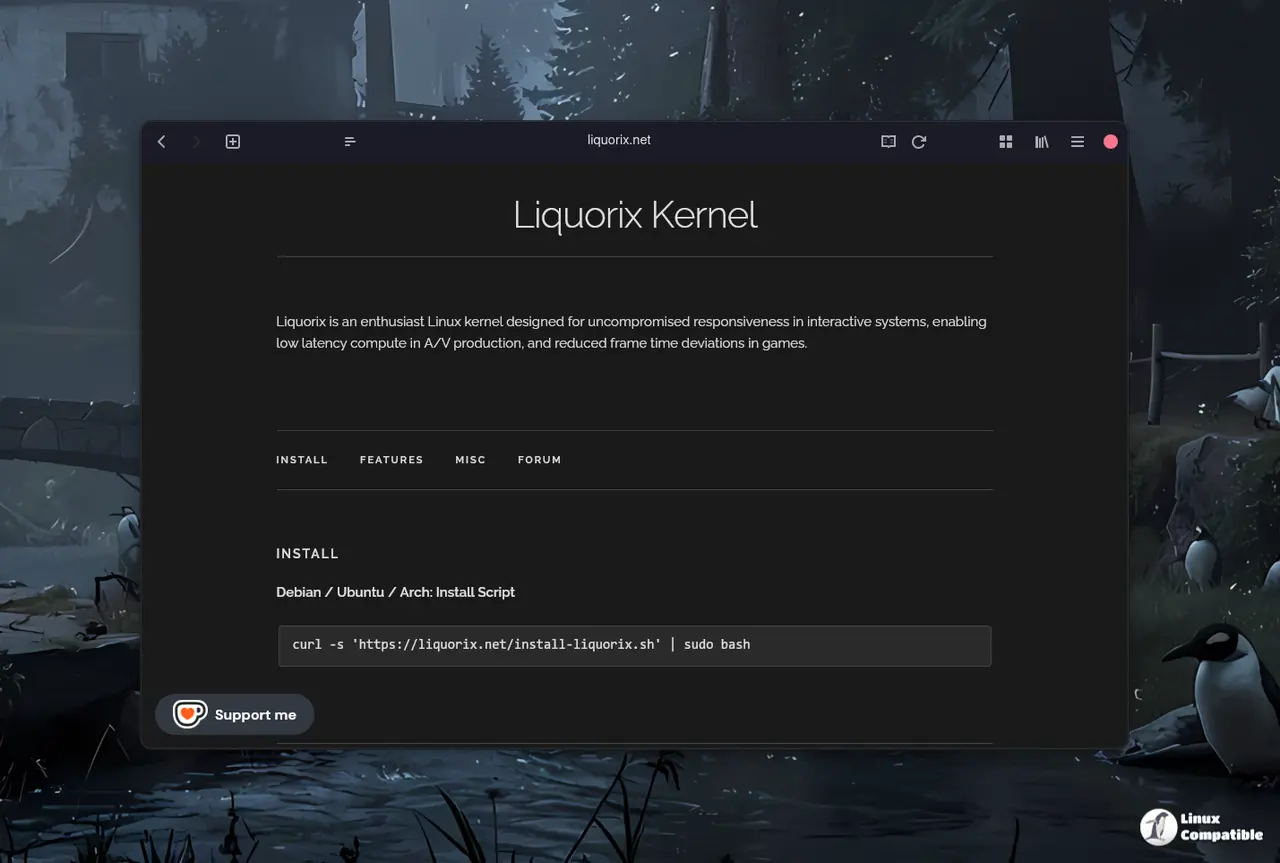
The Liquorix Kernel 6.18-13 offers improved performance and reduced latency for desktop users and gamers through tweaks such as swapping the default scheduler and adjusting CPU settings. To install this kernel on Debian, Ubuntu, and Arch Linux systems, download the official script using curl and follow its instructions to pull the necessary .deb files from Liquorix's repository. The new kernel replaces the mq-deadline scheduler with Kyber for multiqueue devices and BFQ for single-queue drives, resulting in faster performance during tasks like video encoding and gaming. After installation and a reboot, users can verify that the new kernel is active by checking the system's output from commands like uname -r and /sys/block/sda/queue/scheduler.
Liquorix Kernel 6.18-13: A Step-by-Step Guide to Improved Performance on Debian, Ubuntu and Arch
The Liquorix Kernel 6.18-13 enhances performance and decreases latency for desktop users and gamers by implementing several optimizations, including a new scheduler setup. To install this kernel on Debian, Ubuntu, and Arch Linux, users can download the official script using curl, which automatically handles necessary configurations and updates. Key changes include replacing the mq-deadline scheduler with Kyber for multiqueue devices and BFQ for single-queue drives, improving system responsiveness during demanding tasks like gaming and video encoding. After installation and rebooting, users can verify the new kernel's activation by checking the output of specific commands, ensuring they experience enhanced performance in their daily computing tasks