Kdenlive 25.12.3 Release Stops Timeline Ripple Crash
Kdenlive’s newest maintenance build, version 25.12.3, rounds out the series with a handful of long‑awaited stability fixes and workflow tweaks. The update stops the rogue crash that popped up when inserting or removing clips in ripple mode—something that had already made several editing sessions a pain point. It also wipes a memory leak from the render widget, so projects no longer keep ballooning RAM until they finish, and corrects audio scrubbing oddities caused by disabling “Pause on Seek.” For those who need a clean layout while in fullscreen, the new patch fixes shortcut handling with Shift modifiers and makes dock widgets recycle their freed space properly. Windows and Linux users can download it right away; macOS support is delayed until packaging issues are resolved.
Kdenlive 25.12.3 Release Stops Timeline Ripple Crash @ Linux Compatible
Kdenlive 25.12.3 Release Stops Timeline Ripple Crash
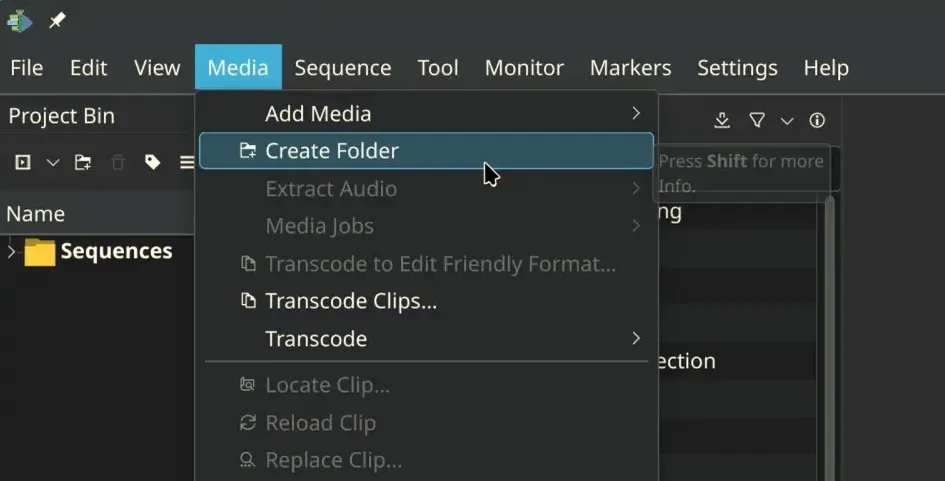
Kdenlive has released version 25.12.3, which includes important stability fixes and enhancements for user workflow, particularly addressing crashes in ripple mode when editing clips. The update resolves a memory leak in the render widget, corrects audio scrubbing issues, and improves the overall interface, including better shortcut handling in fullscreen mode and enhancements for vertical video editing. New features include a welcome screen for new users, a revamped audio monitor view, and logical grouping of menu items to streamline editing processes. While Windows and Linux users can access the update immediately, macOS support is temporarily delayed due to packaging problems