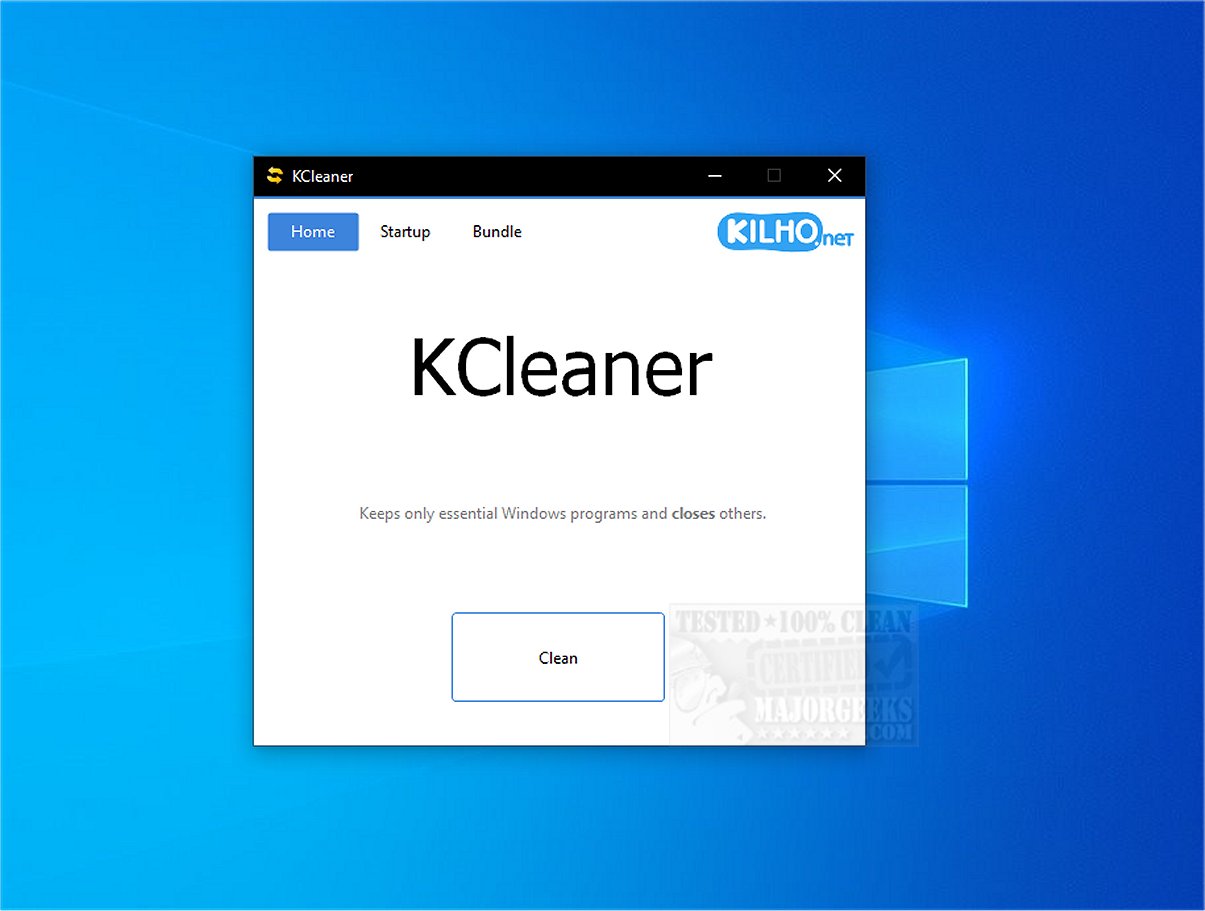
KCleaner 4.0.0 has been released as a robust utility aimed at enhancing system performance by shutting down unnecessary background processes and keeping only the essential ones active. This optimization helps free up valuable system resources, resulting in smoother operation for your computer.
One of KCleaner's key features is its capability to identify and eliminate unwanted security programs, including malicious software that disguises itself as legitimate Windows processes. This function is crucial in protecting your system from potential threats.
KCleaner also boasts a simple and intuitive user interface that allows users to manage programs that launch automatically at startup. By controlling these startup processes, users can achieve faster boot times and improved overall performance.
Importantly, KCleaner exercises caution by not interfering with critical drivers, such as those for graphics and sound, which could lead to performance degradation. Furthermore, it ensures that trusted antivirus software remains active, safeguarding your system even while optimizing performance.
Users are advised to create a recent restore point prior to using KCleaner, as well as maintain a current backup, to be prepared for any unforeseen issues.
In summary, KCleaner 4.0.0 provides an effective and user-friendly solution for shutting down unnecessary programs without the need for uninstallation. Its streamlined interface facilitates a smooth experience, allowing users to declutter their systems and enhance performance effortlessly.
Extended Overview:
As technology continues to evolve, maintaining optimal system performance is more critical than ever. KCleaner 4.0.0 not only helps in reducing clutter and improving speed but also addresses security concerns associated with unwanted software. Its ability to detect and terminate potentially harmful programs adds an essential layer of protection for users.
In the future, we can anticipate more features and enhancements from KCleaner, possibly including advanced algorithms for process identification and removal, integration with other system optimization tools, and enhanced user customization options. These improvements would further solidify KCleaner’s position as a vital tool for both casual users and tech enthusiasts looking to maintain a high-performing computer system
One of KCleaner's key features is its capability to identify and eliminate unwanted security programs, including malicious software that disguises itself as legitimate Windows processes. This function is crucial in protecting your system from potential threats.
KCleaner also boasts a simple and intuitive user interface that allows users to manage programs that launch automatically at startup. By controlling these startup processes, users can achieve faster boot times and improved overall performance.
Importantly, KCleaner exercises caution by not interfering with critical drivers, such as those for graphics and sound, which could lead to performance degradation. Furthermore, it ensures that trusted antivirus software remains active, safeguarding your system even while optimizing performance.
Users are advised to create a recent restore point prior to using KCleaner, as well as maintain a current backup, to be prepared for any unforeseen issues.
In summary, KCleaner 4.0.0 provides an effective and user-friendly solution for shutting down unnecessary programs without the need for uninstallation. Its streamlined interface facilitates a smooth experience, allowing users to declutter their systems and enhance performance effortlessly.
Extended Overview:
As technology continues to evolve, maintaining optimal system performance is more critical than ever. KCleaner 4.0.0 not only helps in reducing clutter and improving speed but also addresses security concerns associated with unwanted software. Its ability to detect and terminate potentially harmful programs adds an essential layer of protection for users.
In the future, we can anticipate more features and enhancements from KCleaner, possibly including advanced algorithms for process identification and removal, integration with other system optimization tools, and enhanced user customization options. These improvements would further solidify KCleaner’s position as a vital tool for both casual users and tech enthusiasts looking to maintain a high-performing computer system
KCleaner 4.0.0 released
KCleaner is a powerful utility designed to help optimize your system's performance by closing unnecessary background processes, ensuring only essential processes remain active.