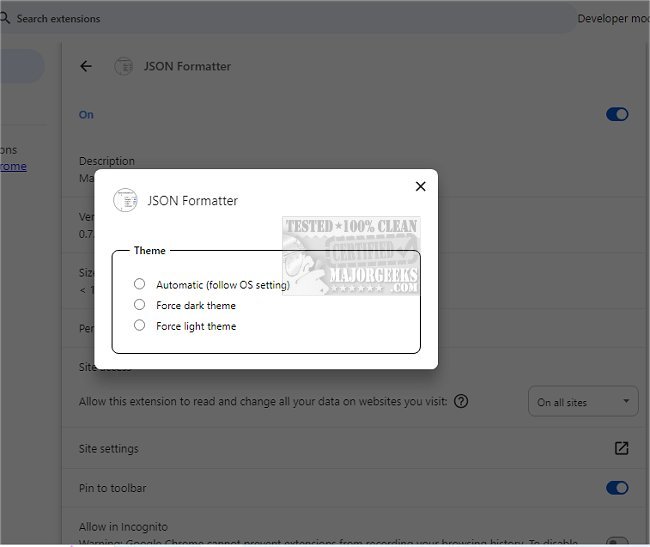
The JSON Formatter for Chrome, version 0.9.4, is an open-source browser extension designed to enhance the readability of JSON data. This tool is particularly useful for developers and users who frequently interact with JSON, as it transforms complex data into a visually appealing and organized format. By automatically detecting JSON on web pages, the extension formats it for easier comprehension, allowing users to focus on the content instead of getting lost in formatting issues.
Key features of JSON Formatter for Chrome include:
- Syntax Highlighting: Improves the visual distinction between different elements of the JSON data.
- Collapsible Trees: Users can expand or collapse sections of the JSON, making it easier to navigate large datasets.
- Indent Guides: Helps in understanding the structure of the data.
- Clickable URLs: Enhances usability by allowing quick access to linked resources within the JSON.
- Performance: The extension has a minimal impact on page loading times, processing JSON in less than a millisecond and efficiently handling even very lengthy JSON documents.
- Versatility: It works seamlessly across all valid JSON pages, regardless of their URL, and includes functionality to toggle between raw and formatted views.
Overall, if you often work with JSON data, the JSON Formatter for Chrome offers a streamlined way to improve your workflow and gain better insights from the data you are handling. With its user-friendly features and efficient processing, it stands out as a valuable tool for anyone needing to parse and analyze JSON content effectively.
In addition to the existing features, future updates could include enhanced support for various JSON schemas, integration with other developer tools, or even collaborative features that allow teams to share formatted JSON in real-time. These enhancements would make the extension an even more powerful asset for developers and data analysts alike
Key features of JSON Formatter for Chrome include:
- Syntax Highlighting: Improves the visual distinction between different elements of the JSON data.
- Collapsible Trees: Users can expand or collapse sections of the JSON, making it easier to navigate large datasets.
- Indent Guides: Helps in understanding the structure of the data.
- Clickable URLs: Enhances usability by allowing quick access to linked resources within the JSON.
- Performance: The extension has a minimal impact on page loading times, processing JSON in less than a millisecond and efficiently handling even very lengthy JSON documents.
- Versatility: It works seamlessly across all valid JSON pages, regardless of their URL, and includes functionality to toggle between raw and formatted views.
Overall, if you often work with JSON data, the JSON Formatter for Chrome offers a streamlined way to improve your workflow and gain better insights from the data you are handling. With its user-friendly features and efficient processing, it stands out as a valuable tool for anyone needing to parse and analyze JSON content effectively.
In addition to the existing features, future updates could include enhanced support for various JSON schemas, integration with other developer tools, or even collaborative features that allow teams to share formatted JSON in real-time. These enhancements would make the extension an even more powerful asset for developers and data analysts alike
JSON Formatter for Chrome 0.9.4 released
JSON Formatter for Chrome is designed to help you read JSON in a more visually appealing way. It improves the readability of JSON data, making it easier to understand.