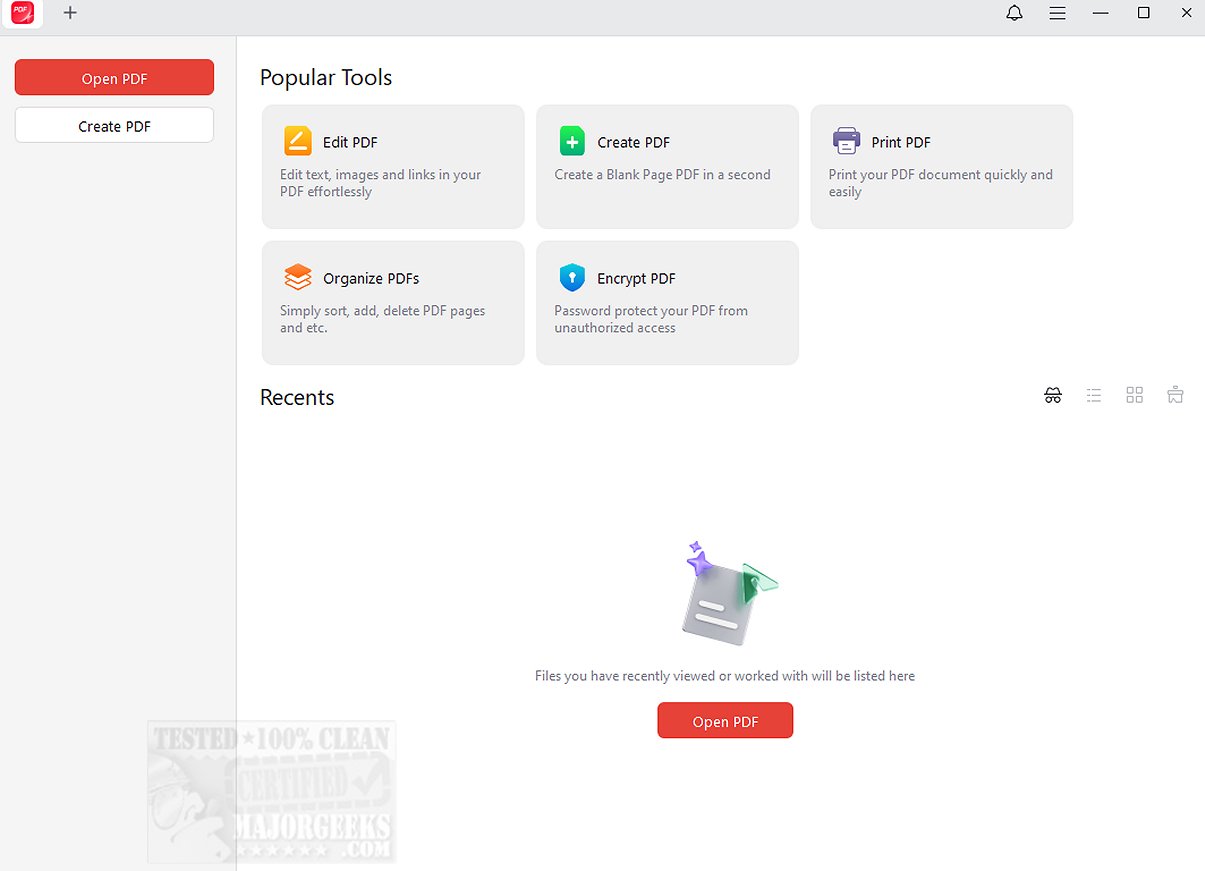
JOPDF 2.4.1 has been released as an all-in-one PDF editor and reader, aimed at enhancing users' PDF workflow. This comprehensive tool is designed for efficient management of PDF documents, enabling users to perform various functions such as editing text and images, annotating documents, rearranging pages, splitting PDFs, applying password protection, and printing. With its user-friendly interface, JOPDF stands as a practical alternative to Adobe Acrobat, particularly for those seeking free software options.
Key features of JOPDF include more than ten annotation tools that facilitate effective commenting and mark-up of PDFs. Users can highlight, underline, use strikethrough options, and even engage in freehand drawing, making it one of the most efficient PDF annotators available for Windows. To further enhance document security, JOPDF offers password protection, ensuring sensitive information remains safeguarded from unauthorized access. The software is straightforward to use and does not require registration, which adds to its accessibility.
The "Geek Verdict" on JOPDF emphasizes its ability to unlock the full potential of PDF management. It provides a reliable and convenient solution for viewing, editing, organizing, and securing documents, helping users streamline their workflows and protect their sensitive information.
In addition to its core functionalities, JOPDF can be further extended by integrating it with cloud storage services for easy access to documents across devices, or by adding features that support collaboration among multiple users. Future updates could also include enhanced artificial intelligence tools for automatic text recognition and smart editing suggestions, improving user experience even more.
Overall, JOPDF 2.4.1 represents a significant advancement in PDF management tools, making it an essential resource for anyone who frequently works with PDF files
Key features of JOPDF include more than ten annotation tools that facilitate effective commenting and mark-up of PDFs. Users can highlight, underline, use strikethrough options, and even engage in freehand drawing, making it one of the most efficient PDF annotators available for Windows. To further enhance document security, JOPDF offers password protection, ensuring sensitive information remains safeguarded from unauthorized access. The software is straightforward to use and does not require registration, which adds to its accessibility.
The "Geek Verdict" on JOPDF emphasizes its ability to unlock the full potential of PDF management. It provides a reliable and convenient solution for viewing, editing, organizing, and securing documents, helping users streamline their workflows and protect their sensitive information.
In addition to its core functionalities, JOPDF can be further extended by integrating it with cloud storage services for easy access to documents across devices, or by adding features that support collaboration among multiple users. Future updates could also include enhanced artificial intelligence tools for automatic text recognition and smart editing suggestions, improving user experience even more.
Overall, JOPDF 2.4.1 represents a significant advancement in PDF management tools, making it an essential resource for anyone who frequently works with PDF files
JOPDF 2.4.1 released
JOPDF provides an all-in-one PDF editor and reader designed to optimize your PDF workflow.