Install XanMod Kernel 6.8.15 on Debian or Ubuntu: A Step-by-Step Guide
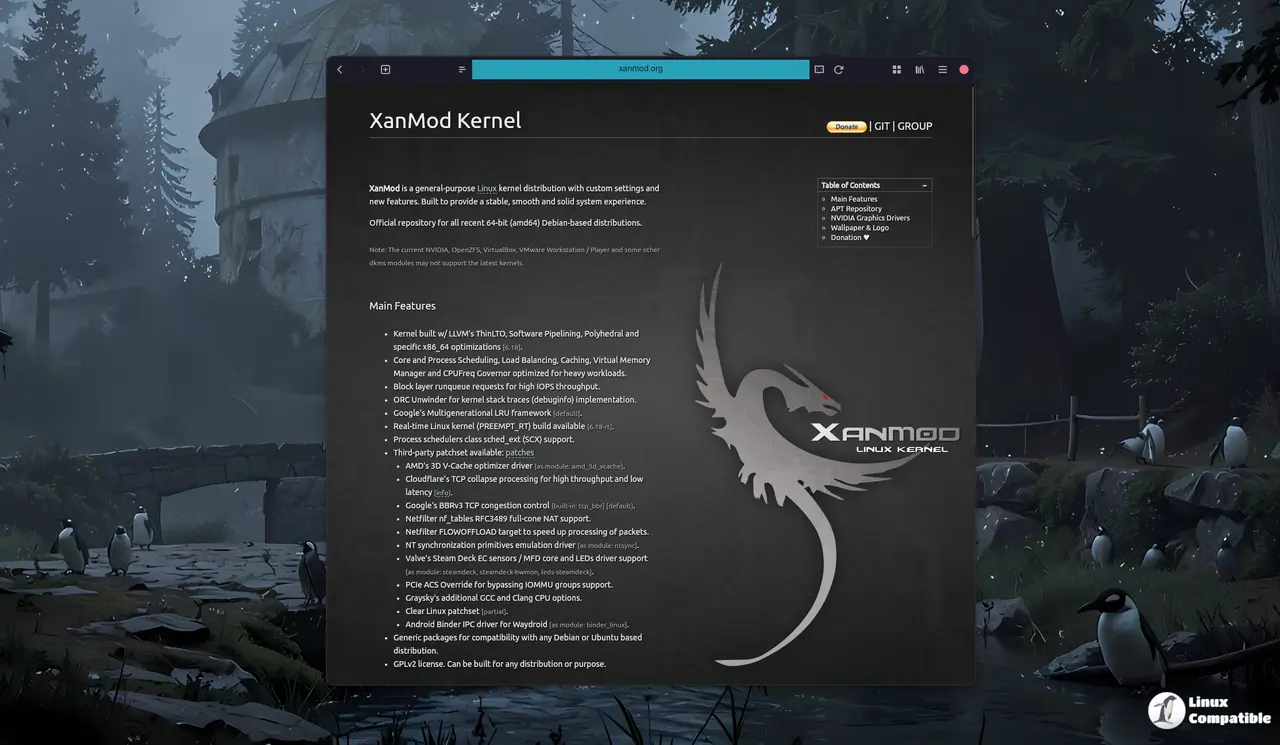
The XanMod kernel release 6.8.15 brings several improvements, including ThinLTO, better block I/O handling, and a built-in BBRv3 TCP congestion controller. To get this new kernel running on Debian or Ubuntu while keeping graphics working, you need to trust the upstream signing key and add the XanMod repository to your system. The process involves updating the package index, installing the main XanMod package, and installing any required external modules or drivers like NVIDIA. After installation, a quick sanity check can be performed by reading /proc/version to confirm that the new kernel is running, and troubleshooting may involve verifying GRUB's default entry and rebuilding custom packages like OpenZFS DKMS.
Install XanMod Kernel 6.8.15 on Debian or Ubuntu: A Step-by-Step Guide @ Linux Compatible
Install XanMod Kernel 6.8.15 on Debian or Ubuntu: A Step-by-Step Guide
The XanMod kernel release 6.8.15 includes several enhancements such as ThinLTO, improved block I/O handling, and a built-in BBRv3 TCP congestion controller, making it suitable for demanding workloads like gaming and virtualization. To install this kernel on Debian or Ubuntu without disrupting your graphics, users must trust the upstream signing key, add the XanMod repository, and install the main kernel package along with any necessary drivers. Special attention is needed for NVIDIA drivers to avoid common issues after a kernel upgrade, and users can install the appropriate driver directly from XanMod’s repository. After installation, users can verify the kernel is running correctly by checking `/proc/version` and ensuring GRUB points to the new kernel if any boot issues arise