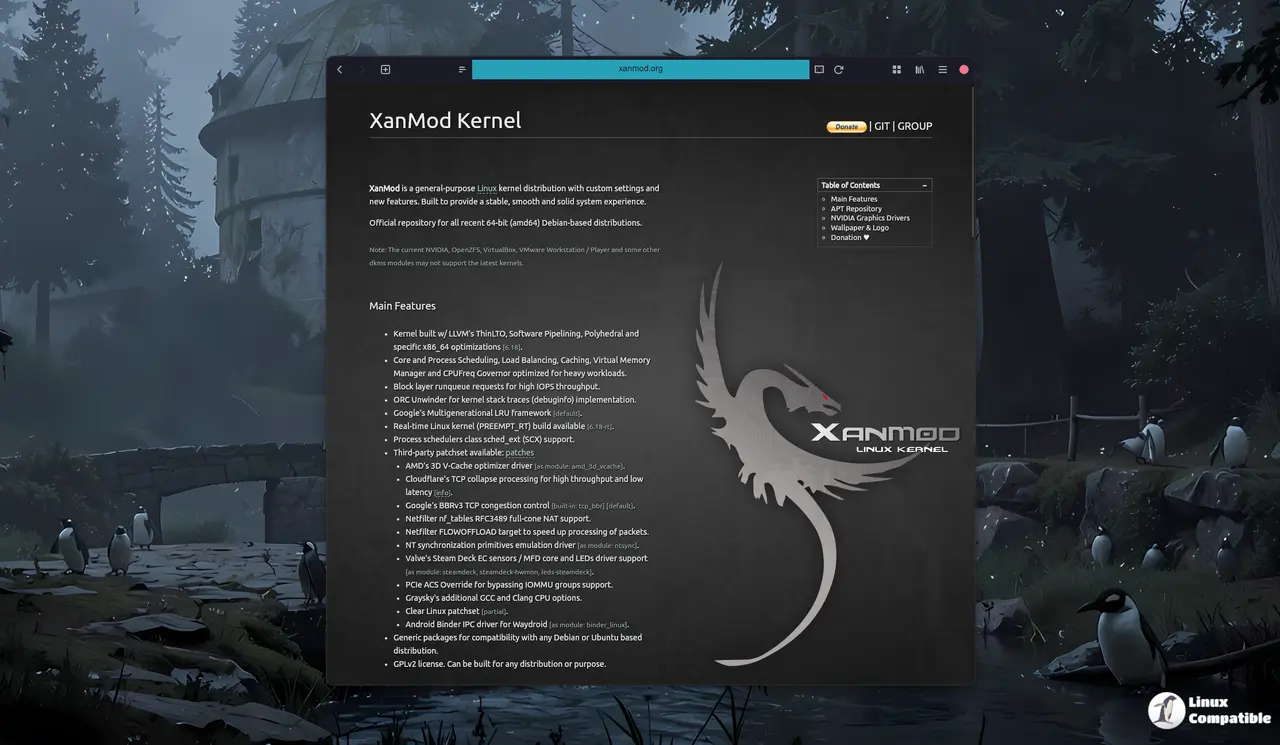
The XanMod kernel version 6.19.2 has been released, featuring enhancements like webcam support for certain AMD laptops, and can be installed on Debian-based systems. The installation process involves adding the official repository, updating the package list, and installing the kernel and necessary headers along with build tools for external modules like NVIDIA drivers and VirtualBox. Users should verify the kernel version post-installation and may need to reinstall proprietary drivers if encountering boot issues. Additionally, DKMS modules for VirtualBox and VMware require a rebuild to ensure compatibility with the new kernel
Install XanMod Kernel 6.19.2 (First Release in 6.19 Series) on Debian-Based Systems: A Step-by-Step Guide
The first XanMod kernel, version 6.19.2, has been released based on the latest 6.19 Kernel series with several enhancements and new features, including webcam support for select AMD Strix Halo-based laptops. To install it on Debian-based systems, start by adding the official repository and grabbing its signing key to prevent warnings from apt. After updating the package list, you'll need to pull in the kernel and headers, as well as build tools like dkms and clang if you plan to rebuild external modules, such as NVIDIA drivers or VirtualBox. With these steps complete, your system should be running smoothly on XanMod 6.19.2, although it's always a good idea to verify the kernel version and have backup plans in case of unexpected issues.