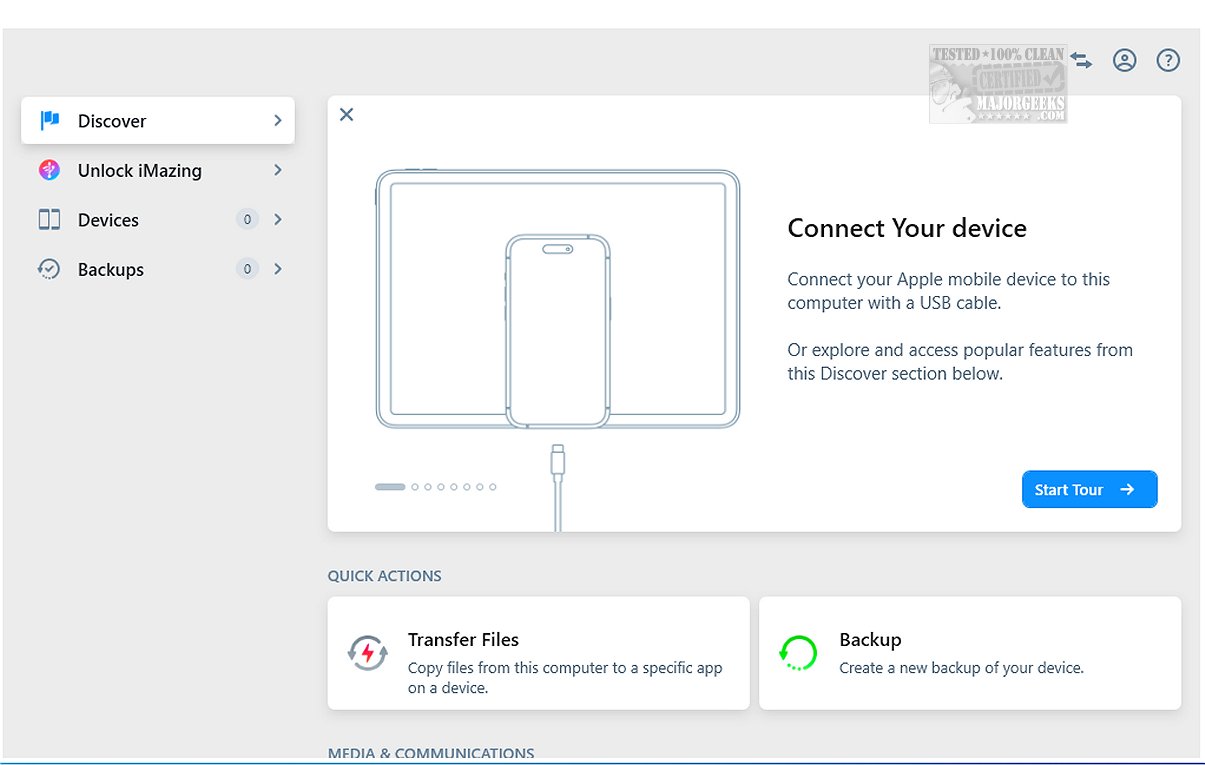
iMazing has recently released version 3.5.2, enhancing its suite of tools designed for file transfer, app management, and backup and restoration processes, effectively positioning itself as a robust alternative to iTunes. This software features incremental backups, which only save changes made since the last backup, and offers flexibility in choosing backup locations, catering to various user preferences.
Key highlights of iMazing include the ability to schedule Wi-Fi backups for added convenience and a user-friendly drag-and-drop interface that simplifies file management. When connected via USB to a computer, iMazing allows iOS devices such as iPhones, iPods, and iPads to act as external storage, making it easier to transfer and preserve vital data like messages, music, and files between devices and computers.
iMazing supports a wide array of device models, enabling users to efficiently create backups while also ensuring that their devices receive new operating system updates promptly. It offers comprehensive backup management, allowing users to create new backups, restore previous ones, export backups into folders, and analyze the contents of old backups to ensure all necessary data is present.
The software also includes a data preview feature, allowing users to browse through content such as images, videos, songs, e-books, messages, contacts, and notes before transferring them, enhancing the data management experience. Furthermore, iMazing facilitates the exportation of WhatsApp messages and attachments, as well as transferring Safari bookmarks from iOS devices to computers without needing iCloud.
In summary, iMazing stands out as a powerful yet user-friendly tool for managing files and applications on iOS devices. Its seamless features enable users to create backups, transfer files, and preview content easily, making it an essential resource for individuals at any skill level. With iMazing, users can enjoy a more organized and accessible way to manage their crucial data.
Extensions:
The latest update to iMazing not only refines existing features but may also introduce new integrations and support for the latest iOS devices and macOS systems. Users can expect improvements in speed and reliability as well as potential new functionalities that could further simplify the way they interact with their Apple devices. iMazing is continuously evolving, making it a worthy investment for anyone who values efficient device management, and its continuous updates promise to keep pace with the rapidly changing technology landscape
Key highlights of iMazing include the ability to schedule Wi-Fi backups for added convenience and a user-friendly drag-and-drop interface that simplifies file management. When connected via USB to a computer, iMazing allows iOS devices such as iPhones, iPods, and iPads to act as external storage, making it easier to transfer and preserve vital data like messages, music, and files between devices and computers.
iMazing supports a wide array of device models, enabling users to efficiently create backups while also ensuring that their devices receive new operating system updates promptly. It offers comprehensive backup management, allowing users to create new backups, restore previous ones, export backups into folders, and analyze the contents of old backups to ensure all necessary data is present.
The software also includes a data preview feature, allowing users to browse through content such as images, videos, songs, e-books, messages, contacts, and notes before transferring them, enhancing the data management experience. Furthermore, iMazing facilitates the exportation of WhatsApp messages and attachments, as well as transferring Safari bookmarks from iOS devices to computers without needing iCloud.
In summary, iMazing stands out as a powerful yet user-friendly tool for managing files and applications on iOS devices. Its seamless features enable users to create backups, transfer files, and preview content easily, making it an essential resource for individuals at any skill level. With iMazing, users can enjoy a more organized and accessible way to manage their crucial data.
Extensions:
The latest update to iMazing not only refines existing features but may also introduce new integrations and support for the latest iOS devices and macOS systems. Users can expect improvements in speed and reliability as well as potential new functionalities that could further simplify the way they interact with their Apple devices. iMazing is continuously evolving, making it a worthy investment for anyone who values efficient device management, and its continuous updates promise to keep pace with the rapidly changing technology landscape
iMazing 3.5.2 released
iMazing offers a diverse range of tools for file transfer, app management, and backup and restore processes, making it a strong alternative to iTunes. Key features of iMazing include incremental backups, which allow you to back up only the changes made since the last backup, as well as flexibility in selecting backup locations.