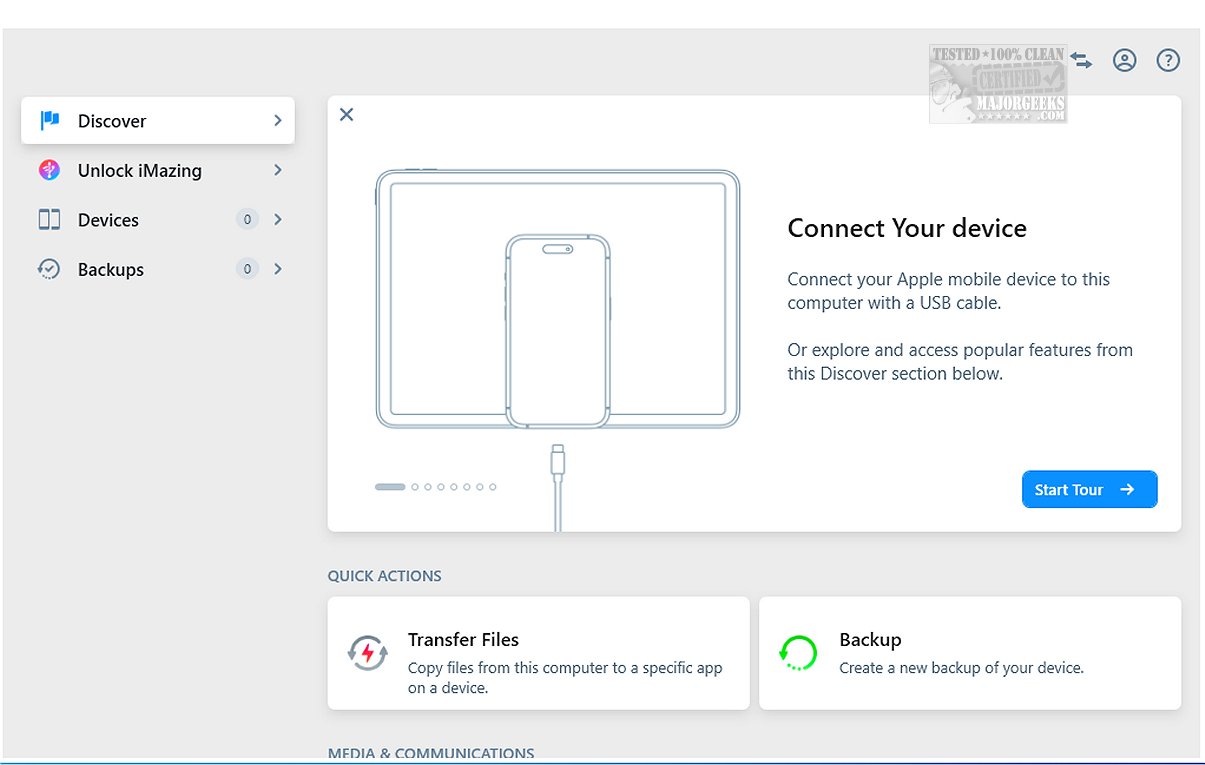
iMazing 3.5.0.0 has been released, showcasing a comprehensive suite of tools designed for file transfer, app management, and backup and restore functions. It presents a robust alternative to iTunes. Notable features include incremental backups that capture only the changes since the last backup, and the ability to choose backup locations. Additionally, iMazing supports scheduled Wi-Fi backups, enhancing convenience further.
The software allows users to connect their iOS devices—such as iPhones, iPads, and iPod touches—to a computer via USB, enabling these devices to act as external storage. iMazing is recognized for its reliability in transferring and preserving messages, music, files, and data between iOS devices and both Mac and PC systems. It supports a wide array of device models, ensuring efficient backup creation and checking for operating system updates to keep devices current.
When connected, users can create immediate backups or browse their iOS device's content, ensuring data is safely stored or easily accessible. iMazing’s comprehensive functionality includes the ability to create, restore, export, repair, or delete backups. Users can also analyze the contents of past backups to confirm the presence of necessary files.
A standout feature is the data preview function, which allows users to view and browse various content types on their device—including images, videos, songs, e-books, messages, contacts, and notes—before transferring them to a computer. This streamlined process promotes efficient data management. iMazing also facilitates the export of WhatsApp messages and attachments, as well as Safari bookmarks, to a computer without needing iCloud.
In summary, iMazing is a powerful yet user-friendly tool that simplifies file and application management on iOS devices. Its seamless features make it accessible for users of all skill levels, ensuring essential data is easily organized and retrievable. With just a few clicks, iMazing meets diverse device management needs, promoting ease and efficiency.
The software allows users to connect their iOS devices—such as iPhones, iPads, and iPod touches—to a computer via USB, enabling these devices to act as external storage. iMazing is recognized for its reliability in transferring and preserving messages, music, files, and data between iOS devices and both Mac and PC systems. It supports a wide array of device models, ensuring efficient backup creation and checking for operating system updates to keep devices current.
When connected, users can create immediate backups or browse their iOS device's content, ensuring data is safely stored or easily accessible. iMazing’s comprehensive functionality includes the ability to create, restore, export, repair, or delete backups. Users can also analyze the contents of past backups to confirm the presence of necessary files.
A standout feature is the data preview function, which allows users to view and browse various content types on their device—including images, videos, songs, e-books, messages, contacts, and notes—before transferring them to a computer. This streamlined process promotes efficient data management. iMazing also facilitates the export of WhatsApp messages and attachments, as well as Safari bookmarks, to a computer without needing iCloud.
In summary, iMazing is a powerful yet user-friendly tool that simplifies file and application management on iOS devices. Its seamless features make it accessible for users of all skill levels, ensuring essential data is easily organized and retrievable. With just a few clicks, iMazing meets diverse device management needs, promoting ease and efficiency.
Future Enhancements
In future updates, iMazing could further enhance user experience by integrating cloud storage options, offering improved collaboration features for families and teams, and expanding its compatibility with more file formats and applications. Additionally, incorporating more advanced data analytics tools could provide users with deeper insights into their device usage and data organization practicesiMazing 3.5.0.0 released
iMazing offers a diverse range of tools for file transfer, app management, and backup and restore processes, making it a strong alternative to iTunes. Key features of iMazing include incremental backups, which allow you to back up only the changes made since the last backup, as well as flexibility in selecting backup locations.