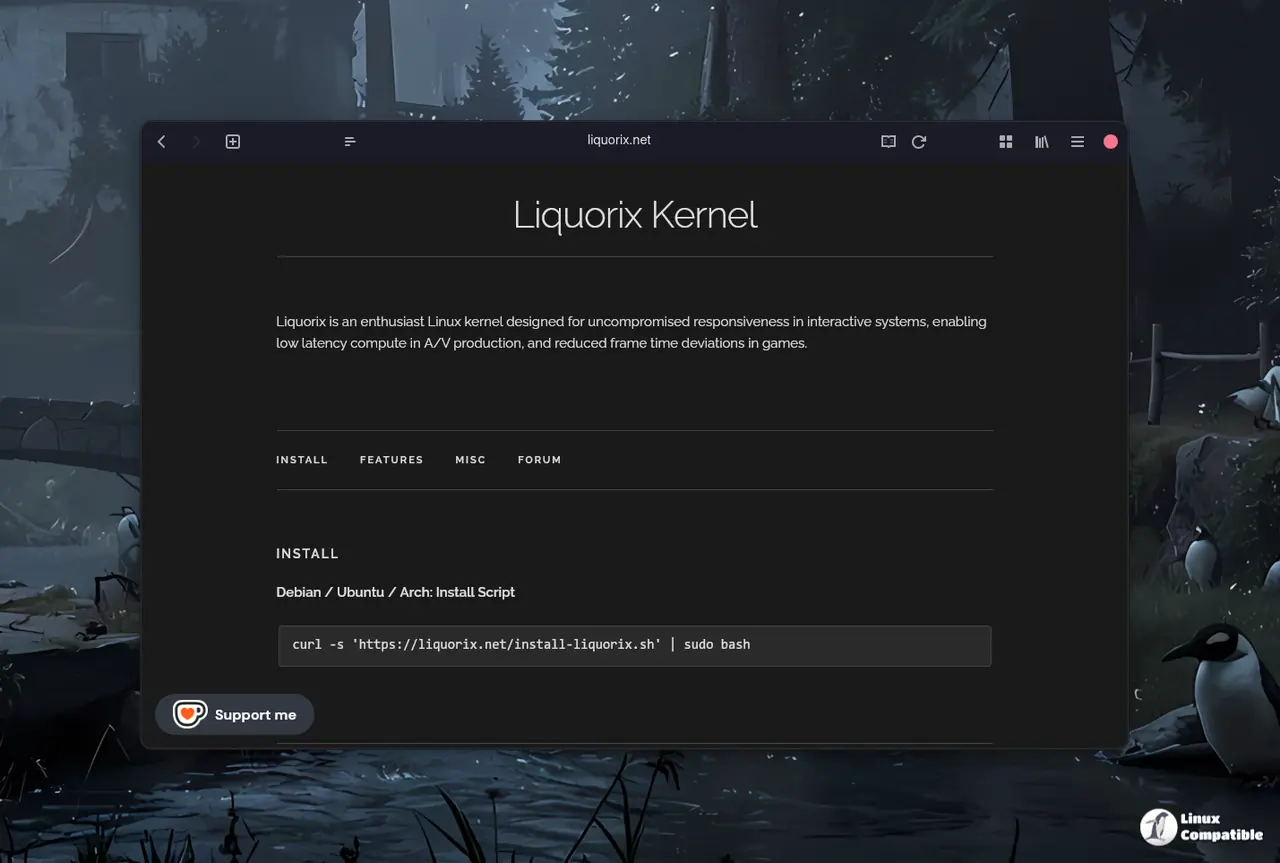
The Liquorix 6.18-14 kernel has been released, aiming to enhance gaming and multimedia performance for Linux users by offering lower latency and better frame-time consistency. This kernel features a series of optimizations, such as swapping the default scheduler and reducing CPU timeslice, which can particularly benefit users involved in gaming, video production, or low-latency virtual machines. Users can install Liquorix through a simple script that sets up the necessary repository and kernel package, ensuring a smooth installation process. While the improvements may not be noticeable for casual users, those requiring high responsiveness will likely find the upgrade beneficial, albeit at the cost of slightly increased power consumption
How to Install Liquorix Kernel 6.18-14 for Faster Gaming and Media Performance
The Liquorix 6.18-14 kernel has been released for Linux users, promising lower latency, a snappier desktop feel, and better frame-time consistency in games. This new kernel is designed to improve "interactive" performance by swapping the default scheduler, reducing CPU timeslice, and enabling background hugepage reclaim among other changes. If you regularly engage in gaming, video production, or run virtual machines that require low latency, installing Liquorix may be worth it as it can provide extra responsiveness and improved playback.
How to Install Liquorix Kernel 6.18-14 for Faster Gaming and Media Performance @ Linux Compatible