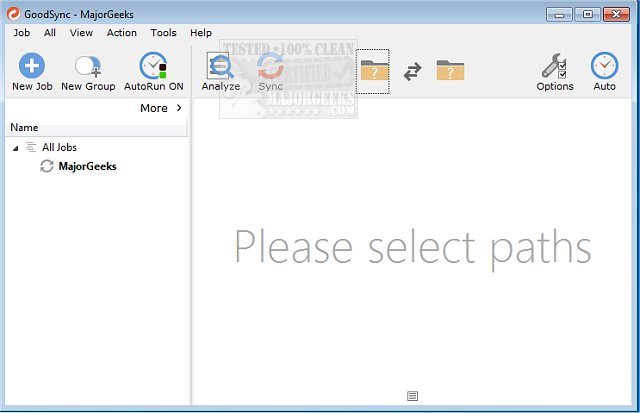
GoodSync 12.11.8 has been released, providing users with a versatile tool for backing up and syncing files across various devices without relying on cloud services. This software facilitates seamless synchronization between computers, mobile devices, and external drives, as well as compatibility with various online storage platforms such as FTP, Amazon S3, Google Drive, and Azure.
GoodSync is designed to cater to diverse backup needs, allowing users to safeguard their files in multiple ways. It can perform file synchronization on demand, according to a set schedule, or even in real-time whenever changes are detected in a file. Furthermore, the software offers robust protection for essential files, including photos, financial documents, music files, and emails.
In addition to these features, GoodSync enables users to back up files to portable drives and other computers, enhancing flexibility and accessibility. This release reinforces GoodSync's commitment to providing reliable data protection without the complexities associated with cloud storage.
As technology continues to evolve, GoodSync may introduce further features and enhancements to address the growing demands of users seeking efficient and secure file management solutions. Users can also benefit from guidance on related topics, such as resetting or reinstalling Windows 10, ensuring they can maintain their systems effectively while utilizing GoodSync's capabilities
GoodSync is designed to cater to diverse backup needs, allowing users to safeguard their files in multiple ways. It can perform file synchronization on demand, according to a set schedule, or even in real-time whenever changes are detected in a file. Furthermore, the software offers robust protection for essential files, including photos, financial documents, music files, and emails.
In addition to these features, GoodSync enables users to back up files to portable drives and other computers, enhancing flexibility and accessibility. This release reinforces GoodSync's commitment to providing reliable data protection without the complexities associated with cloud storage.
As technology continues to evolve, GoodSync may introduce further features and enhancements to address the growing demands of users seeking efficient and secure file management solutions. Users can also benefit from guidance on related topics, such as resetting or reinstalling Windows 10, ensuring they can maintain their systems effectively while utilizing GoodSync's capabilities
GoodSync 12.11.8 released
GoodSync will backup and sync your files between your computer, mobile device, or drive without any need for the cloud.