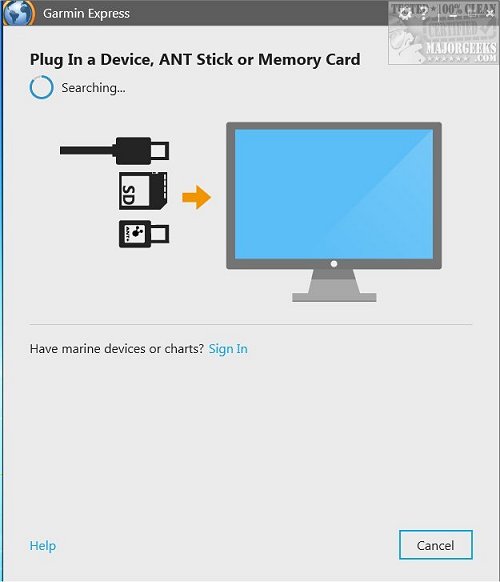
Garmin Express version 7.29.0.0 has been released, providing users with enhanced tools for managing their Garmin GPS devices. This application allows you to seamlessly update maps, upload activities to Garmin Connect, register your products, and refresh golf course maps.
To utilize Garmin Express, first ensure your Garmin device is powered on and connect it to your computer using a USB cable. If your device includes an ANT Stick, simply plug it into your computer's USB port after turning on the device. Once you have the Garmin Express app open, you can register your product and access all the available features.
In addition to these core functionalities, future updates may include new features such as improved user interface enhancements, additional device compatibility, and expanded support for outdoor activities. Garmin Express continues to evolve, aiming to provide users with the best possible experience in managing their Garmin devices efficiently
To utilize Garmin Express, first ensure your Garmin device is powered on and connect it to your computer using a USB cable. If your device includes an ANT Stick, simply plug it into your computer's USB port after turning on the device. Once you have the Garmin Express app open, you can register your product and access all the available features.
In addition to these core functionalities, future updates may include new features such as improved user interface enhancements, additional device compatibility, and expanded support for outdoor activities. Garmin Express continues to evolve, aiming to provide users with the best possible experience in managing their Garmin devices efficiently
Garmin Express 7.29.0.0 released
Garmin Express is designed to help you manage your Garmin GPS devices by updating maps, activities and more.