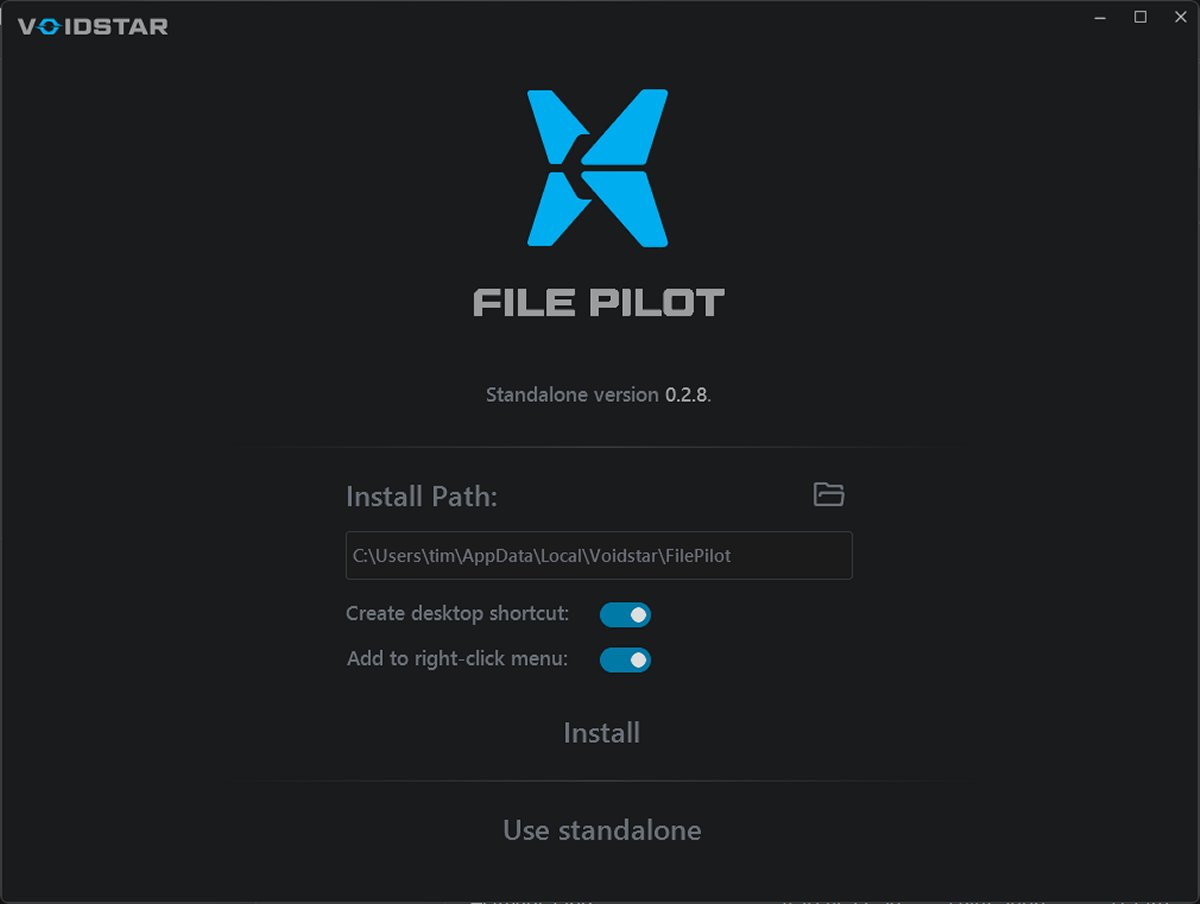
FilePilot is a new file management application designed to offer a refreshing alternative to the outdated Windows File Explorer. Currently available for free in its beta phase, it will retail for $40 once officially launched. This is an ideal time for users to experiment with its features and provide feedback to shape its development.
Overview of FilePilot
FilePilot boasts a modern, tabbed interface built for speed, simplicity, and efficiency. It outperforms conventional file managers, including the default Windows Explorer, especially when handling large files or extensive directories. Users report a significantly faster experience, even on older machines with multiple applications running.
Key Features
1. Tabbed Browsing: Multiple folders can be opened simultaneously, each in its own tab, enhancing organization and navigation.
2. Built-in File Viewer: Instantly preview images, text files, and other formats without launching an external program, streamlining workflows for developers, authors, and artists.
3. Drag-and-Drop Support: Easily move or copy files between tabs and folders without complications.
4. Portability: Can be run from a USB stick, allowing for a consistent user experience across different systems.
5. Super-Fast Search: The search functionality delivers quick results, eliminating frustrating delays.
Although it currently lacks the ability to preview audio, video, or Office documents, its preview pane significantly enhances productivity compared to Windows File Explorer.
Replacing File Explorer
While replacing Windows Explorer completely is not straightforward without registry modifications, users can create a shortcut and assign a hotkey to access FilePilot quickly, making it a more efficient choice.
Pros and Cons
*Pros:*
- Instant and efficient search capabilities
- Smooth user interface with intuitive tab design
- Functional preview pane
- Available in both portable and installable formats
*Cons:*
- Some features are still in development
- Will incur a cost of $40 post-beta
Conclusion
FilePilot combines modern aesthetics with practical features that enhance file management tasks, making daily activities more efficient. As a beta user, this is an opportune moment to explore its capabilities and contribute feedback. The developers are actively engaging with users on Discord, allowing for a collaborative approach to improvements.
Overall, FilePilot stands out as a promising file management tool. If you regularly handle files, its enhanced functionality can significantly smooth your routine. Don’t miss the chance to try it out for free before the official launch
Overview of FilePilot
FilePilot boasts a modern, tabbed interface built for speed, simplicity, and efficiency. It outperforms conventional file managers, including the default Windows Explorer, especially when handling large files or extensive directories. Users report a significantly faster experience, even on older machines with multiple applications running.
Key Features
1. Tabbed Browsing: Multiple folders can be opened simultaneously, each in its own tab, enhancing organization and navigation.
2. Built-in File Viewer: Instantly preview images, text files, and other formats without launching an external program, streamlining workflows for developers, authors, and artists.
3. Drag-and-Drop Support: Easily move or copy files between tabs and folders without complications.
4. Portability: Can be run from a USB stick, allowing for a consistent user experience across different systems.
5. Super-Fast Search: The search functionality delivers quick results, eliminating frustrating delays.
Although it currently lacks the ability to preview audio, video, or Office documents, its preview pane significantly enhances productivity compared to Windows File Explorer.
Replacing File Explorer
While replacing Windows Explorer completely is not straightforward without registry modifications, users can create a shortcut and assign a hotkey to access FilePilot quickly, making it a more efficient choice.
Pros and Cons
*Pros:*
- Instant and efficient search capabilities
- Smooth user interface with intuitive tab design
- Functional preview pane
- Available in both portable and installable formats
*Cons:*
- Some features are still in development
- Will incur a cost of $40 post-beta
Conclusion
FilePilot combines modern aesthetics with practical features that enhance file management tasks, making daily activities more efficient. As a beta user, this is an opportune moment to explore its capabilities and contribute feedback. The developers are actively engaging with users on Discord, allowing for a collaborative approach to improvements.
Overall, FilePilot stands out as a promising file management tool. If you regularly handle files, its enhanced functionality can significantly smooth your routine. Don’t miss the chance to try it out for free before the official launch
FilePilot 0.8.1 Beta released
FilePilot – Blazing Fast File Manager for Windows (Free While in Beta)