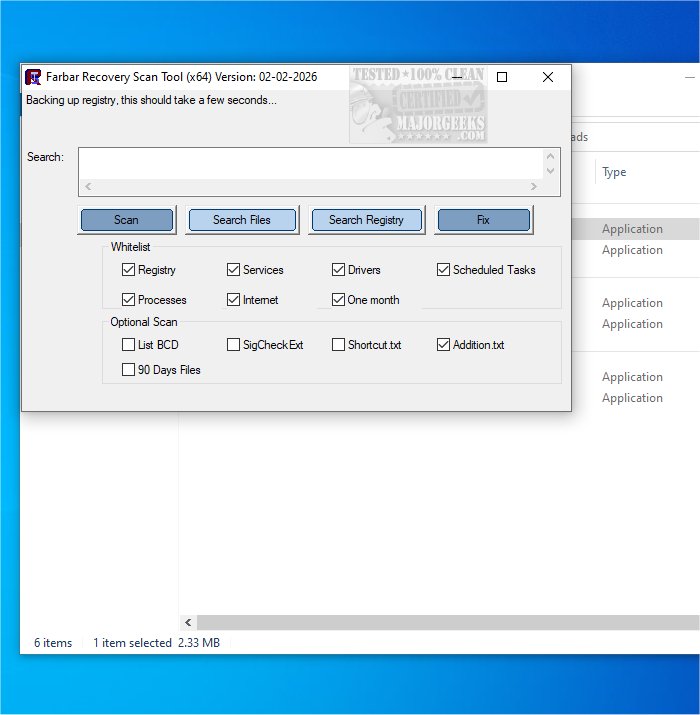
The Farbar Recovery Scan Tool (FRST) has released an updated version, 30.05.2026, which remains a free and portable application specifically designed to diagnose malware-related issues in Windows systems. It is compatible with both 32-bit and 64-bit versions of Windows. Users can also utilize FRST within the Windows Recovery Environment, making it a versatile tool for diagnosing and resolving boot problems.
FRST operates by quickly scanning the system and providing comprehensive insights into various components, including Windows Registry loading points, services, driver services, Netsvcs entries, known DLLs, drives, and partition specifications. It identifies critical system files that may be compromised by malware. The results of the scan are saved in a file named FRST.txt, located in the same directory as the application, allowing for straightforward access to the diagnostic information.
While FRST is useful for identifying potential issues, users are encouraged to complement it with full antivirus solutions like Malwarebytes for ongoing protection. This combination not only aids in identifying malware but also helps in protecting devices, data, and privacy effectively.
For those interested in further enhancing their cybersecurity measures or seeking alternatives, it may also be beneficial to explore additional antivirus options and consider what to do when existing antivirus subscriptions, such as Norton or McAfee, expire. Maintaining up-to-date antivirus software is crucial in today's digital landscape to safeguard against evolving threats
FRST operates by quickly scanning the system and providing comprehensive insights into various components, including Windows Registry loading points, services, driver services, Netsvcs entries, known DLLs, drives, and partition specifications. It identifies critical system files that may be compromised by malware. The results of the scan are saved in a file named FRST.txt, located in the same directory as the application, allowing for straightforward access to the diagnostic information.
While FRST is useful for identifying potential issues, users are encouraged to complement it with full antivirus solutions like Malwarebytes for ongoing protection. This combination not only aids in identifying malware but also helps in protecting devices, data, and privacy effectively.
For those interested in further enhancing their cybersecurity measures or seeking alternatives, it may also be beneficial to explore additional antivirus options and consider what to do when existing antivirus subscriptions, such as Norton or McAfee, expire. Maintaining up-to-date antivirus software is crucial in today's digital landscape to safeguard against evolving threats
Farbar Recovery Scan Tool 30.05.2026 released
Farbar Recovery Scan Tool, or FRST, is a free portable application designed to diagnose malware issues. Also available for 32-Bit.