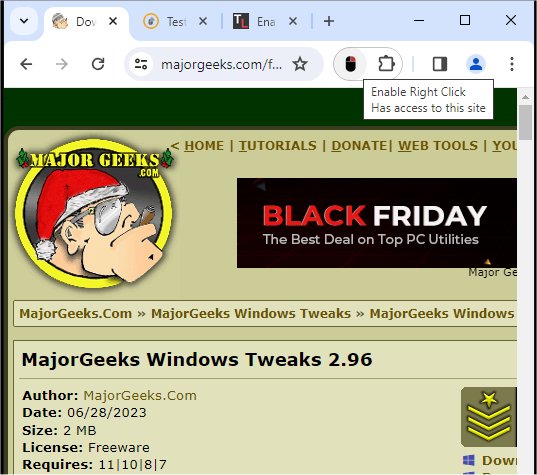
The "Enable Right Click for Google Chrome" extension version 1.0.1 has been released, providing users a straightforward solution to restore right-click functionality on websites that typically disable it. This extension is particularly useful for individuals who face restrictions on right-click actions, which some websites impose to hinder users from copying content, accessing source code, or opening links in new tabs. Such limitations can be frustrating and hinder an effective browsing experience, especially for those who frequently utilize the right-click menu for various tasks.
By installing "Enable Right Click for Google Chrome," users can effortlessly bypass these restrictions. The extension operates by intercepting the JavaScript code that blocks the right-click menu and neutralizing it, allowing users to use the right-click functionality as intended. It runs seamlessly in the background and automatically activates whenever users visit a site that disables the right-click menu, eliminating the need for manual configuration or button clicks.
In summary, "Enable Right Click for Google Chrome" is an essential tool for anyone looking to enhance their browsing experience by re-establishing control over the right-click function on most websites.
Additionally, users seeking similar enhancements can explore extensions that add context menu options like "Copy As Path" or troubleshoot common issues related to copying and pasting. As browsing technology continues to evolve, tools like these are invaluable for maintaining user convenience and efficiency online
By installing "Enable Right Click for Google Chrome," users can effortlessly bypass these restrictions. The extension operates by intercepting the JavaScript code that blocks the right-click menu and neutralizing it, allowing users to use the right-click functionality as intended. It runs seamlessly in the background and automatically activates whenever users visit a site that disables the right-click menu, eliminating the need for manual configuration or button clicks.
In summary, "Enable Right Click for Google Chrome" is an essential tool for anyone looking to enhance their browsing experience by re-establishing control over the right-click function on most websites.
Additionally, users seeking similar enhancements can explore extensions that add context menu options like "Copy As Path" or troubleshoot common issues related to copying and pasting. As browsing technology continues to evolve, tools like these are invaluable for maintaining user convenience and efficiency online
Enable Right Click for Google Chrome 1.0.1 released
Enable Right Click for Google Chrome provides a simple way to allow the right-click option to function on websites that disable it by default.
Enable Right Click for Google Chrome 1.0.1 released @ MajorGeeks