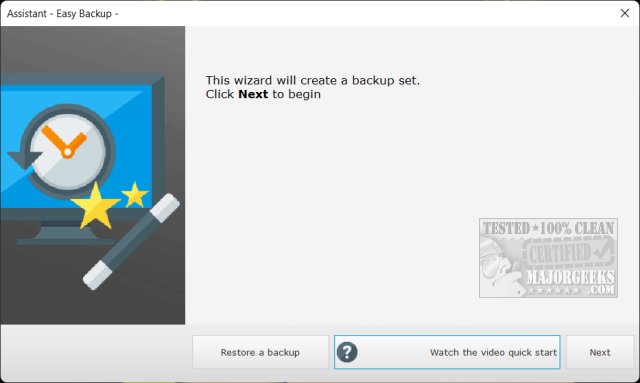
Easy Backup 2026 version 14.2 has been released, offering a user-friendly and free backup solution for both files and entire systems. The software includes a helpful wizard and video tutorials to guide users through the backup process. Although the developer is French, resulting in the backup folder being named "Sauvegarde-facile," the English translations are quite good overall.
Upon installation, users can opt to watch a tutorial video to familiarize themselves with the software before proceeding. The program provides two modes: Easy and Advanced. The Easy mode allows for straightforward backing up of all data to an external drive, while the Advanced mode offers more flexibility, enabling users to create a system image and a rescue thumb drive.
Easy Backup stands out among freeware backup applications for its capability to create a system image, making it accessible for users of all experience levels to secure their data or entire systems without cost.
In addition to Easy Backup, users may find it beneficial to explore related topics such as resetting or reinstalling Windows 10 and 11 using the cloud, managing system protection settings, creating and managing system restore points, and backing up or restoring the Windows Registry and drivers.
As backup solutions continue to evolve, users should stay informed about new features and updates in software like Easy Backup to ensure their data remains safe and easily recoverable
Upon installation, users can opt to watch a tutorial video to familiarize themselves with the software before proceeding. The program provides two modes: Easy and Advanced. The Easy mode allows for straightforward backing up of all data to an external drive, while the Advanced mode offers more flexibility, enabling users to create a system image and a rescue thumb drive.
Easy Backup stands out among freeware backup applications for its capability to create a system image, making it accessible for users of all experience levels to secure their data or entire systems without cost.
In addition to Easy Backup, users may find it beneficial to explore related topics such as resetting or reinstalling Windows 10 and 11 using the cloud, managing system protection settings, creating and managing system restore points, and backing up or restoring the Windows Registry and drivers.
As backup solutions continue to evolve, users should stay informed about new features and updates in software like Easy Backup to ensure their data remains safe and easily recoverable
Easy Backup 2026 14.2 released
Easy Backup is a free backup solution for your files or entire system featuring a wizard and video tutorials to assist you through the process.