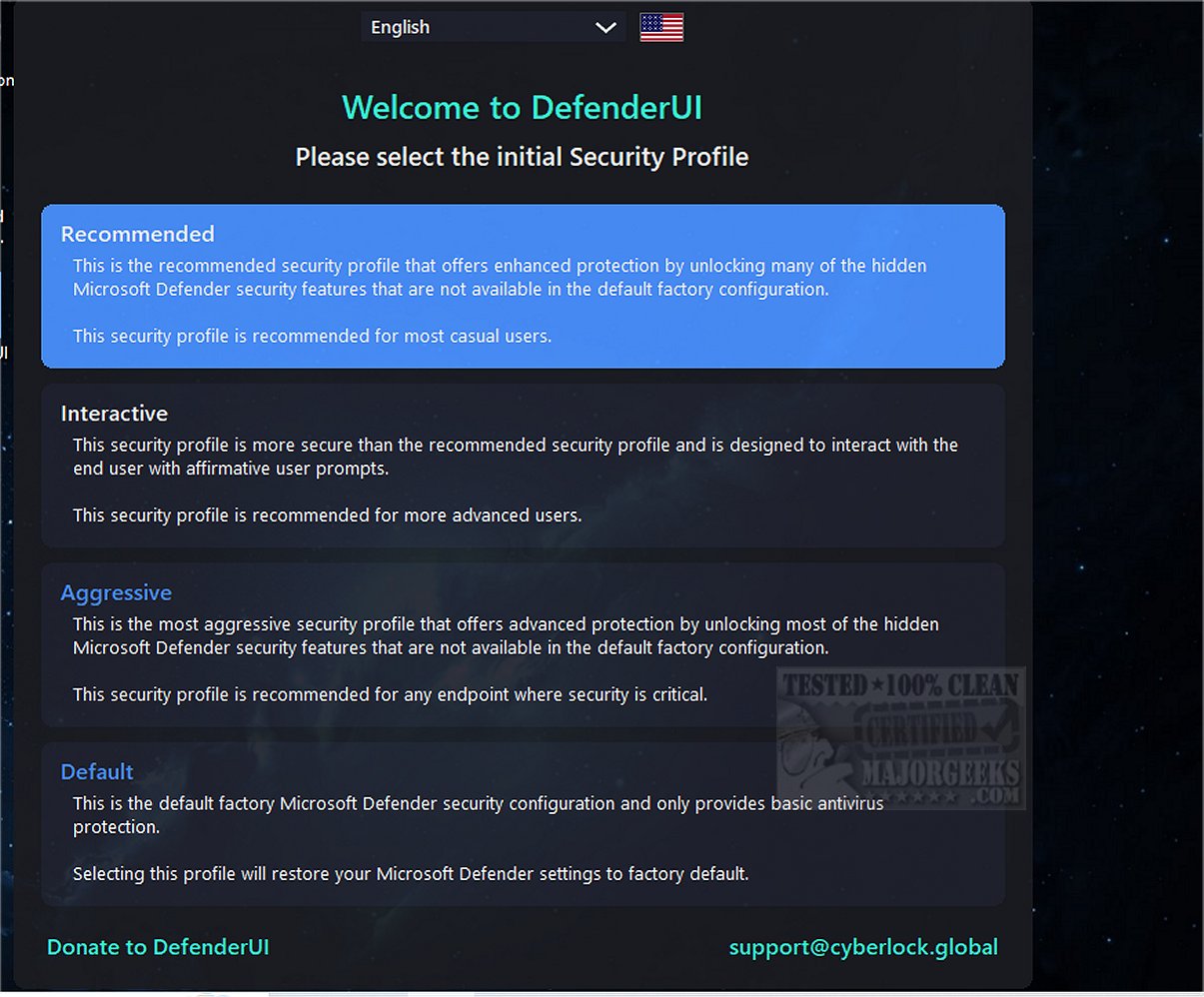
DefenderUI version 2.06 has been released, bringing significant enhancements to the usability of Windows Security for users of Windows 10 and 11. This tool aims to make it easier to access and utilize various security features that are often hidden or difficult to navigate within the standard Windows Security interface. The application categorizes functionalities into four main sections: Real-time, Scan, Utility, and Settings, allowing users to manage critical aspects such as disabling real-time protection, cloud protection, and the Windows firewall with ease.
One of the standout features of DefenderUI is its quick access to exclusions and logs, which can be particularly useful for users looking to fine-tune their security settings. Beyond the primary categories, it also includes additional sections such as Basic, Advanced, ASR (Attack Surface Reduction) Rules, and DefenderGuard, providing a comprehensive toolkit for users who want to enhance their security posture.
It's important to note that while DefenderUI is currently in beta and regarded as a proof of concept, it demonstrates ambitious potential. The developers aim to create a user-friendly interface that aligns with what many believe Windows Security should offer. This initiative could prompt Microsoft to consider how they might improve their own security tools in the future.
For users interested in optimizing their Windows security experience, DefenderUI represents a promising step forward, allowing for greater control and understanding of security measures. As the development progresses, it will be interesting to see how the application evolves and what feedback it receives from the community.
In conclusion, DefenderUI 2.06 not only simplifies access to Windows Security features but also serves as a catalyst for potential improvements in Microsoft's security strategy. This tool could pave the way for enhanced user engagement with security settings and inspire further innovations in the field
One of the standout features of DefenderUI is its quick access to exclusions and logs, which can be particularly useful for users looking to fine-tune their security settings. Beyond the primary categories, it also includes additional sections such as Basic, Advanced, ASR (Attack Surface Reduction) Rules, and DefenderGuard, providing a comprehensive toolkit for users who want to enhance their security posture.
It's important to note that while DefenderUI is currently in beta and regarded as a proof of concept, it demonstrates ambitious potential. The developers aim to create a user-friendly interface that aligns with what many believe Windows Security should offer. This initiative could prompt Microsoft to consider how they might improve their own security tools in the future.
For users interested in optimizing their Windows security experience, DefenderUI represents a promising step forward, allowing for greater control and understanding of security measures. As the development progresses, it will be interesting to see how the application evolves and what feedback it receives from the community.
In conclusion, DefenderUI 2.06 not only simplifies access to Windows Security features but also serves as a catalyst for potential improvements in Microsoft's security strategy. This tool could pave the way for enhanced user engagement with security settings and inspire further innovations in the field
DefenderUI 2.06 released
DefenderUI significantly improves usability and unlocks many hidden security features of Windows Security in Windows 10 & 11.