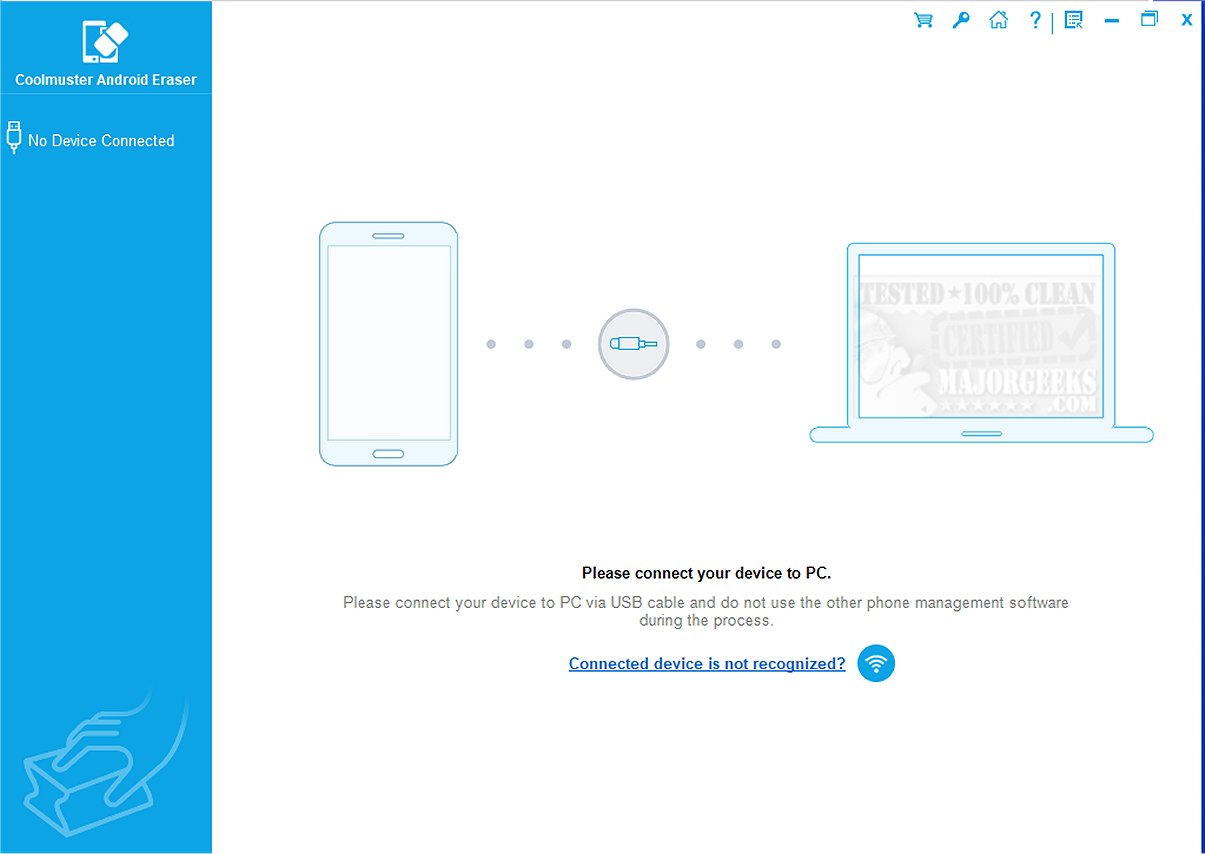
Coolmuster Android Eraser version 4.1.36 has been released, providing a comprehensive solution for securely erasing all data from Android devices. This software acts as a full-device data shredder, ensuring that no information remains before you trade, donate, or reset your device. With a focus on privacy and peace of mind, Coolmuster Android Eraser goes beyond standard deletion methods, which often leave data remnants that can be recovered. Using this tool ensures that files are permanently deleted and cannot be retrieved by forensic tools, enhancing your data security.
To use Coolmuster Android Eraser effectively, you need to connect your Android device (compatible with versions 6.0 to 15) to a computer via USB. After enabling USB debugging on your device and installing the software, you can select your desired erasure level—low, medium, or high—and confirm your choice by typing "delete." Once you click the "Erase" button, your device will be reset to factory settings, wiping all traces of previous data.
The software features three progressive wiping levels: Low (quick deletion with minimal overwrite), Medium (one-pass random overwrite), and High (a three-pass military-grade overwrite). It can handle a variety of file types including texts, contacts, photos, videos, call logs, account credentials, browser history, and even deleted files and system settings. The user interface is designed for ease of use, making it accessible even for those who may not be tech-savvy.
Coolmuster Android Eraser is compatible with a wide range of device brands, including Samsung, Xiaomi, OPPO, OnePlus, Huawei, Motorola, Honor, realme, and TCL. The software is specifically tailored to ensure a complete and permanent erasure of data, making it a reliable choice for anyone looking to enhance their privacy and security when disposing of their Android devices.
In summary, if you're looking for a dependable tool to ensure that all personal data is irretrievably erased from your Android device, Coolmuster Android Eraser offers a straightforward, effective, and secure solution that addresses the critical need for data privacy in today’s digital landscape
To use Coolmuster Android Eraser effectively, you need to connect your Android device (compatible with versions 6.0 to 15) to a computer via USB. After enabling USB debugging on your device and installing the software, you can select your desired erasure level—low, medium, or high—and confirm your choice by typing "delete." Once you click the "Erase" button, your device will be reset to factory settings, wiping all traces of previous data.
The software features three progressive wiping levels: Low (quick deletion with minimal overwrite), Medium (one-pass random overwrite), and High (a three-pass military-grade overwrite). It can handle a variety of file types including texts, contacts, photos, videos, call logs, account credentials, browser history, and even deleted files and system settings. The user interface is designed for ease of use, making it accessible even for those who may not be tech-savvy.
Coolmuster Android Eraser is compatible with a wide range of device brands, including Samsung, Xiaomi, OPPO, OnePlus, Huawei, Motorola, Honor, realme, and TCL. The software is specifically tailored to ensure a complete and permanent erasure of data, making it a reliable choice for anyone looking to enhance their privacy and security when disposing of their Android devices.
In summary, if you're looking for a dependable tool to ensure that all personal data is irretrievably erased from your Android device, Coolmuster Android Eraser offers a straightforward, effective, and secure solution that addresses the critical need for data privacy in today’s digital landscape
Coolmuster Android Eraser 4.1.36 released
Coolmuster Android Eraser is a full-device data shredder that leaves nothing behind. Think of it as that finishing touch before you trade, donate, or hit reset on your device.