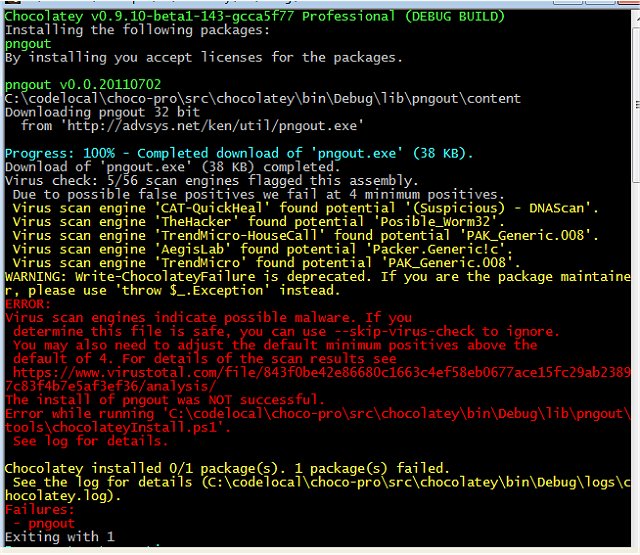
Chocolatey has recently released version 2.7.5, enhancing its role as a versatile package manager for Windows. This tool allows users to install applications through the command line, streamlining the software installation and updating process significantly. By supporting over 20 installer technologies, Chocolatey can efficiently manage various deployment methods, including runtime binaries and zip files, while also enabling users to manipulate registry settings and configurations.
Building on established technologies like PowerShell, Chocolatey facilitates unattended installations, making it an intuitive choice for those familiar with software deployment. It emphasizes robust package management concepts such as version control, dependency management, and installation ordering, leading to improved inventory management and overall software deployment efficiency.
Furthermore, Chocolatey integrates seamlessly with infrastructure management tools such as Puppet, Chef, and SCCM, along with remote administration tools like LabTech and LANDesk, providing a powerful solution for organizations looking to streamline their software management processes.
Key features of Chocolatey include:
- The ability to create custom packages
- Internal package hosting capabilities
- Comprehensive integration with various tools
- Package shims and custom package templates
- Support for package extensions and automatic uninstallation
The positive reception from numerous organizations and users underscores Chocolatey's effectiveness in modernizing Windows software deployments.
In addition to its primary functionalities, users may also find value in related resources such as comprehensive guides on command prompt and PowerShell commands, discussions on removing built-in Windows apps using PowerShell, and clarifications on the differences between PowerShell and PowerShell Core. As Chocolatey continues to evolve, it promises to remain a pivotal tool for efficient software management in Windows environments
Building on established technologies like PowerShell, Chocolatey facilitates unattended installations, making it an intuitive choice for those familiar with software deployment. It emphasizes robust package management concepts such as version control, dependency management, and installation ordering, leading to improved inventory management and overall software deployment efficiency.
Furthermore, Chocolatey integrates seamlessly with infrastructure management tools such as Puppet, Chef, and SCCM, along with remote administration tools like LabTech and LANDesk, providing a powerful solution for organizations looking to streamline their software management processes.
Key features of Chocolatey include:
- The ability to create custom packages
- Internal package hosting capabilities
- Comprehensive integration with various tools
- Package shims and custom package templates
- Support for package extensions and automatic uninstallation
The positive reception from numerous organizations and users underscores Chocolatey's effectiveness in modernizing Windows software deployments.
In addition to its primary functionalities, users may also find value in related resources such as comprehensive guides on command prompt and PowerShell commands, discussions on removing built-in Windows apps using PowerShell, and clarifications on the differences between PowerShell and PowerShell Core. As Chocolatey continues to evolve, it promises to remain a pivotal tool for efficient software management in Windows environments
Chocolatey 2.7.5 released
Chocolatey is a Windows package manager that permits Command Line installation of apps.