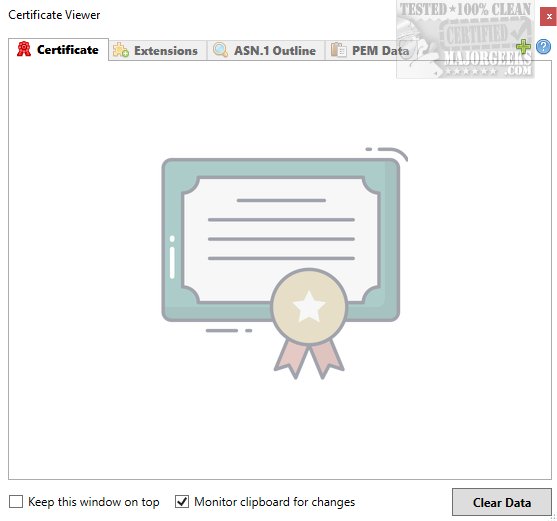
CertViewer is a newly released application that provides an intuitive and user-friendly interface for viewing X.509 certificates, crucial for secure web communication. This tool is designed for both developers and IT professionals, offering essential functionalities such as detailed insights into certificate validity, issuer and subject information, and the ability to inspect the certificate chain.
Understanding X.509 Certificates
X.509 certificates, commonly used in TLS/SSL protocols, play a pivotal role in securing web traffic and authenticating online entities. They serve as a standardized format for public key certificates, linking an entity's identity—like a website's hostname—to its public key, thus enabling secure and encrypted communication over the internet through HTTPS.
Simplified Certificate Analysis
CertViewer streamlines the process of accessing and analyzing digital certificates. When users load a certificate file into the application, they can view critical information, including the serial number, public key, validity periods, and fingerprint. This transparency enhances users' understanding of a certificate's authenticity. Moreover, the application displays associated subject names and details regarding certificate policies and Certificate Revocation List (CRL) distribution points.
Getting Started with CertViewer
Users are encouraged to explore the developer's repository for tips and guidance on using CertViewer effectively. The application features a drag-and-drop functionality, making it even more accessible for users to add and examine certificates without extensive technical knowledge.
Geek Verdict: A Handy Tool for Authenticity Verification
CertViewer significantly enhances users' ability to assess the authenticity of software or services by allowing them to verify certificates and scrutinize their attributes. This functionality builds confidence in the reliability of the applications being used. However, users should be aware that a deeper understanding of certificate specifics may require a higher level of technical knowledge than the average user possesses.
Future Enhancements and Community Engagement
As CertViewer continues to evolve, the development team is open to community feedback and suggestions for future enhancements. Users can look forward to ongoing updates that may include additional features, improved user experience, and integration with other security tools. Engaging with the developer's community not only fosters collaboration but also ensures that CertViewer remains a relevant and powerful resource for anyone dealing with digital certificates
Understanding X.509 Certificates
X.509 certificates, commonly used in TLS/SSL protocols, play a pivotal role in securing web traffic and authenticating online entities. They serve as a standardized format for public key certificates, linking an entity's identity—like a website's hostname—to its public key, thus enabling secure and encrypted communication over the internet through HTTPS.
Simplified Certificate Analysis
CertViewer streamlines the process of accessing and analyzing digital certificates. When users load a certificate file into the application, they can view critical information, including the serial number, public key, validity periods, and fingerprint. This transparency enhances users' understanding of a certificate's authenticity. Moreover, the application displays associated subject names and details regarding certificate policies and Certificate Revocation List (CRL) distribution points.
Getting Started with CertViewer
Users are encouraged to explore the developer's repository for tips and guidance on using CertViewer effectively. The application features a drag-and-drop functionality, making it even more accessible for users to add and examine certificates without extensive technical knowledge.
Geek Verdict: A Handy Tool for Authenticity Verification
CertViewer significantly enhances users' ability to assess the authenticity of software or services by allowing them to verify certificates and scrutinize their attributes. This functionality builds confidence in the reliability of the applications being used. However, users should be aware that a deeper understanding of certificate specifics may require a higher level of technical knowledge than the average user possesses.
Future Enhancements and Community Engagement
As CertViewer continues to evolve, the development team is open to community feedback and suggestions for future enhancements. Users can look forward to ongoing updates that may include additional features, improved user experience, and integration with other security tools. Engaging with the developer's community not only fosters collaboration but also ensures that CertViewer remains a relevant and powerful resource for anyone dealing with digital certificates
CertViewer 1.4.3 released
CertViewer offers an intuitive and user-friendly interface that allows you to easily view X.509 certificates.