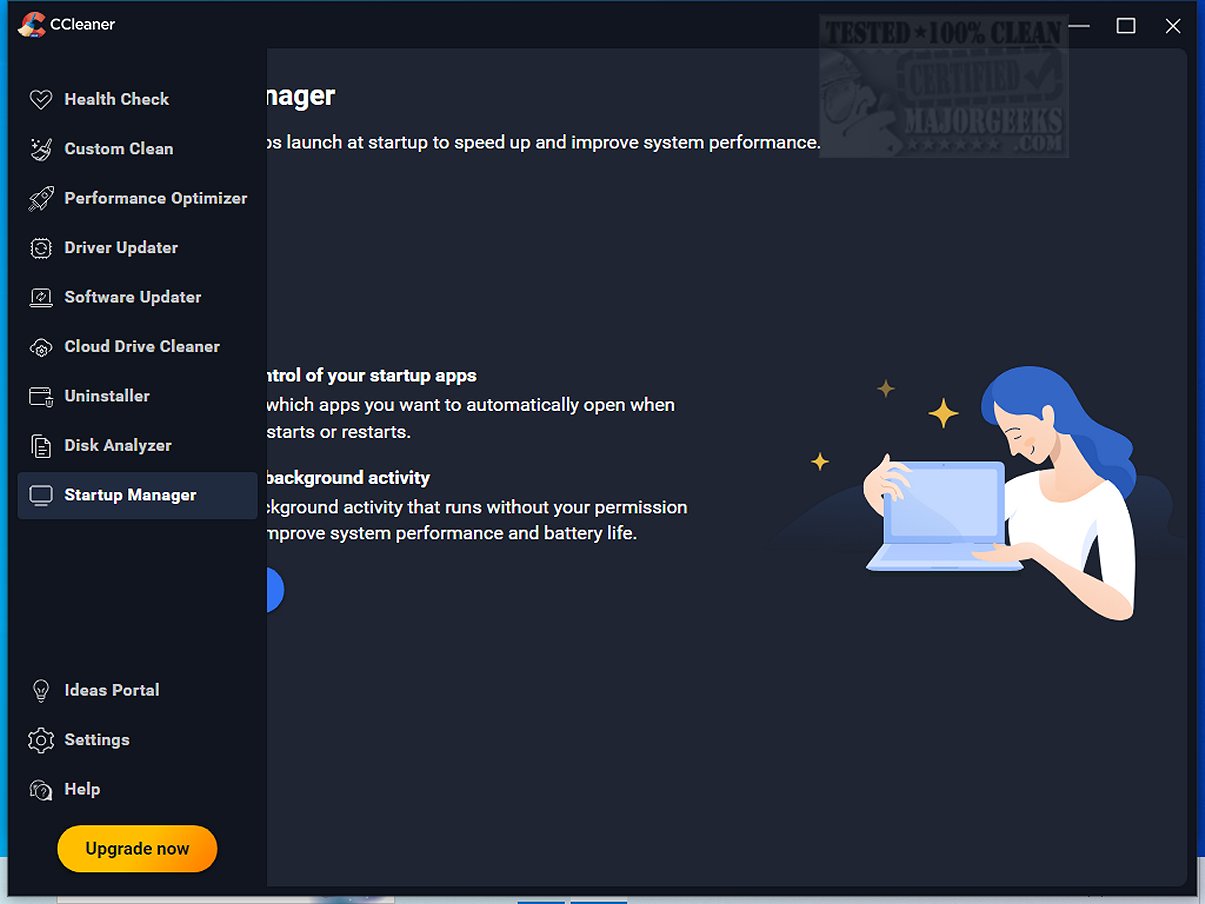
CCleaner has recently released its latest version, Standard 7.8.1410.0, enhancing its reputation as a user-friendly and reliable tool for cleaning and optimizing computers. Since its launch in 2004, CCleaner has gained trust from millions of users for its ability to remove digital clutter, helping to improve system performance on PCs and Macs alike. The software is designed for users of all skill levels, offering a straightforward interface that simplifies the cleanup process.
The Standard version is a free option that efficiently cleans junk files, temporary data, browser caches, and cookies, helping users free up disk space. While paid versions provide additional automation and features, the Standard version serves as an effective manual cleanup solution. CCleaner’s standout feature, the Custom Clean option, allows users to select specific items for cleanup, ensuring that the process is quick and tailored to individual needs.
A unique aspect of CCleaner is its Health Check feature, which scans for outdated applications and unused programs that may be slowing down system performance, allowing users to make informed decisions about what to delete. Additionally, the Performance Optimizer and Startup Manager help streamline system operations by managing resource-intensive applications.
The Registry Cleaner feature is designed to enhance system stability by safely identifying and correcting invalid registry entries. This minimizes the risk of PC errors and crashes, making it one of the safest registry tools available. CCleaner also prioritizes user privacy by securely removing browsing history, cookies, and other digital traces, with enhanced features for Chromium browsers.
In its latest update, CCleaner has introduced a modern, customizable interface and improved functionality, including an overhauled Software Uninstaller that allows for the removal of multiple apps simultaneously and faster processing in the Disk Analyzer for duplicate file management. With regular updates and a balance of user-friendly and advanced features, CCleaner remains a top choice for those seeking to maintain their devices effectively.
For users looking to maximize their cleaning capabilities, CCEnhancer can be integrated with CCleaner, further expanding its functionality. Whether you're concerned about security, system speed, or disk space management, CCleaner is an essential tool that can transform sluggish systems into optimized machines.
Beyond just cleaning, CCleaner offers tools for software uninstallation and driver updates, ensuring that users can keep their systems running efficiently. The software’s ease of use combined with advanced features makes it a versatile option for both casual users and tech enthusiasts.
In conclusion, CCleaner is not only a cleaning tool; it is a comprehensive maintenance solution for computers, making it a must-have for anyone looking to enhance their device's performance
The Standard version is a free option that efficiently cleans junk files, temporary data, browser caches, and cookies, helping users free up disk space. While paid versions provide additional automation and features, the Standard version serves as an effective manual cleanup solution. CCleaner’s standout feature, the Custom Clean option, allows users to select specific items for cleanup, ensuring that the process is quick and tailored to individual needs.
A unique aspect of CCleaner is its Health Check feature, which scans for outdated applications and unused programs that may be slowing down system performance, allowing users to make informed decisions about what to delete. Additionally, the Performance Optimizer and Startup Manager help streamline system operations by managing resource-intensive applications.
The Registry Cleaner feature is designed to enhance system stability by safely identifying and correcting invalid registry entries. This minimizes the risk of PC errors and crashes, making it one of the safest registry tools available. CCleaner also prioritizes user privacy by securely removing browsing history, cookies, and other digital traces, with enhanced features for Chromium browsers.
In its latest update, CCleaner has introduced a modern, customizable interface and improved functionality, including an overhauled Software Uninstaller that allows for the removal of multiple apps simultaneously and faster processing in the Disk Analyzer for duplicate file management. With regular updates and a balance of user-friendly and advanced features, CCleaner remains a top choice for those seeking to maintain their devices effectively.
For users looking to maximize their cleaning capabilities, CCEnhancer can be integrated with CCleaner, further expanding its functionality. Whether you're concerned about security, system speed, or disk space management, CCleaner is an essential tool that can transform sluggish systems into optimized machines.
Beyond just cleaning, CCleaner offers tools for software uninstallation and driver updates, ensuring that users can keep their systems running efficiently. The software’s ease of use combined with advanced features makes it a versatile option for both casual users and tech enthusiasts.
In conclusion, CCleaner is not only a cleaning tool; it is a comprehensive maintenance solution for computers, making it a must-have for anyone looking to enhance their device's performance
CCleaner Standard 7.8.1410.0 released
CCleaner is an easy-to-use, safe, well-known drive cleaner with other additional features including a conservative registry cleaner, startup manager, and more. Video tutorial available.