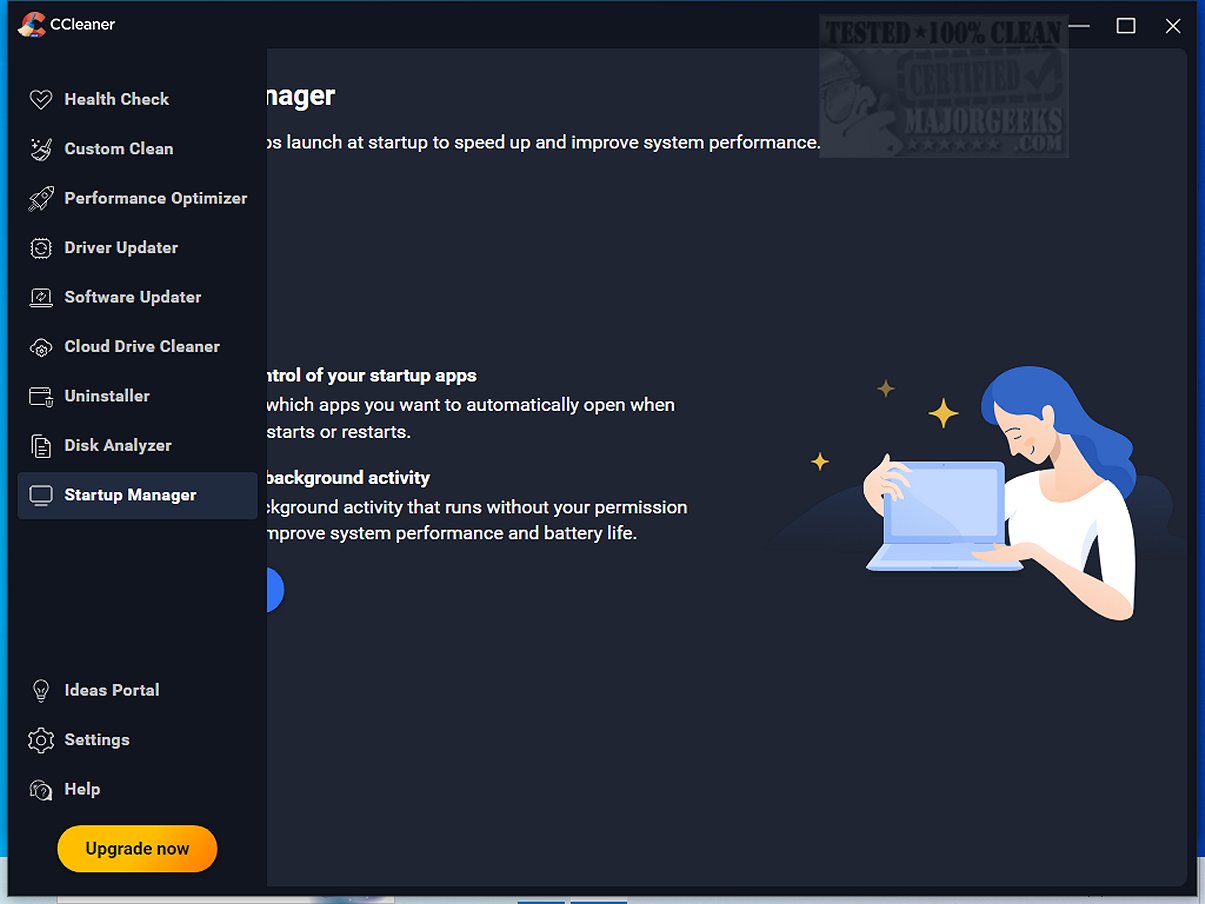
CCleaner Standard 7.7.1313.0 has been released, enhancing its reputation as a reliable and user-friendly drive cleaning software. Since its inception in 2004, CCleaner has become a staple for users aiming to optimize their computer's performance by cleaning junk files, browser caches, and other digital clutter. The Standard version is free and designed for Windows, focusing on manual cleanup, while paid versions offer additional automation features.
One of CCleaner's key strengths is its Custom Clean option, allowing users to select specific items to clean, ensuring a tailored approach to decluttering. The Health Check feature scans for outdated applications and potential privacy risks without making automatic deletions, giving users full control over the cleanup process.
CCleaner also includes tools to boost system performance, such as a Performance Optimizer and Startup Manager, which help improve boot speed and extend battery life. Its Registry Cleaner safely addresses common PC errors by removing invalid entries without risking further issues.
The software prioritizes privacy by securely deleting browsing history and sensitive data, with updates enhancing cookie-cleaning functions for Chromium browsers. For those looking for added capabilities, CCEnhancer can be used to expand CCleaner's features.
In the latest version, users can enjoy a refreshed interface that is responsive and customizable, along with significant improvements to the Software Uninstaller and Disk Analyzer for more efficient file management. CCleaner's dual compatibility with both PC and Mac makes it a versatile tool for maintaining digital systems.
Overall, CCleaner stands out as an essential software for anyone looking to maintain their device’s health by cleaning, optimizing, and securing their system. With consistent updates and a blend of beginner-friendly and advanced features, it remains a trusted choice among users. For a more thorough understanding, video tutorials are also available to guide users through the cleanup process.
To further enhance user experience and improve system performance, consider exploring additional CCleaner features or complementary tools like CCEnhancer. Whether you prioritize security, speed, or simply want to reclaim disk space, CCleaner is a valuable addition to any software toolkit
One of CCleaner's key strengths is its Custom Clean option, allowing users to select specific items to clean, ensuring a tailored approach to decluttering. The Health Check feature scans for outdated applications and potential privacy risks without making automatic deletions, giving users full control over the cleanup process.
CCleaner also includes tools to boost system performance, such as a Performance Optimizer and Startup Manager, which help improve boot speed and extend battery life. Its Registry Cleaner safely addresses common PC errors by removing invalid entries without risking further issues.
The software prioritizes privacy by securely deleting browsing history and sensitive data, with updates enhancing cookie-cleaning functions for Chromium browsers. For those looking for added capabilities, CCEnhancer can be used to expand CCleaner's features.
In the latest version, users can enjoy a refreshed interface that is responsive and customizable, along with significant improvements to the Software Uninstaller and Disk Analyzer for more efficient file management. CCleaner's dual compatibility with both PC and Mac makes it a versatile tool for maintaining digital systems.
Overall, CCleaner stands out as an essential software for anyone looking to maintain their device’s health by cleaning, optimizing, and securing their system. With consistent updates and a blend of beginner-friendly and advanced features, it remains a trusted choice among users. For a more thorough understanding, video tutorials are also available to guide users through the cleanup process.
To further enhance user experience and improve system performance, consider exploring additional CCleaner features or complementary tools like CCEnhancer. Whether you prioritize security, speed, or simply want to reclaim disk space, CCleaner is a valuable addition to any software toolkit
CCleaner Standard 7.7.1313.0 released
CCleaner is an easy-to-use, safe, well-known drive cleaner with other additional features including a conservative registry cleaner, startup manager, and more. Video tutorial available.