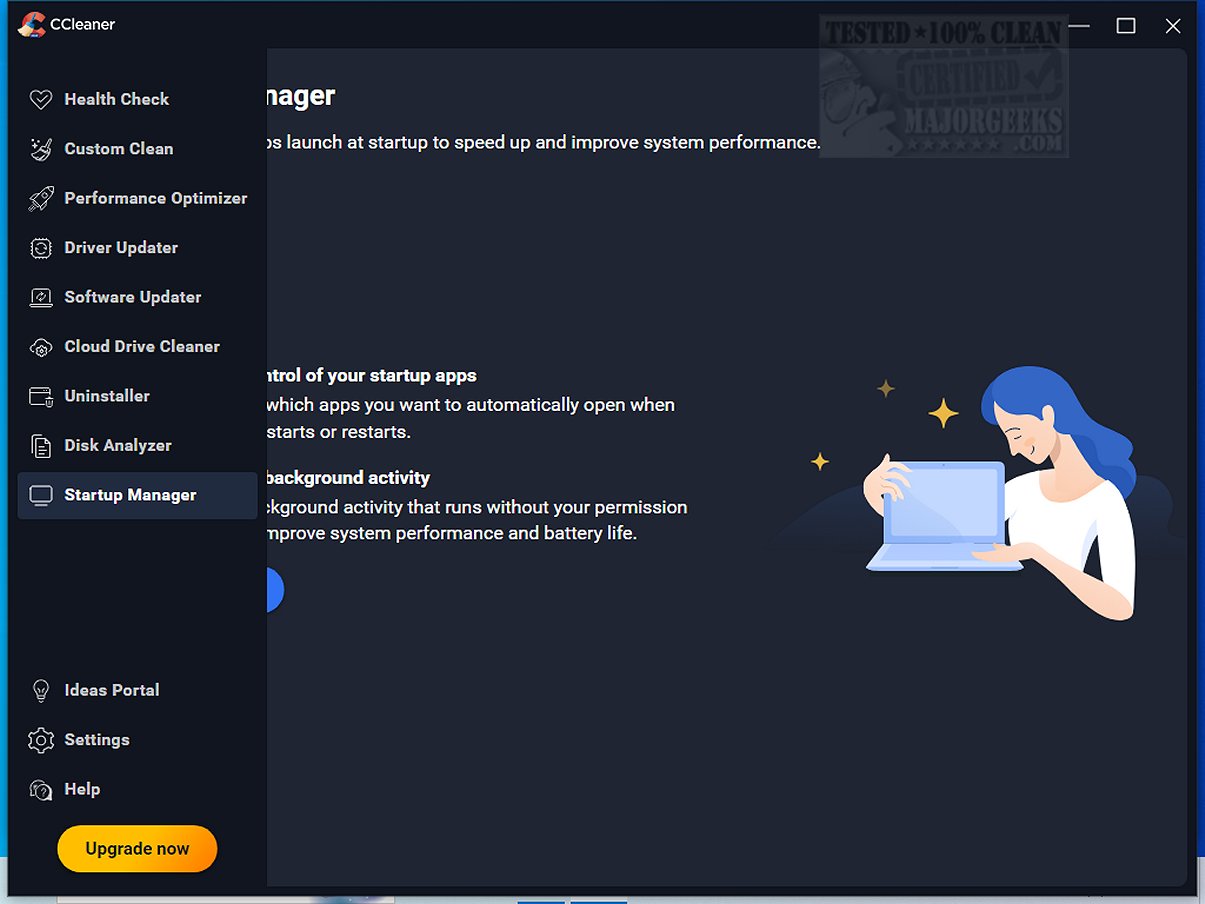
CCleaner Standard 7.4.1172 has been released, enhancing the popular drive cleaning software that has been a favorite since its launch in 2004. Known for its user-friendly interface and effective system optimization capabilities, CCleaner helps users clean up digital clutter on their PCs, Macs, and browsers, allowing devices to run smoothly.
The software excels in removing junk files, temporary data, and other unnecessary items through its Custom Clean feature, which enables users to select what to clean with just a few clicks. Additionally, CCleaner's Health Check feature scans for outdated applications, privacy trackers, and unused programs, allowing users to manage their system's resources effectively.
For performance enhancement, CCleaner includes a Performance Optimizer and Startup Manager that help disable unnecessary startup programs, improving boot times and overall system efficiency. Gamers and heavy multitaskers can benefit from the Drive Wiper and Disk Analyzer features, which help identify and remove duplicate files, freeing up valuable disk space.
CCleaner's Registry Cleaner is designed to safely fix random PC errors by scanning for invalid entries while allowing user confirmation for changes, ensuring stability without the risks associated with manual registry edits. Privacy protection tools within CCleaner help erase browsing history and sensitive data, giving users peace of mind about their online footprint.
The latest version introduces a sleek interface, enhancing the user experience, and supports ARM64 devices. Significant updates to the Software Uninstaller make it easier to remove stubborn applications and leftover files, while the Disk Analyzer has improved speed for duplicate file removal.
Overall, CCleaner remains an essential tool for anyone looking to maintain their device's performance, security, and cleanliness. Its combination of user-friendly features and advanced options makes it a must-have software for both novice and experienced users.
Looking ahead, CCleaner may benefit from integrating more AI-driven features that can analyze user habits to optimize cleaning schedules and suggest improvements proactively. Additionally, expanding its capabilities to include more cloud-based optimization solutions could cater to the growing number of users who rely on cloud services. As digital ecosystems become increasingly intertwined, tools like CCleaner will play a crucial role in maintaining device health and user security.
In a competitive market with alternatives like Wise Disk Cleaner and PrivaZer, CCleaner's commitment to regular updates and user feedback will be essential in retaining its position as a leading cleaning and optimization tool. Users should consider their specific needs and preferences when choosing a drive cleaner, but CCleaner's comprehensive suite of features makes it a strong contender for anyone looking to enhance their computing experience
The software excels in removing junk files, temporary data, and other unnecessary items through its Custom Clean feature, which enables users to select what to clean with just a few clicks. Additionally, CCleaner's Health Check feature scans for outdated applications, privacy trackers, and unused programs, allowing users to manage their system's resources effectively.
For performance enhancement, CCleaner includes a Performance Optimizer and Startup Manager that help disable unnecessary startup programs, improving boot times and overall system efficiency. Gamers and heavy multitaskers can benefit from the Drive Wiper and Disk Analyzer features, which help identify and remove duplicate files, freeing up valuable disk space.
CCleaner's Registry Cleaner is designed to safely fix random PC errors by scanning for invalid entries while allowing user confirmation for changes, ensuring stability without the risks associated with manual registry edits. Privacy protection tools within CCleaner help erase browsing history and sensitive data, giving users peace of mind about their online footprint.
The latest version introduces a sleek interface, enhancing the user experience, and supports ARM64 devices. Significant updates to the Software Uninstaller make it easier to remove stubborn applications and leftover files, while the Disk Analyzer has improved speed for duplicate file removal.
Overall, CCleaner remains an essential tool for anyone looking to maintain their device's performance, security, and cleanliness. Its combination of user-friendly features and advanced options makes it a must-have software for both novice and experienced users.
Extended Insights
As technology evolves, software like CCleaner continues to adapt to meet users' changing needs. The incorporation of features that allow for greater customization and control reflects a trend towards user empowerment in managing digital environments. Furthermore, the importance of online privacy has never been greater; CCleaner's focus on protecting user data positions it as a relevant tool in today's digital landscape.Looking ahead, CCleaner may benefit from integrating more AI-driven features that can analyze user habits to optimize cleaning schedules and suggest improvements proactively. Additionally, expanding its capabilities to include more cloud-based optimization solutions could cater to the growing number of users who rely on cloud services. As digital ecosystems become increasingly intertwined, tools like CCleaner will play a crucial role in maintaining device health and user security.
In a competitive market with alternatives like Wise Disk Cleaner and PrivaZer, CCleaner's commitment to regular updates and user feedback will be essential in retaining its position as a leading cleaning and optimization tool. Users should consider their specific needs and preferences when choosing a drive cleaner, but CCleaner's comprehensive suite of features makes it a strong contender for anyone looking to enhance their computing experience
CCleaner Standard 7.4.1172 released
CCleaner is an easy-to-use, safe, well-known drive cleaner with other additional features including a conservative registry cleaner, startup manager, and more. Video tutorial available. CCEnhancer can extend the cleaning capabilities of CCleaner.